

Key takeaways
- Printed menus provide a tactile brand experience but are slow and expensive to keep current when prices or availability change.
- PDF menus are easy to publish yet usually deliver weak mobile navigation and cannot manage live ordering or item availability well.
- An interactive QR menu is the strongest operational option when a restaurant needs live updates, customization and connected ordering.
Restaurant menu formats are not interchangeable. A printed menu, a PDF opened from a QR code and an interactive digital menu create different guest experiences and different workloads for staff. Choosing only by setup price can hide the daily cost of slow updates, unclear information and repeated order entry.
The right mix depends on the venue. A fine-dining restaurant may value a carefully produced physical menu, while a high-volume café may prioritize fast changes and self-ordering. Many operators use a hybrid approach, but one format should remain the reliable source of current menu information.
Compare the complete menu experience
Test each option on a phone, during a menu update and during a busy service period before deciding what should become your main menu.
Try an interactive menuA QR code does not automatically create a QR menu. When the code only opens a static PDF, the guest still receives a document rather than an interactive mobile experience.
Printed menus: strong presentation, limited flexibility
Printed menus work without a device, battery or network connection. They can reinforce a restaurant’s visual identity through paper, typography, texture and format. They are also immediately familiar to guests who prefer a traditional table experience.
Their weakness is maintenance. Price changes, seasonal dishes, sold-out items and compliance updates may require stickers, handwritten notes or another print run. Restaurants with large menus or frequent changes can end up circulating inconsistent versions at the same time.
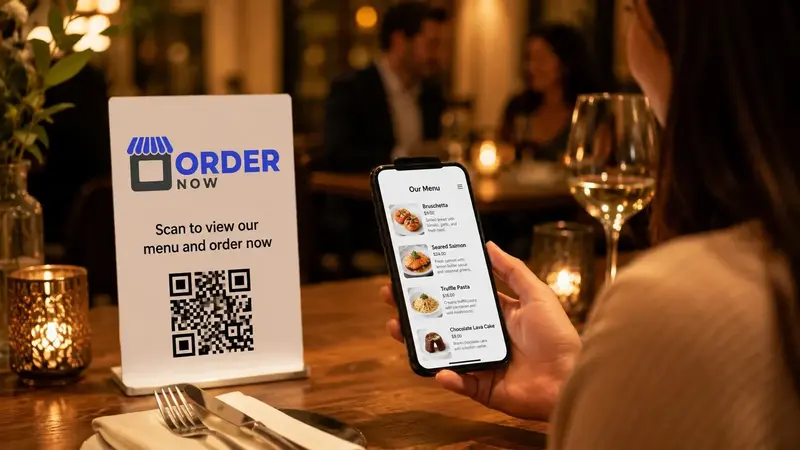
PDF menus: easy to share, awkward on phones
A PDF is quick to upload and easy to send through a website, message or social profile. It can preserve the original menu design, which makes it useful as a temporary online copy or a downloadable reference.
However, a page designed for print rarely works well on a small screen. Guests may have to pinch, zoom and move around the document. A PDF also has no natural cart, item availability, modifier selection, table context or structured data flow into restaurant operations.
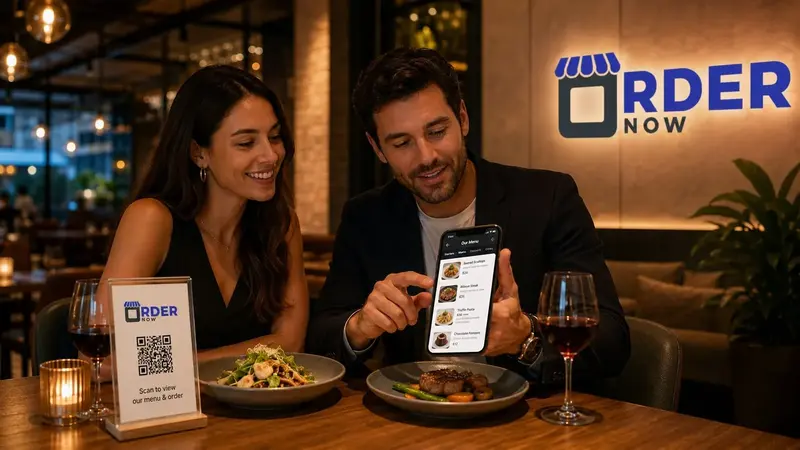
Interactive QR menus: built for live restaurant use
An interactive QR menu displays structured menu data in a responsive interface. Guests can move through categories, open item details, choose sizes or add-ons and see only the information relevant to their selection. Authorized staff can publish updates without replacing the entire menu file.
When ordering is enabled, an interactive digital QR menu can pass table, order type, item and modifier information into a dashboard, POS or kitchen workflow. That makes the menu useful during service, not just before the order is taken.
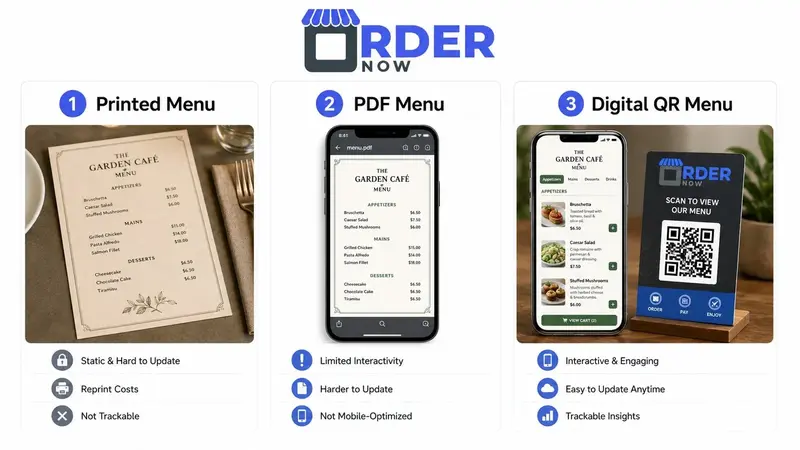
Side-by-side menu format comparison
No format wins every category. Printed menus remain valuable for physical presentation and accessibility. PDFs provide a basic digital copy. Interactive menus are better suited to frequent changes, mobile discovery and connected ordering.
Evaluate the lifetime workflow rather than the launch effort. Consider how often information changes, who maintains it, how guests place orders, what happens when connectivity fails and whether staff must copy the same order into another system.
| Evaluation factor | Printed menu | PDF menu | Interactive QR menu |
|---|---|---|---|
| Publishing updates | Requires manual edits or reprinting | Requires a revised file and link check | Update structured menu data from the dashboard |
| Phone usability | No phone required | Often requires zooming and scrolling | Responsive navigation designed for mobile screens |
| Ordering workflow | Order is captured separately | Order is captured separately | Can connect item selection with ordering |
| Live availability | Difficult to show immediately | Requires another file update | Staff can change item status centrally |
| Best role | Premium presentation or accessible backup | Temporary downloadable reference | Current operational menu and ordering layer |
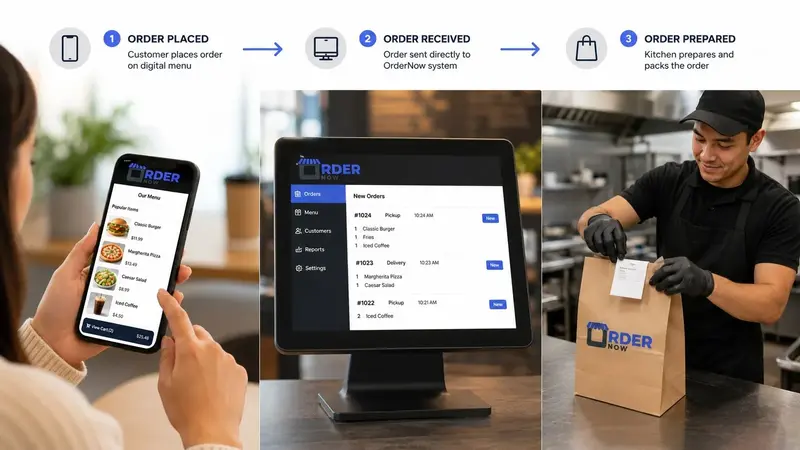
Recommended menu strategy for most restaurants
Use one structured digital menu as the source of current item data, then decide where printed menus add genuine value. Keep a small accessible backup instead of forcing every guest into a single channel. Avoid using a print-layout PDF as the core mobile experience when the restaurant changes prices or availability regularly.
Review OrderNow’s interactive menu features or create a test menu to assess navigation, menu updates and the guest ordering flow with your own items.
Questions to ask before choosing a menu format
- How frequently do prices, dishes, modifiers or availability change?
- Can guests read and navigate the menu comfortably on their own device?
- What accessible alternative is available for guests who do not use a phone?
- Will staff have to copy orders manually from one channel into another?
- Which format gives the restaurant one reliable source of current menu information?
Use digital and printed formats where each performs best.
OrderNow can provide the current mobile menu and connected ordering layer while your restaurant keeps printed material where it improves accessibility or brand presentation.
Build a digital menuView OrderNow featuresFrequently asked questions
Is a PDF opened by a QR code an interactive QR menu?
No. It is still a static PDF delivered through a QR link. An interactive menu uses structured mobile pages and can support live updates, item options and ordering.
Are printed menus bad for restaurants?
No. Printed menus can be excellent for accessibility and brand presentation. The problem is using them as the only source of information when the menu changes frequently.
Can a restaurant use digital and printed menus together?
Yes. A hybrid setup can work well when the digital menu remains current and printed copies are maintained as deliberate backups or premium table material.


