Start the tab or order
Staff or guests create the first food and drink order with table context.

Bars create a different service rhythm from most restaurants. Guests may stay longer, order several rounds, move between food and drinks, split bills and expect service to remain fast even when the venue becomes crowded.
The operational challenge is repetition. A guest who ordered once may order again three or four times.
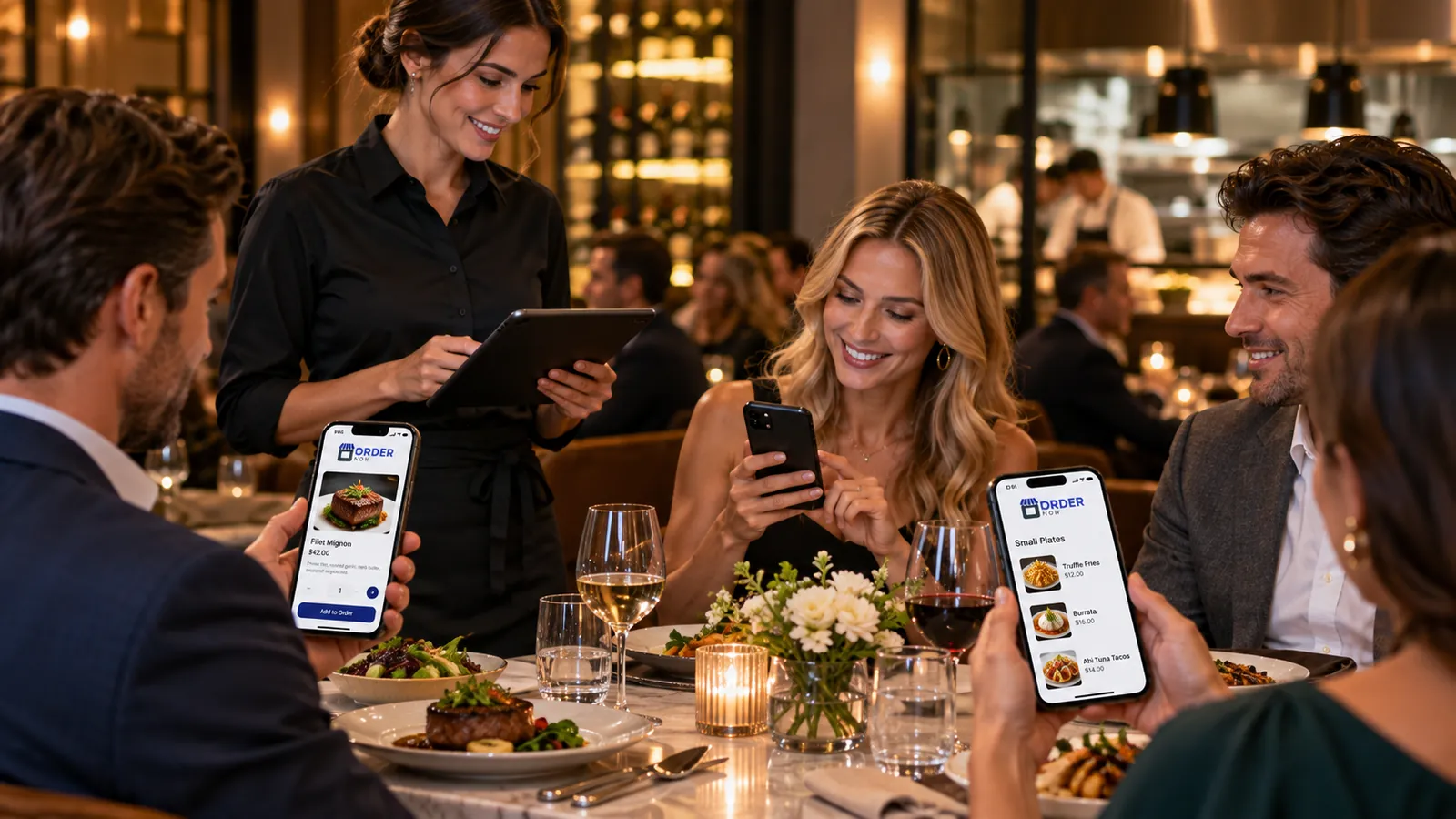
In a traditional restaurant, the order may follow a relatively clear sequence: drinks, starters, mains, dessert and payment. Bar service can be less linear.
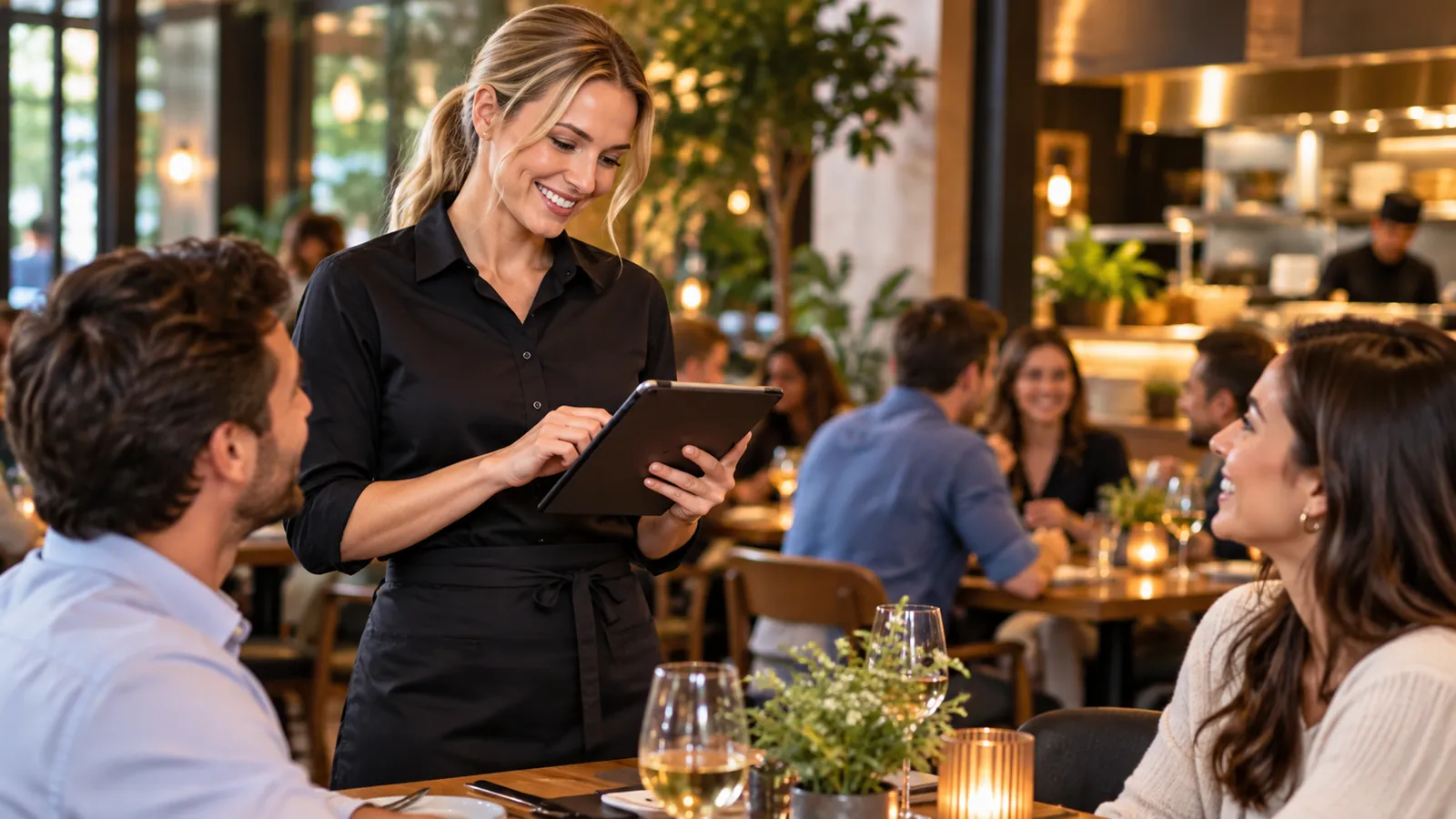
Keep the process understandable for guests and staff while carrying the details the operation actually needs.
Staff or guests create the first food and drink order with table context.
Configured table ordering can reduce waiting for simple repeat requests.
Bar and kitchen receive the items they are responsible for.
POS and reporting keep the visit, payments and sales context organized.
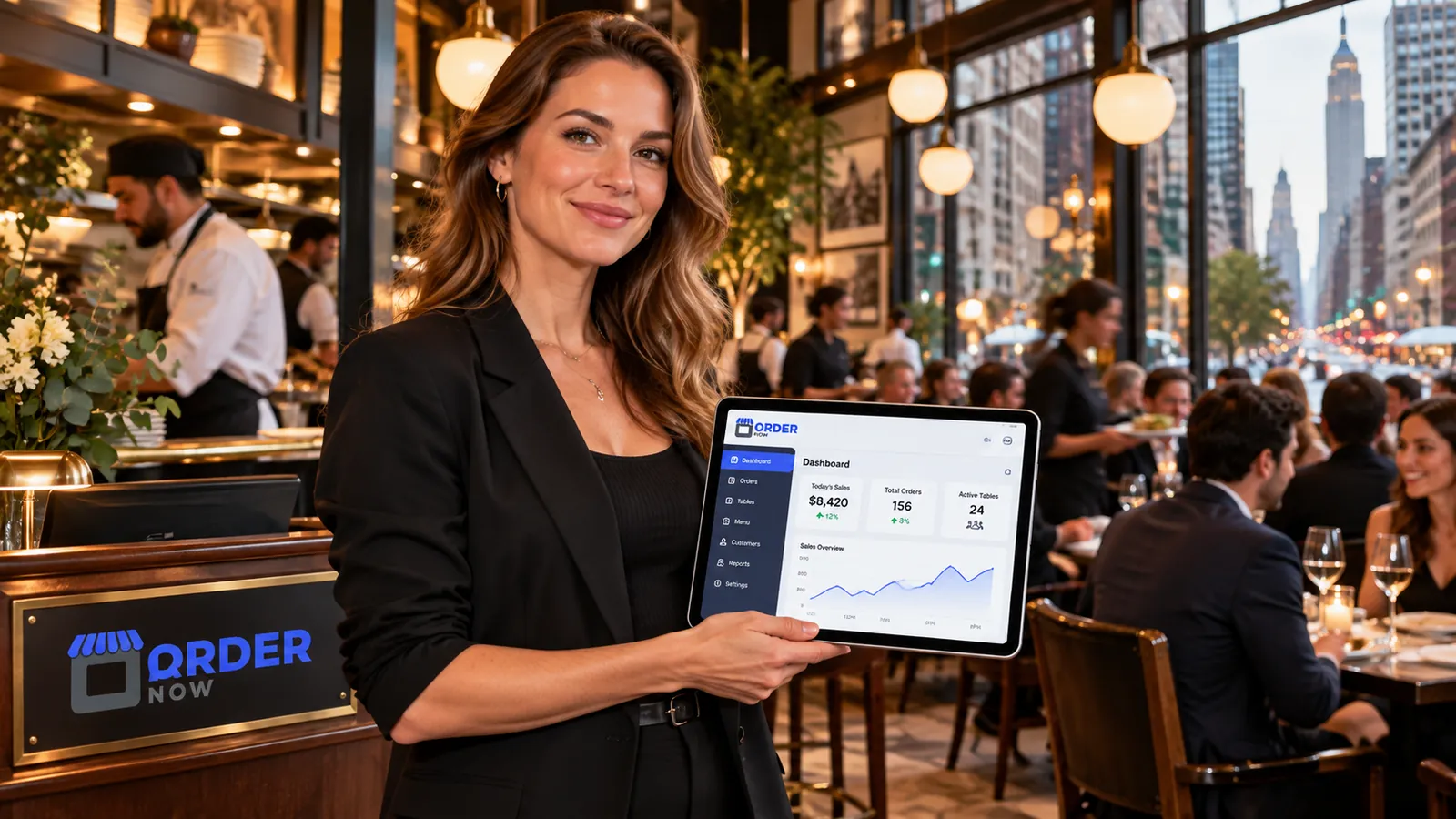
OrderNow is modular. The strongest setup is not the one with the most features switched on. It is the one that removes unnecessary handoffs and keeps the team clear about what happens next.
A QR code at a configured table can give guests a direct route to browse and submit an enabled order.
Bar staff do not have time for complex navigation during a rush.
Bars that serve food often run two preparation environments at once: the bar and the kitchen.
Bars may change draft beer, wine, cocktails, specials and food availability frequently.
Bars often use promotions, happy hours and event-specific offers.
Bars often rely on verbal communication when food volume is low. That can work until the venue gets busy.
Test an entire guest visit: first round, food, another round, another food item and the final payment workflow. Include a busy evening scenario rather than one isolated transaction.
Bar service is a sequence, not a single transaction. The system should preserve table and order context as guests add food, drinks and repeat rounds throughout the visit.
Different restaurant formats need different combinations of guest experience, POS, kitchen, inventory and management controls.
Use digital menu, fast POS, simple KOT and practical reporting without overcomplicating the operation.
Support high-volume table service, repeated rounds and coordinated food preparation during event peaks.
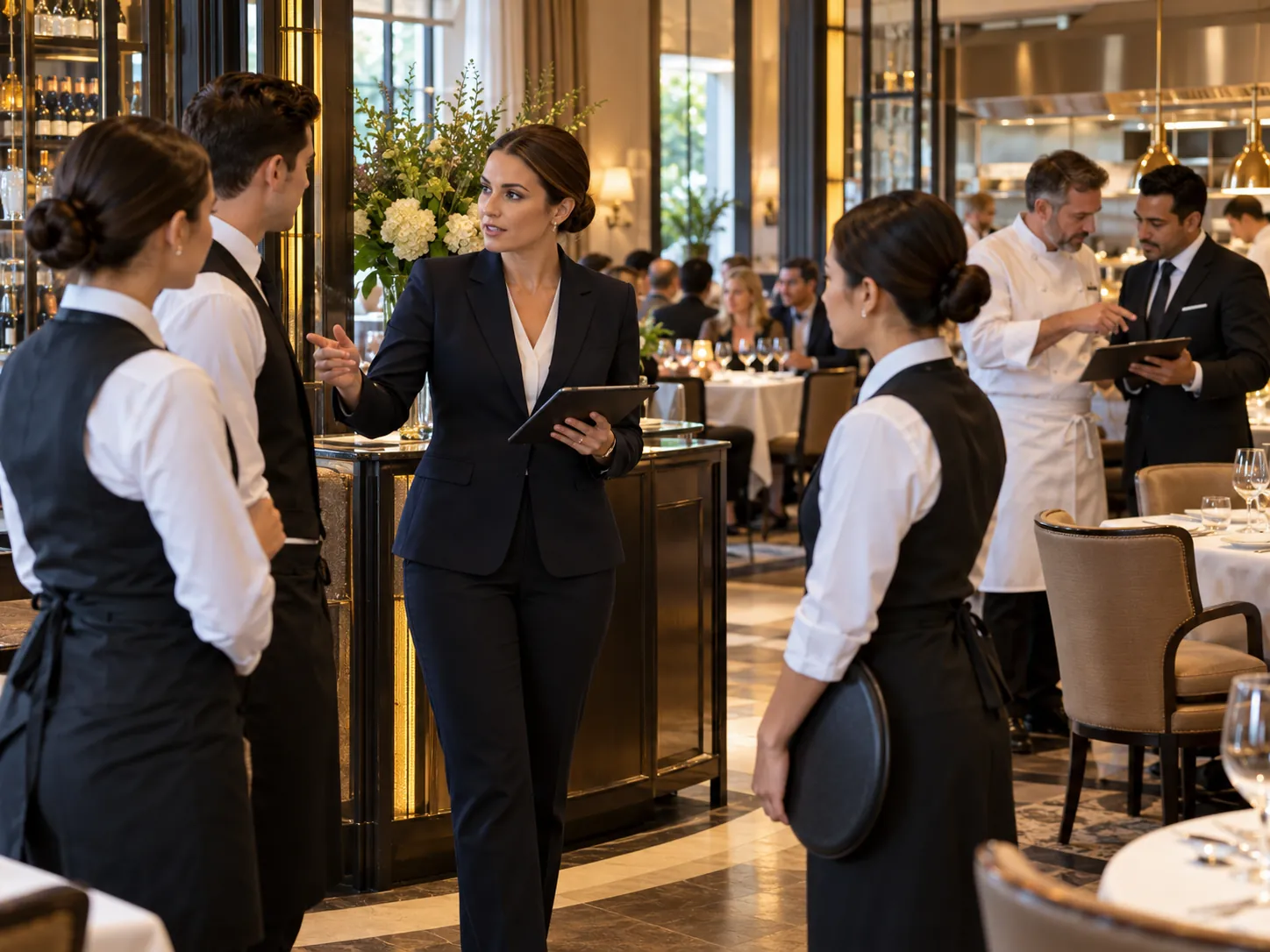
Use detailed menu descriptions, fast repeat ordering and clear staff permissions while preserving high-touch hospitality.
Keep changing beverage availability current and support food or kitchen workflows where relevant.
These answers stay intentionally concise. Product configuration can vary by plan, restaurant type and implementation.
Depending on service model, bars may use digital menu, table ordering, POS, KOT/KDS, promotions, staff controls and sales reporting. Bars with kitchens need especially clear food-and-drink routing.
Yes. Bars can configure QR table ordering so guests can browse and submit enabled orders from their phones without installing an app.
Advanced kitchen and printer routing can be configured so relevant order items reach different preparation areas.
No. Digital ordering does not remove legal or responsible-service requirements. Staff remain responsible for identification, alcohol-service rules and venue policy.
OrderNow supports promotions and discounts according to configuration. The venue should define eligible items, timing and staff permissions clearly.
Share your business type, current setup and the operational problem you want to solve. The demo should start with that workflow instead of showing every module.