Accept orders
Direct and configured digital channels feed an organized order queue.
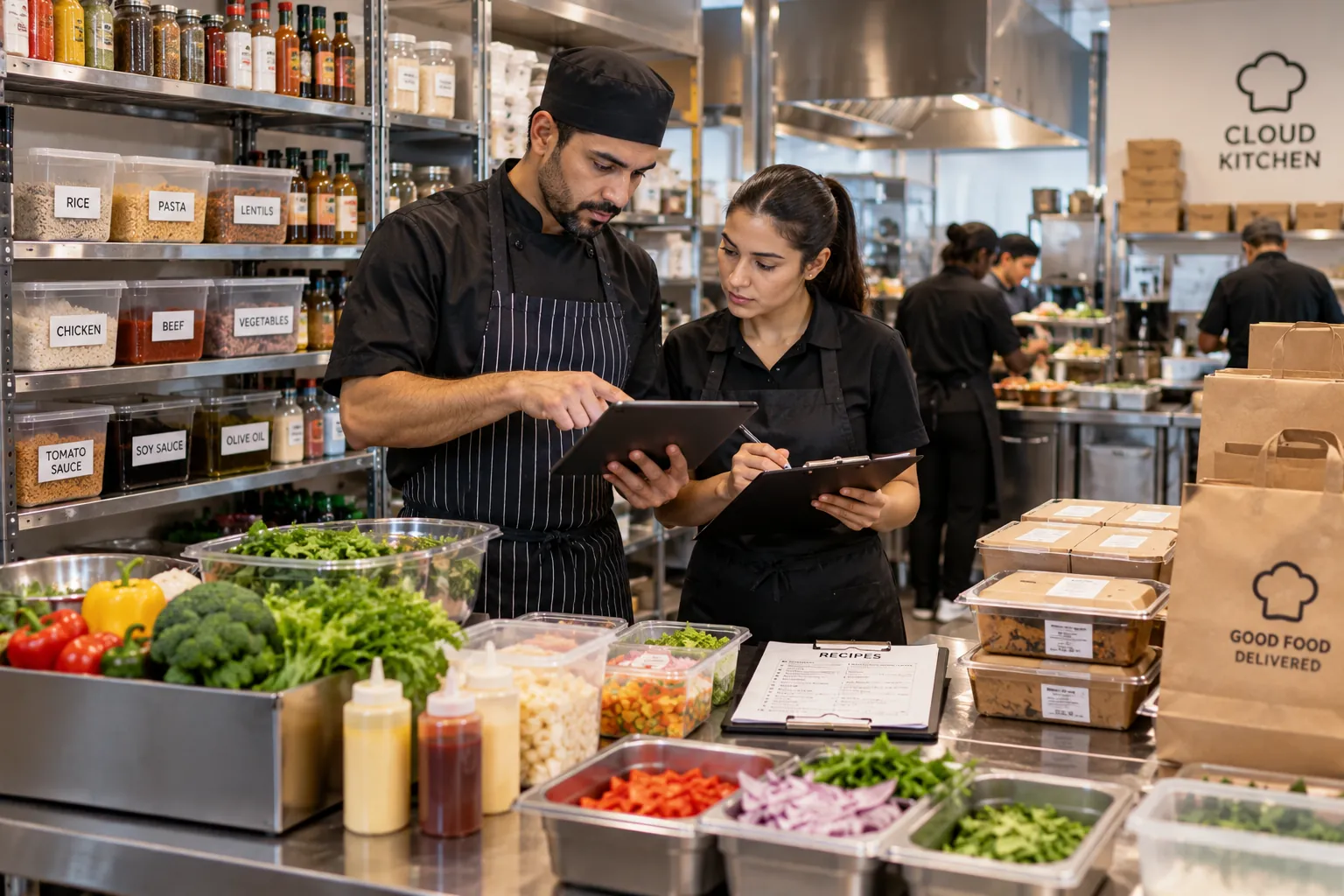
A cloud kitchen removes the dining room, but it does not remove restaurant complexity. In many cases, it concentrates that complexity inside the kitchen.
Every order has to arrive with the correct menu item, modifiers, notes and fulfillment context. Kitchen teams need to understand priorities without relying on a server who can clarify the order.
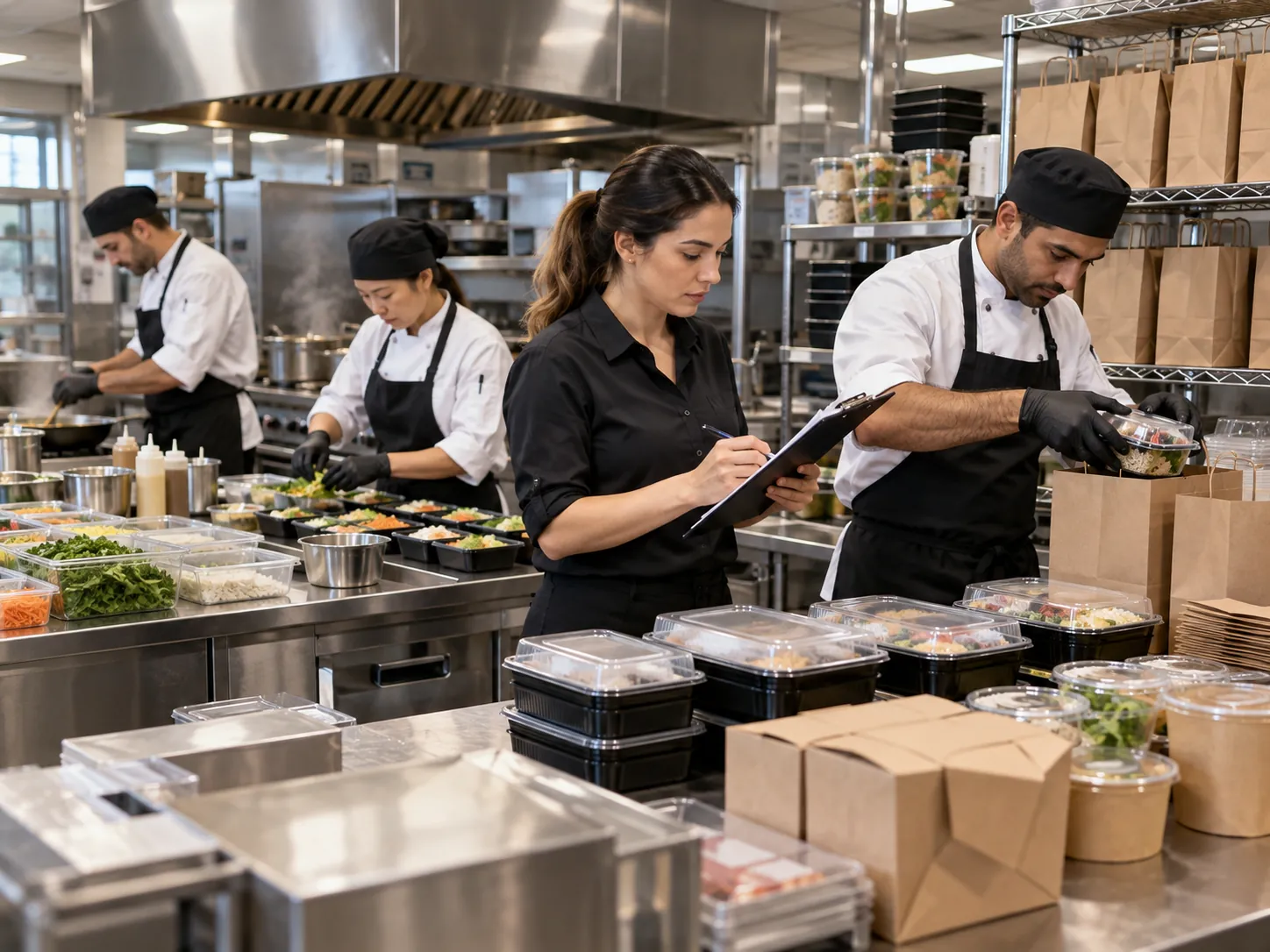
Cloud kitchen management software helps a delivery-first or pickup-focused food business manage digital menus, incoming orders, kitchen preparation, stock and reporting without depending on a traditional dine-in service model. A cloud kitchen may operate one concept or several brands from the same physical facility. The management challenge is to make sure each order is associated with the correct menu, preparation process and fulfillment context.
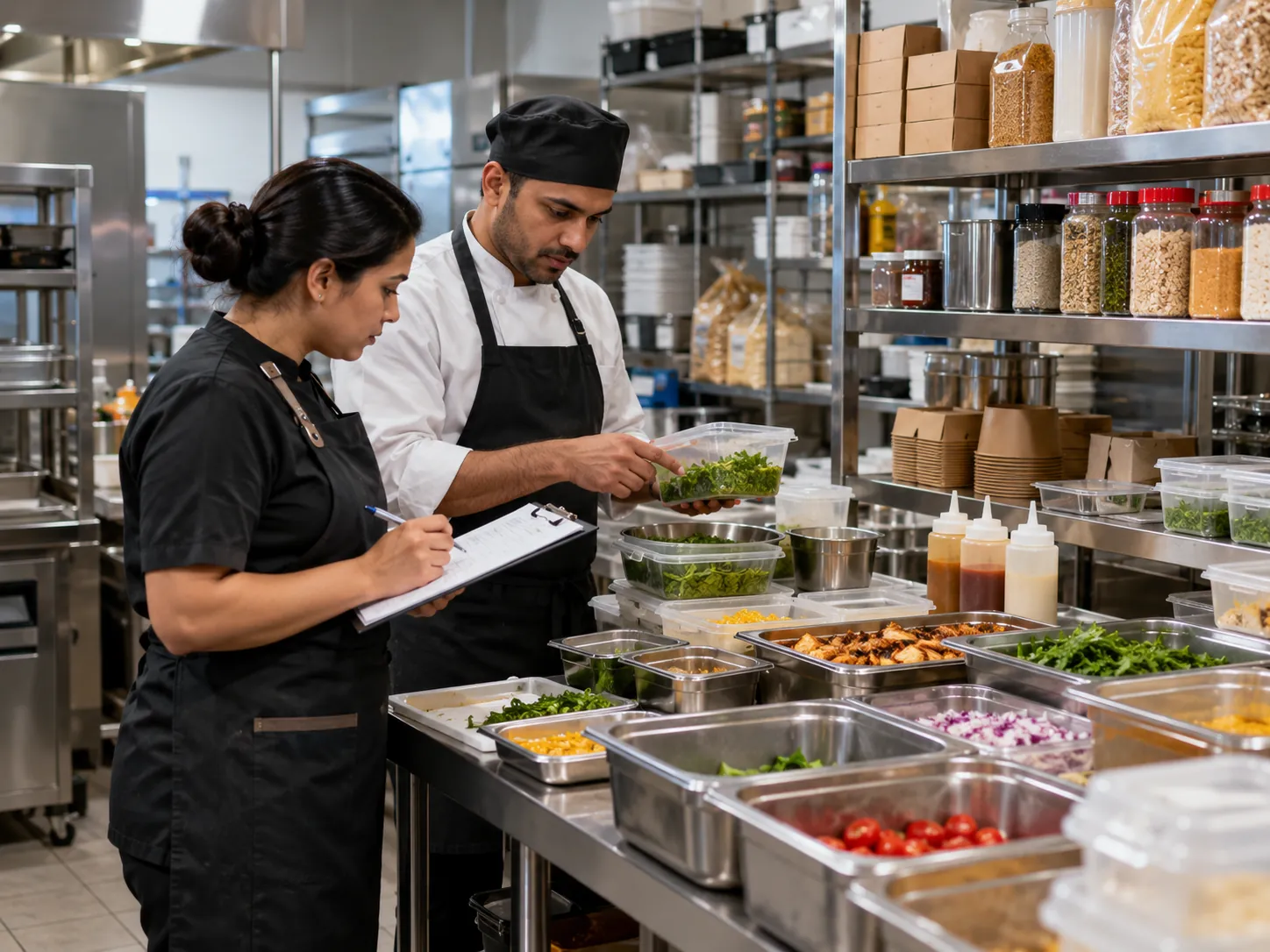
Keep the process understandable for guests and staff while carrying the details the operation actually needs.
Direct and configured digital channels feed an organized order queue.
KOT or KDS shows items, modifiers and timing without dining-room context.
Orders move to a clear pickup or dispatch area with status visibility.
Managers use menu, inventory and performance data to improve the operation.
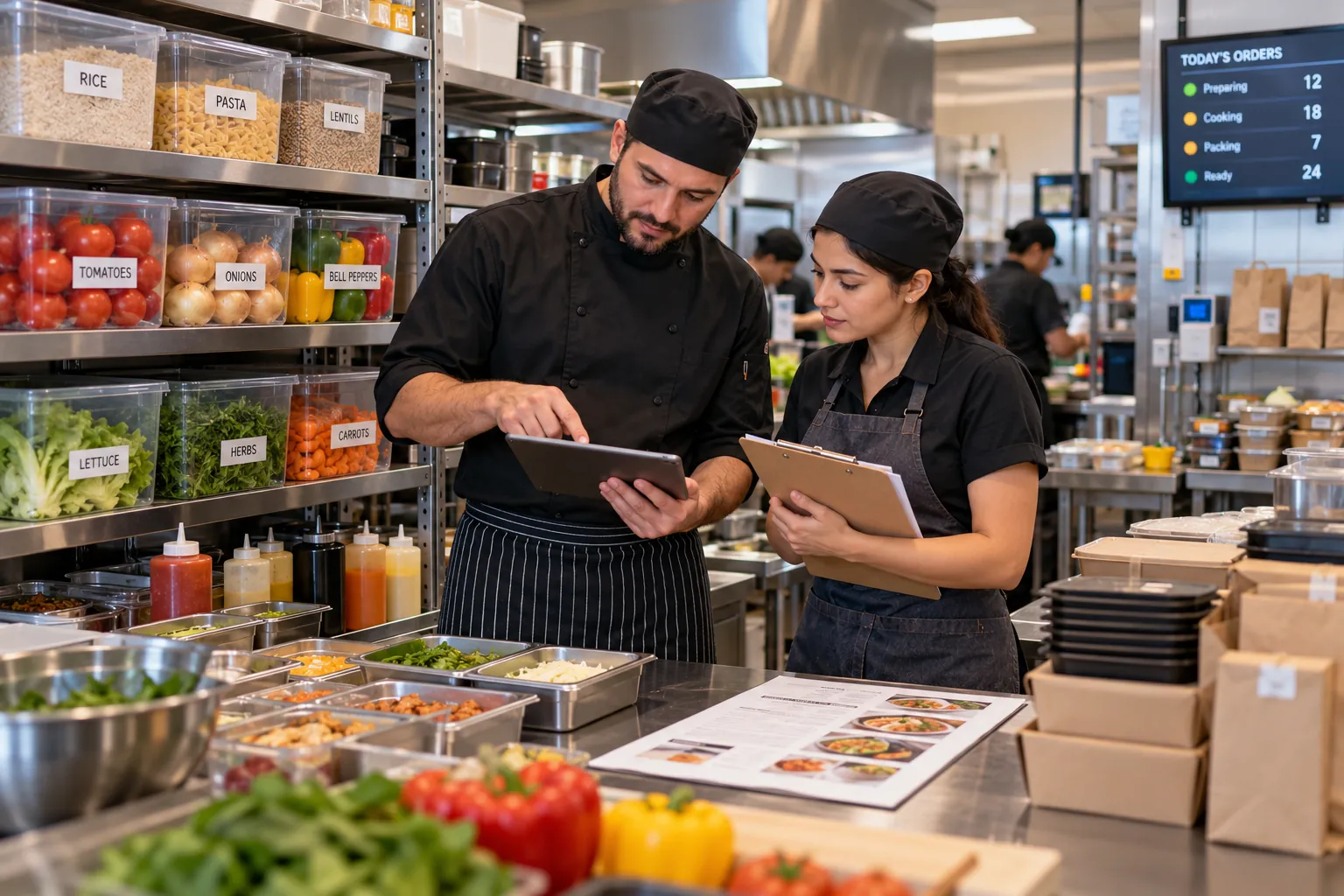
OrderNow is modular. The strongest setup is not the one with the most features switched on. It is the one that removes unnecessary handoffs and keeps the team clear about what happens next.
Delivery drivers, direct customers and staff may all arrive at the same collection point.
Cloud kitchens can operate with tight margins and high channel costs. Ingredient visibility is therefore essential.
When order volume exceeds kitchen capacity, management needs a response plan.
In a dine-in restaurant, staff can often catch problems before the dish leaves the building. A server notices that a side is missing. A guest asks a question. A manager can see a delayed table.
Cloud kitchens often manage menus in more than one place. Even without deep marketplace integrations, management may be responsible for direct menu links, internal systems and external channel listings.
Cloud kitchens often depend heavily on third-party discovery because they do not have a visible dining room. That can make marketplaces commercially useful.
Simulate several orders arriving together. Include a complex modifier, multi-station preparation, a sold-out ingredient and the final packaging or pickup handoff.
A cloud kitchen needs one clear operational queue. Orders from different sources should arrive with enough structure for preparation, packing and handoff without staff decoding multiple systems.
Different restaurant formats need different combinations of guest experience, POS, kitchen, inventory and management controls.
Focus on direct ordering, order management, KOT/KDS, pickup and stock control.
Add stronger menu separation, station rules, reporting discipline and permission controls.
Keep the virtual concept operationally distinct enough that the kitchen does not confuse recipes or packaging.
Use structured menu and order data, but confirm whether the exact scheduling and batch-production workflow required is supported before implementation.
These answers stay intentionally concise. Product configuration can vary by plan, restaurant type and implementation.
Most cloud kitchens need digital menu and ordering tools, order management, KOT or KDS, inventory and reporting. Exact requirements depend on whether the kitchen operates one brand, multiple brands, direct pickup or external channels.
Yes. OrderNow can be configured around kitchen-first ordering and fulfillment workflows without requiring table-service features.
Yes. OrderNow can provide a direct web ordering experience that customers access from a link or QR code without installing an app.
OrderNow does not charge a percentage commission on orders processed through its platform. Subscription and external provider fees may apply separately.
Yes. Orders can connect to KOT and configured kitchen-display workflows, including multi-station routing in advanced setups.
Share your business type, current setup and the operational problem you want to solve. The demo should start with that workflow instead of showing every module.