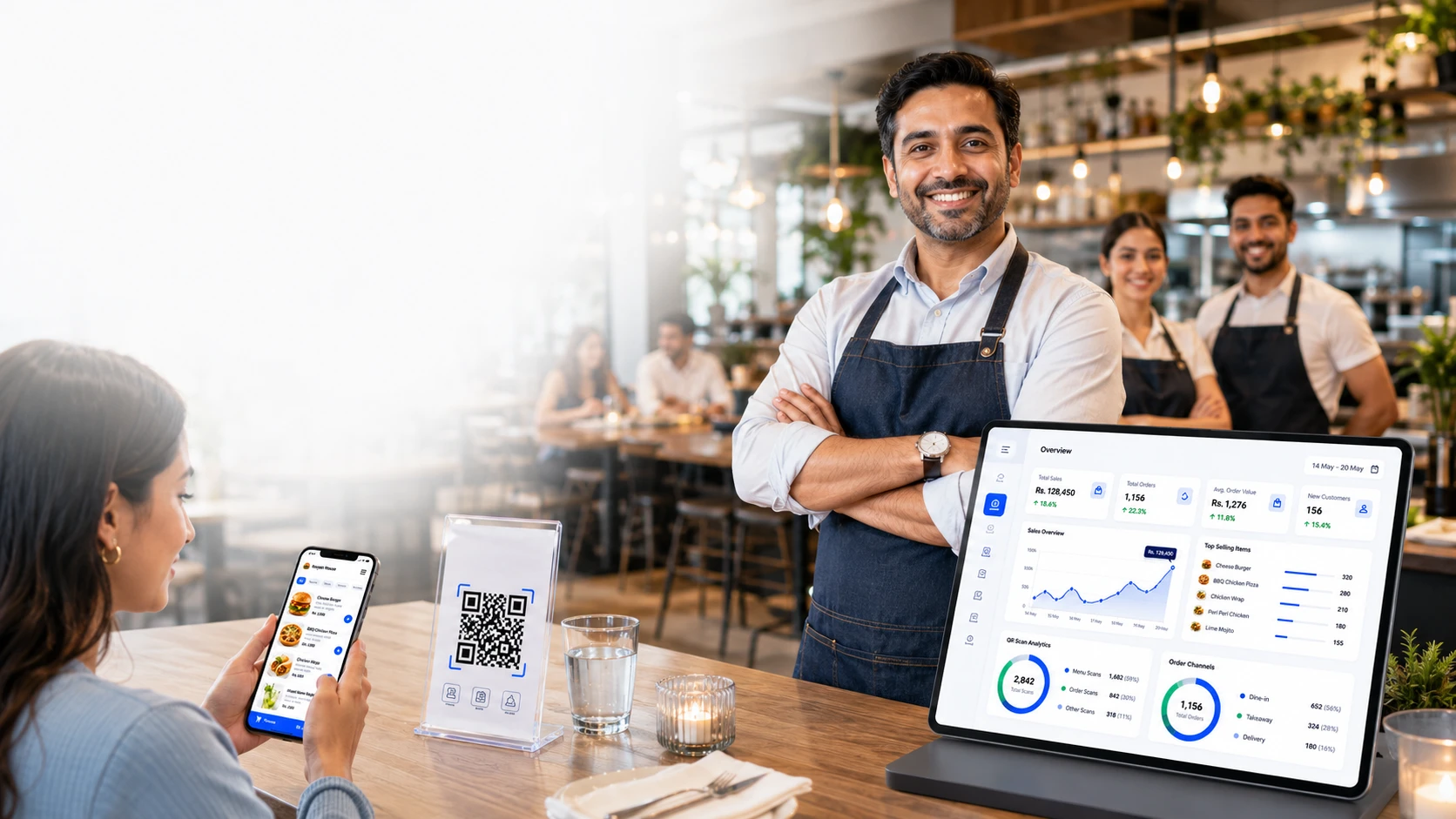
Explore OrderNow Modules for Guest Service and Daily Operations
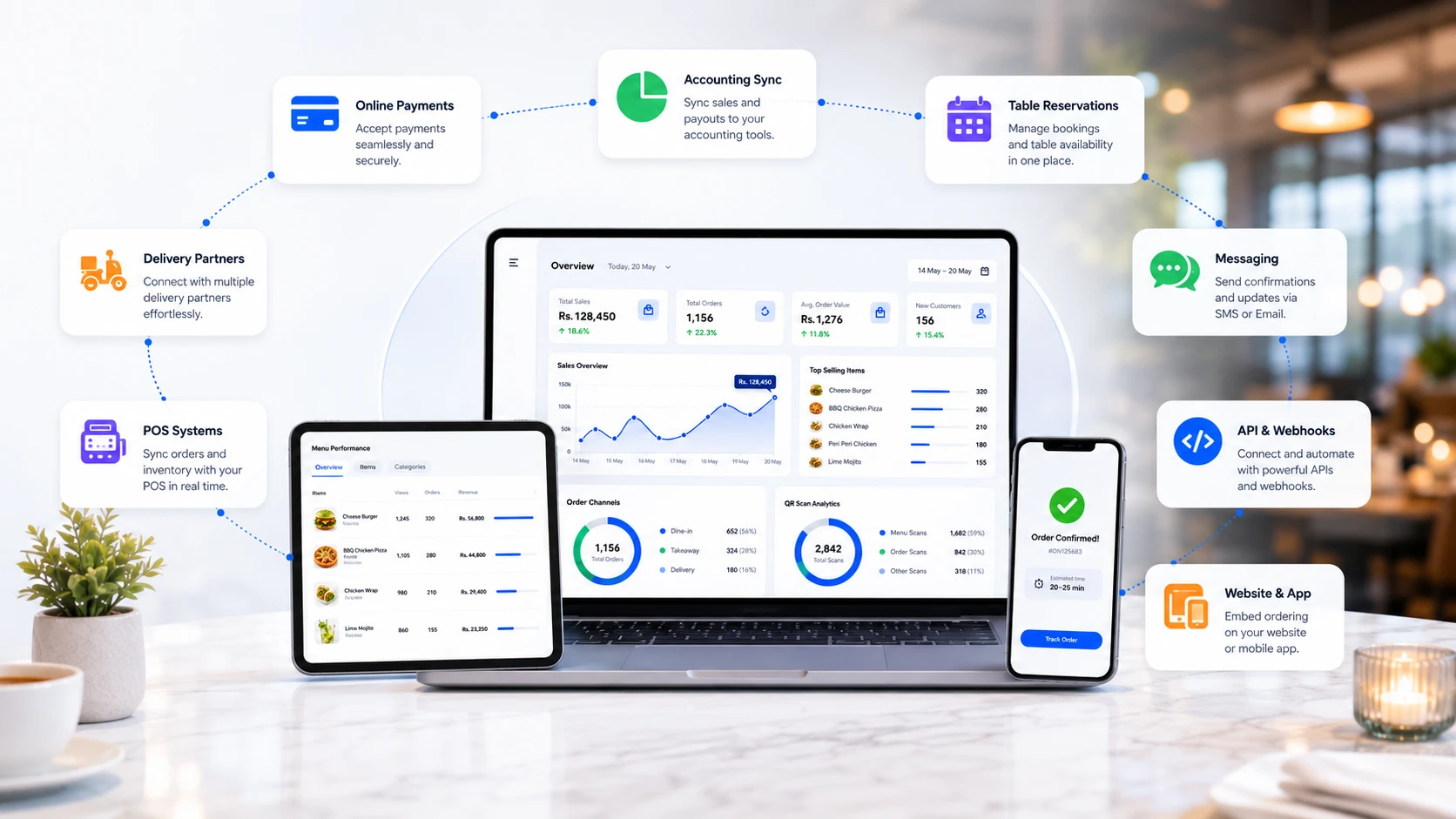
OrderNow brings guest-facing ordering together with POS, kitchen, inventory, reservations, analytics, customer engagement, security and multi-location tools in a configurable platform.
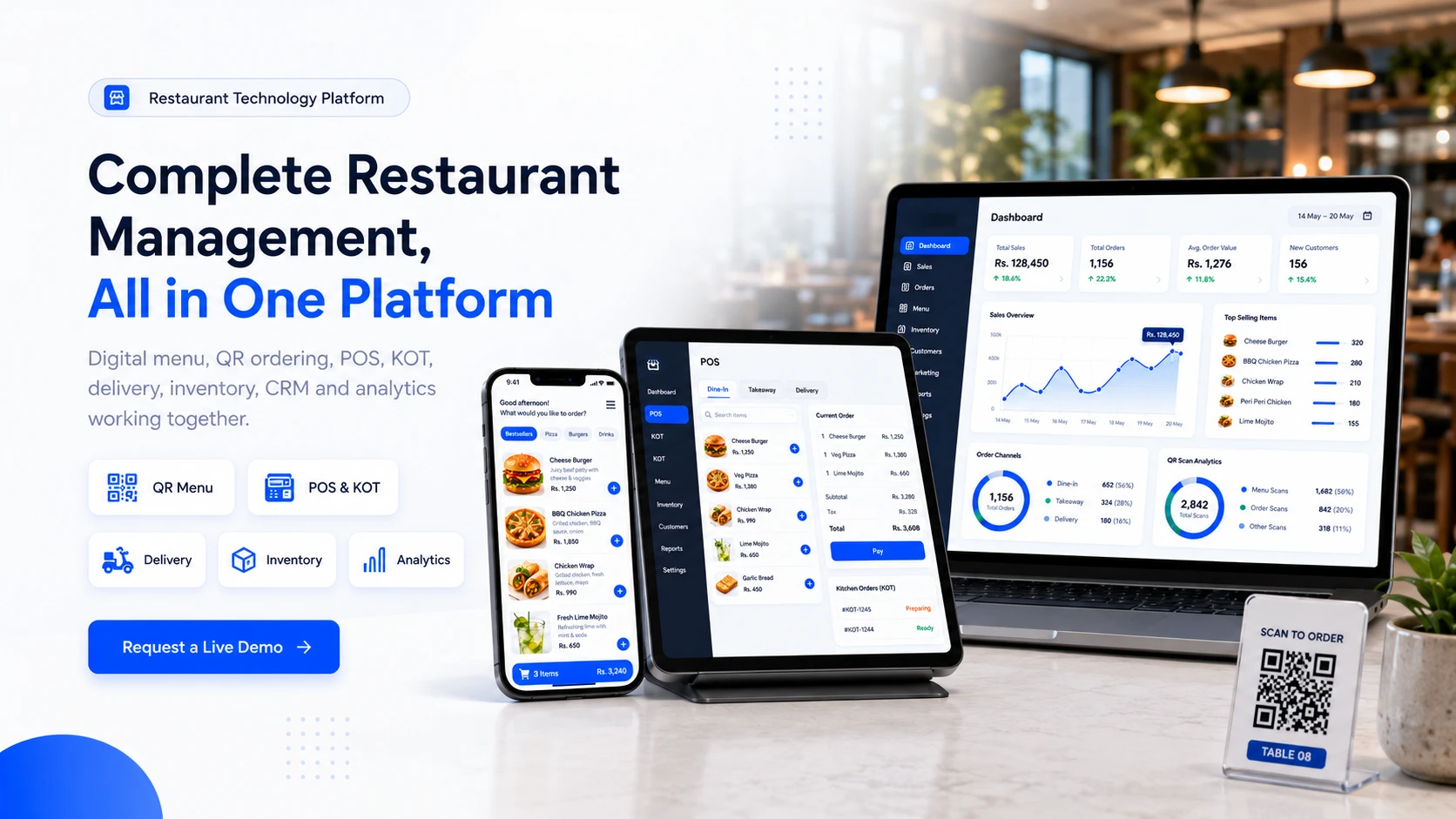
Connect Guests, Front-of-House, Kitchen and Management Teams
Review the platform by operational area, then choose the modules that match your service model, team and number of locations.
Digital Menu
QR menu, item photos, modifiers, cart, checkout and customer service buttons.
POS & KOT
Web POS, kitchen display, KOT printing, order status and cashier workflows.
Delivery (Coming Soon)
Takeaway, delivery zones, rider workflows and order tracking.
Inventory
Stock control, PO, GRN, suppliers, warehouse and food safety logs.
Analytics
Sales reports, QR scan analytics, item performance and branch insights.
Reservations
Table bookings, floor plans, waitlists, virtual queues and parking workflows.
CRM & Loyalty (Coming Soon)
Customer profiles, rewards, vouchers, campaigns and retention workflows.
AI Tools
Menu engineering, forecasting, smart upselling and customer insights.
Feedback
Reviews, NPS, sentiment, review routing and reputation management.
Integrations (Coming Soon)
UberEats, accounting, Google Reserve, health apps, API and webhooks.
Security
Fraud detection, role permissions, activity logs and compliance controls.
Demo
Share your restaurant setup and get the recommended configuration.
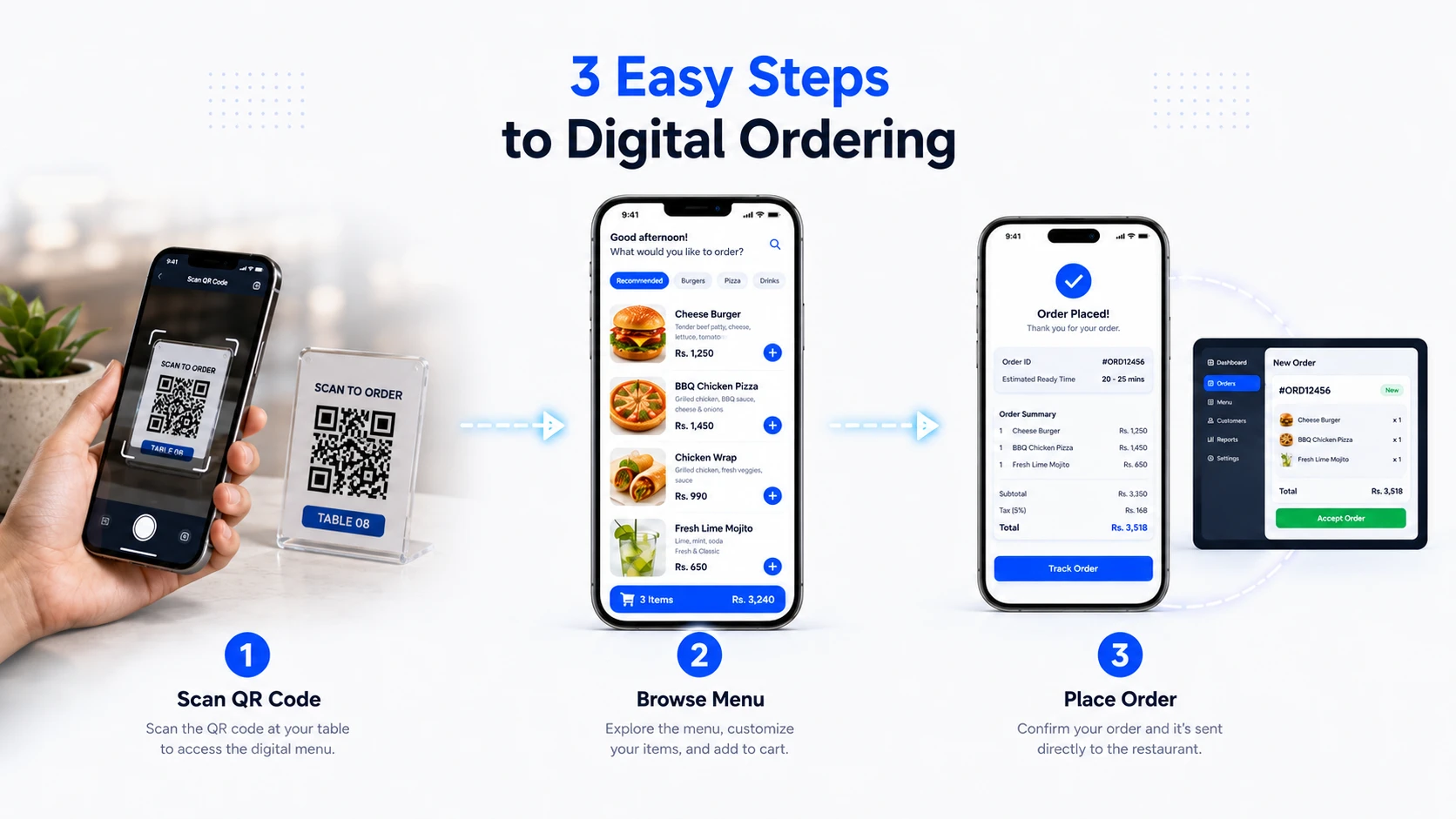
A Simple Mobile Journey From QR Scan to Submitted Order
The guest experience is designed for modern mobile browsers, clear menu navigation and minimal steps before confirmation.
Scan the QR code
Customers scan a table QR, tent card or shared menu link.
View the digital menu
They browse categories, images, descriptions, variations and add-ons.
Place the order
The order reaches the restaurant dashboard, POS or kitchen workflow.
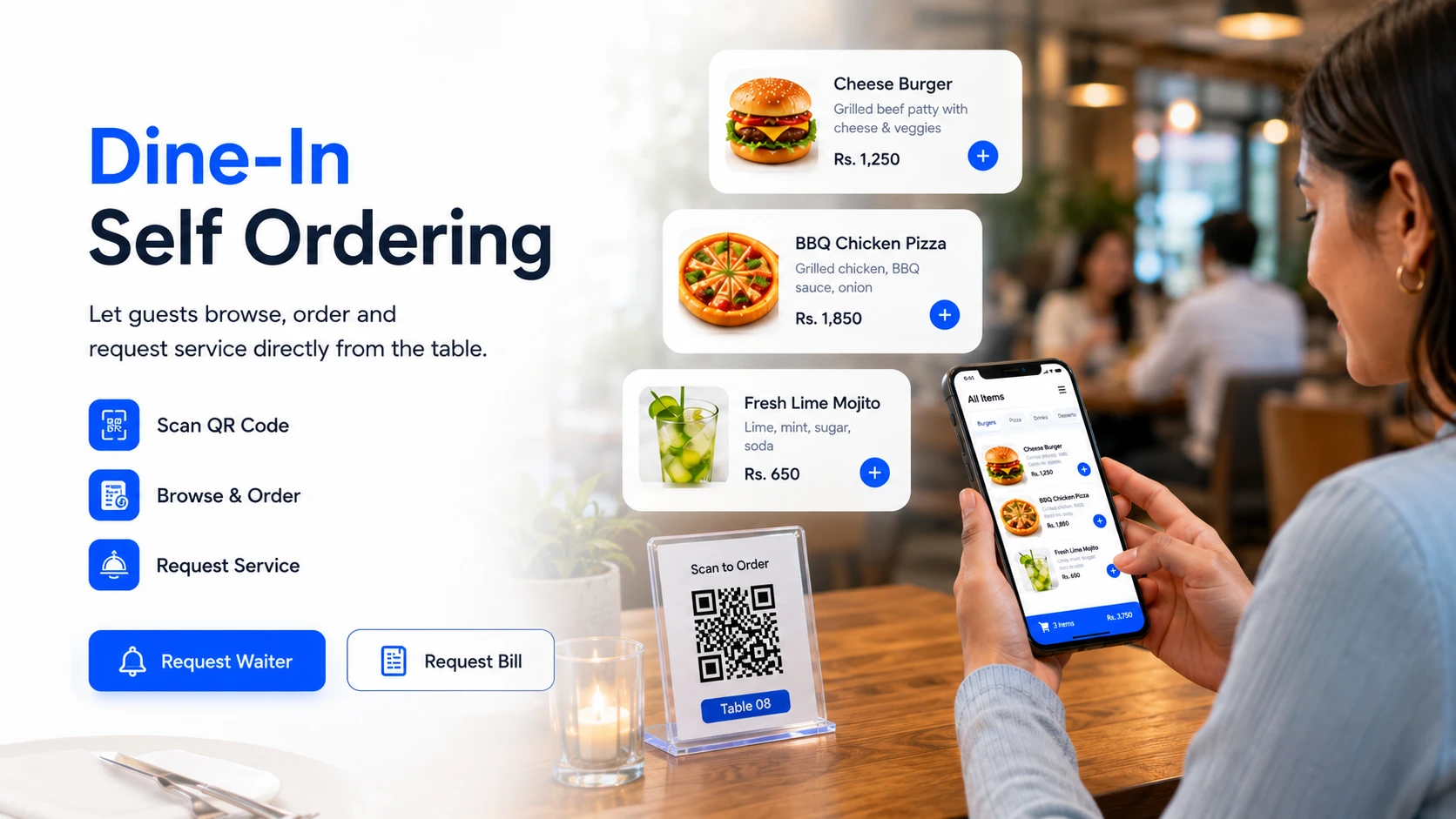
Replace Files and Paper Menus With an Interactive Guest Experience
Guests can open a responsive menu, explore detailed items, choose modifiers and use enabled ordering or service actions without installing an app.
- ✓QR code ordering for table-specific dine-in, takeaway and delivery workflows.
- ✓Menu item images, descriptions, prices, categories, subcategories, variations and modifiers.
- ✓Cart, checkout, payment options, WhatsApp ordering and multilingual menu support.
- ✓Customer actions such as call waiter, request bill and contact the restaurant.
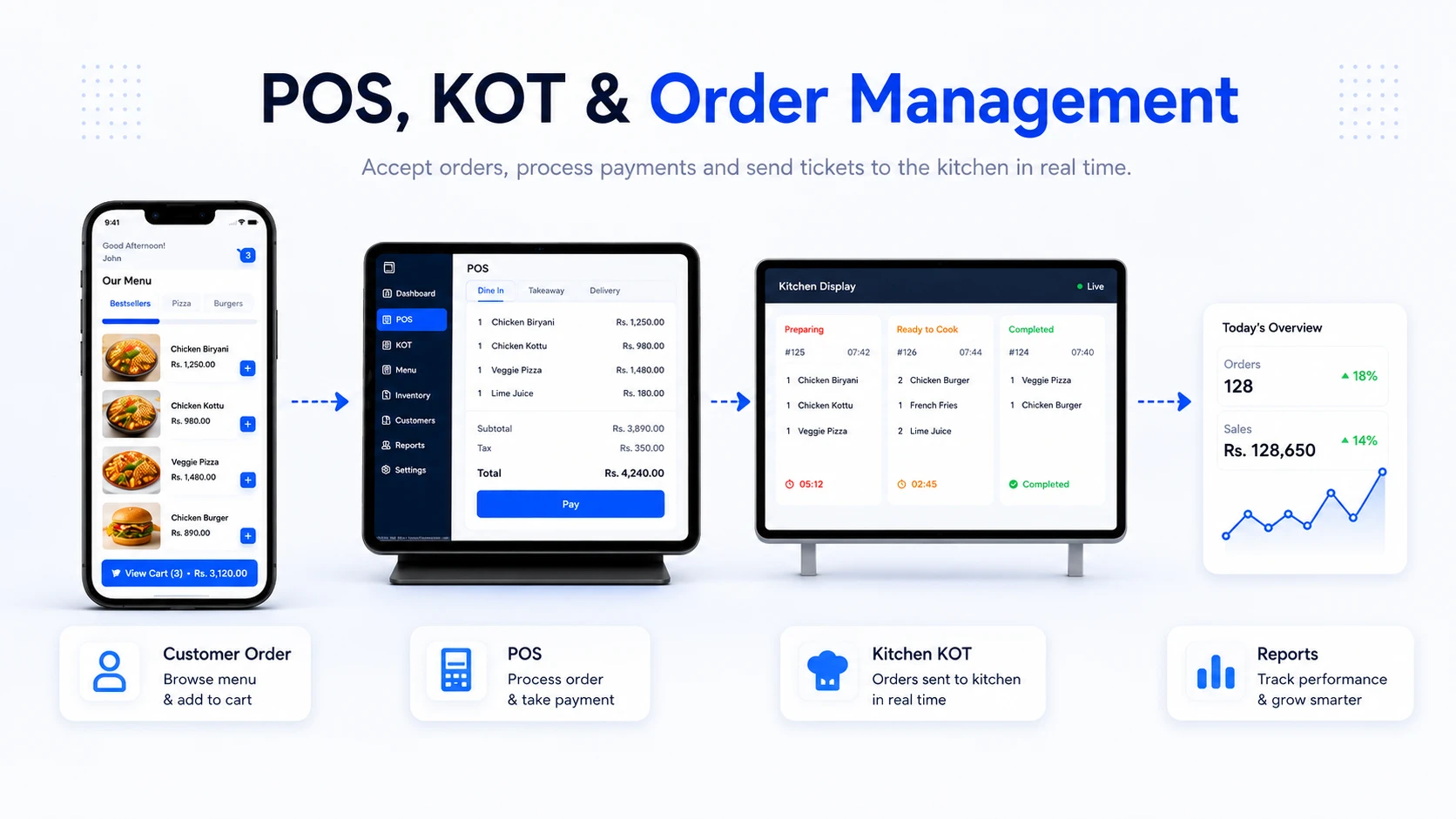
Move Orders Consistently From Front-of-House to Kitchen
A web POS, order statuses, KOT printing and kitchen displays can coordinate table, counter, pickup and delivery workflows.
- ✓Web POS for counter orders, walk-in orders, phone orders and cashier workflows.
- ✓Kitchen Display System, KOT printing and item-wise kitchen tracking.
- ✓Order status updates, scheduled orders, split billing, multi-currency and shift management.
- ✓Receipts, payment handling, cash drawer support and end-of-shift visibility.
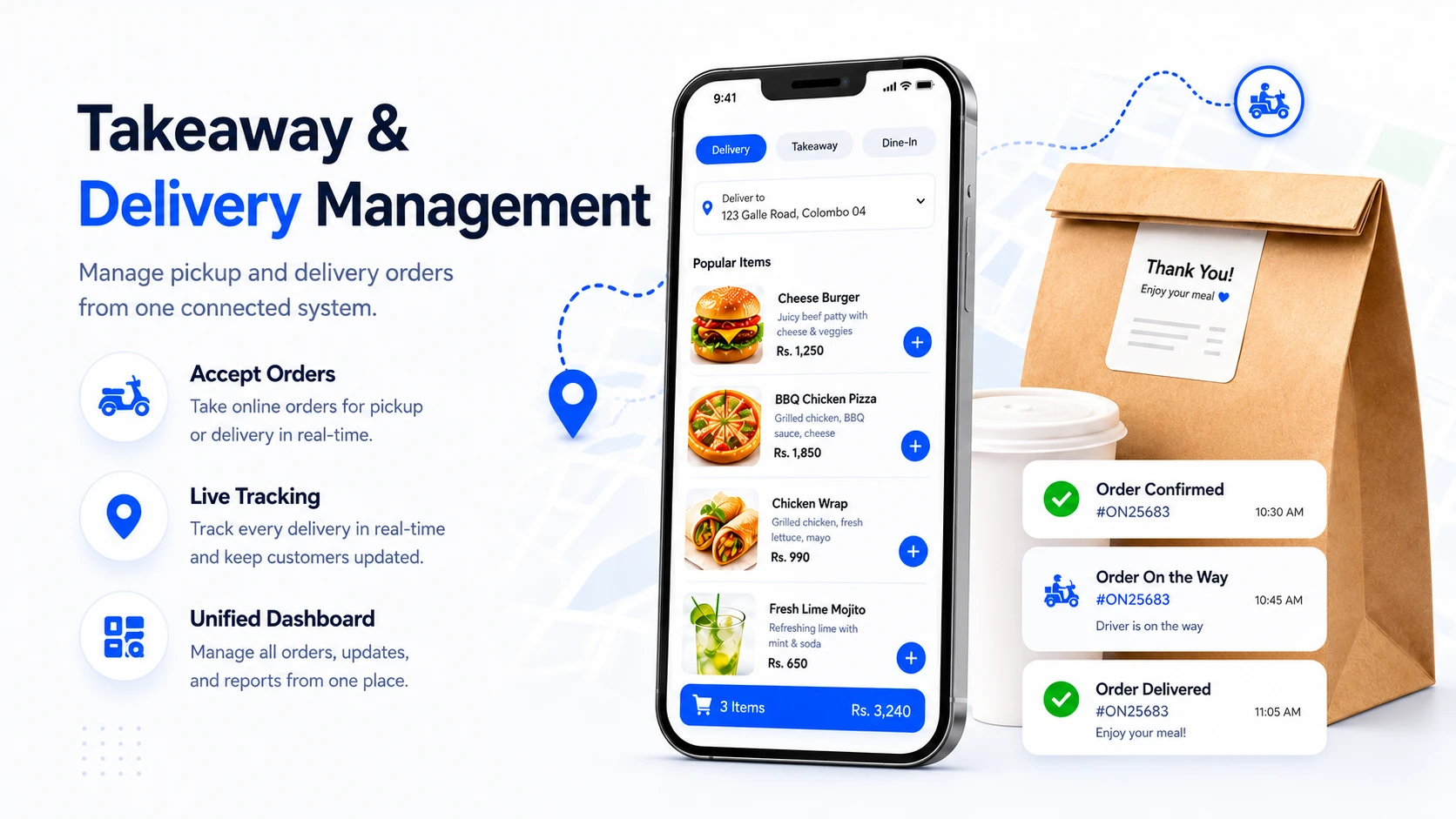
Coordinate Pickup and Delivery Alongside Other Order Channels
Configured delivery zones, fees, status updates and rider processes can sit inside the same operational environment as other orders.
- ✓Accept takeaway and delivery orders from the digital menu.
- ✓Create delivery areas, set dynamic fees and manage geofenced zones.
- ✓Use rider management and fleet workflows for in-house delivery teams.
- ✓Keep customers informed with order confirmation and status updates.
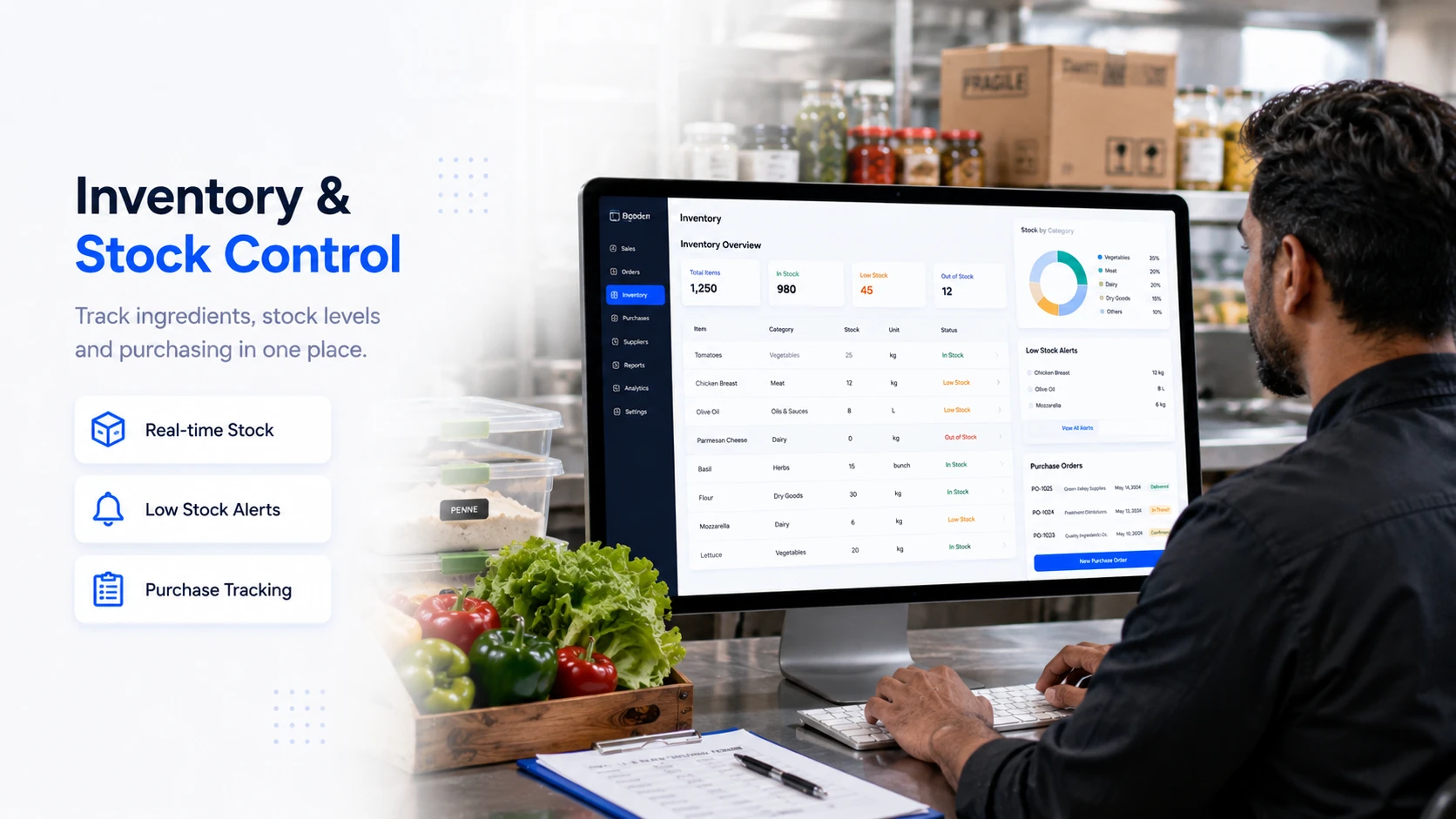
Link Ingredients, Purchasing and Location-Level Stock
Food inventory tools connect ingredients, recipes, suppliers, purchasing, receiving, waste, valuation and transfers.
- ✓Product, material and ingredient stock tracking with low stock alerts.
- ✓Purchase orders, GRN, supplier management and purchase history.
- ✓Warehouse, branch and multi-location stock movement workflows.
- ✓Stock valuation, variance reports, COGS, waste logging and HACCP support.
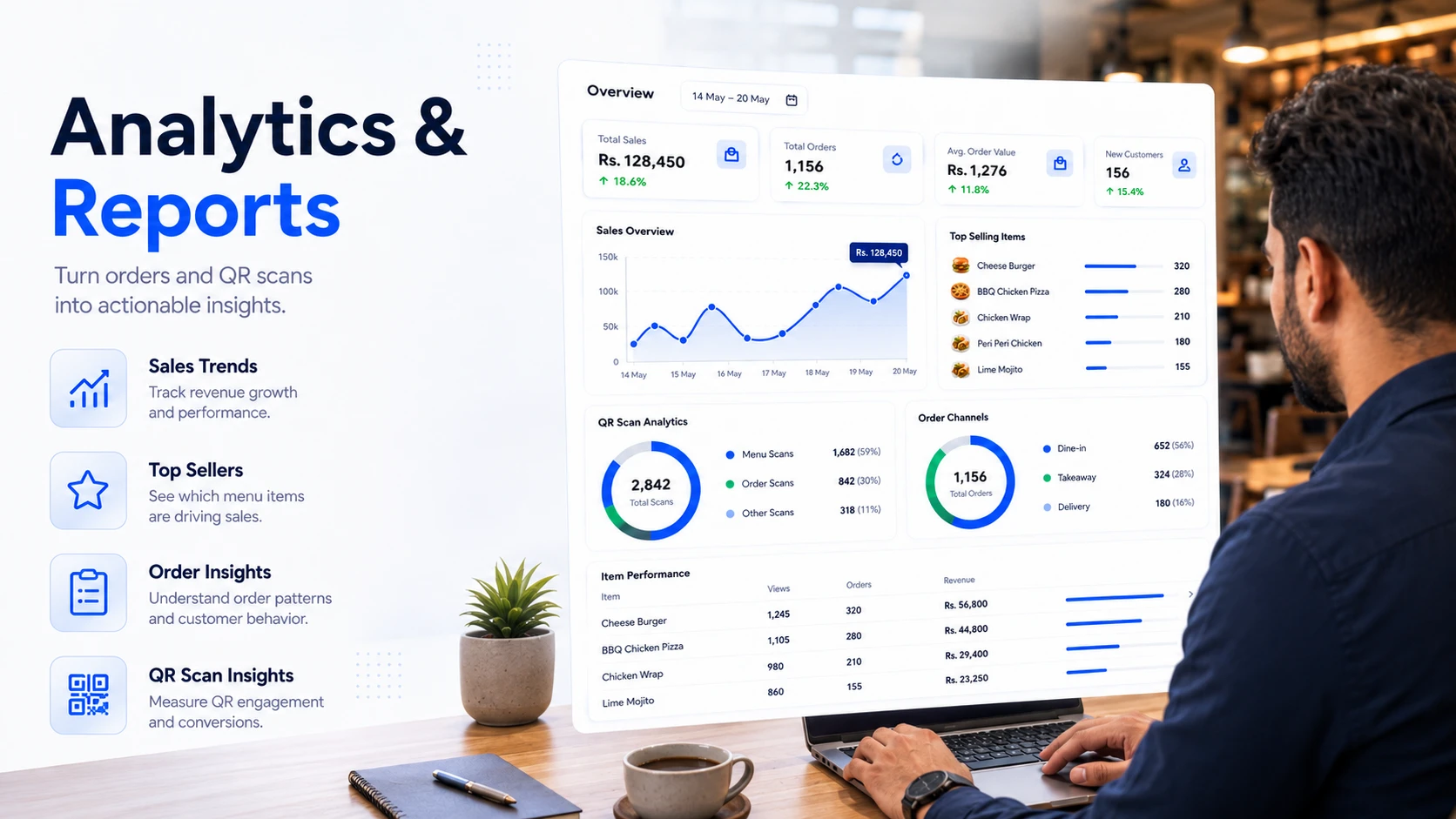
Use Order and Engagement Data to Guide Decisions
Dashboards and reports can reveal sales patterns, item performance, order-channel mix, QR engagement and differences between locations.
- ✓Real-time dashboards for sales, traffic, QR scans and order channels.
- ✓Sales reports by day, item, category, payment method and order type.
- ✓Item performance, best sellers, menu audience analytics and conversion insights.
- ✓Franchise and multi-store reporting for groups and growing restaurant brands.
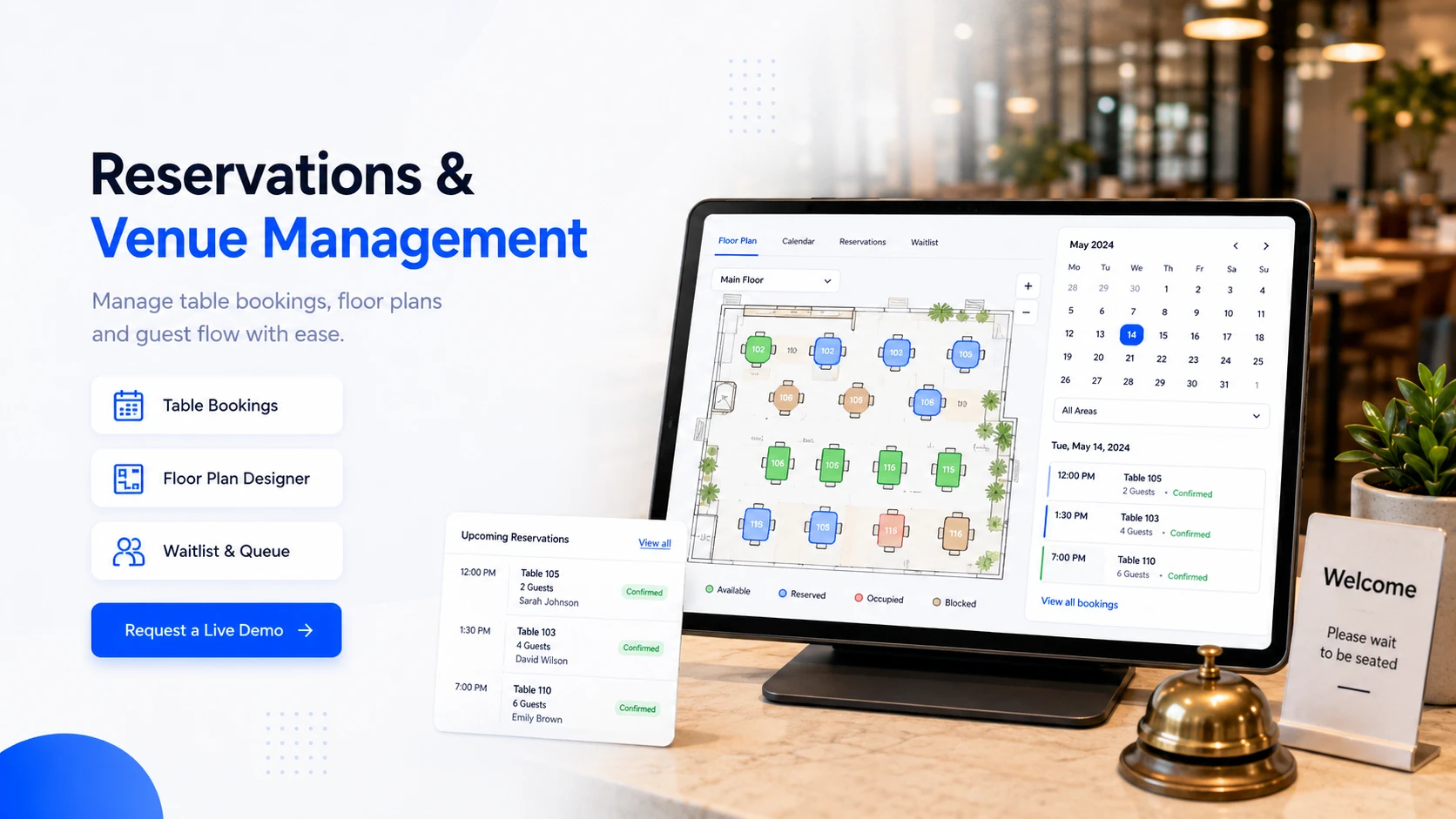
Coordinate Bookings, Seating, Walk-Ins and Guest Arrival
Online reservations, floor plans, waitlists and statuses help front-of-house teams prepare capacity and guest details before service.
- ✓Table reservations with date, time, guest count, contact details and notes.
- ✓Floor plan designer for tables, sections and venue layout control.
- ✓Walk-in waitlists, virtual queueing and reservation status tracking.
- ✓Parking reservations and designer workflows for drive-in and venue use cases.
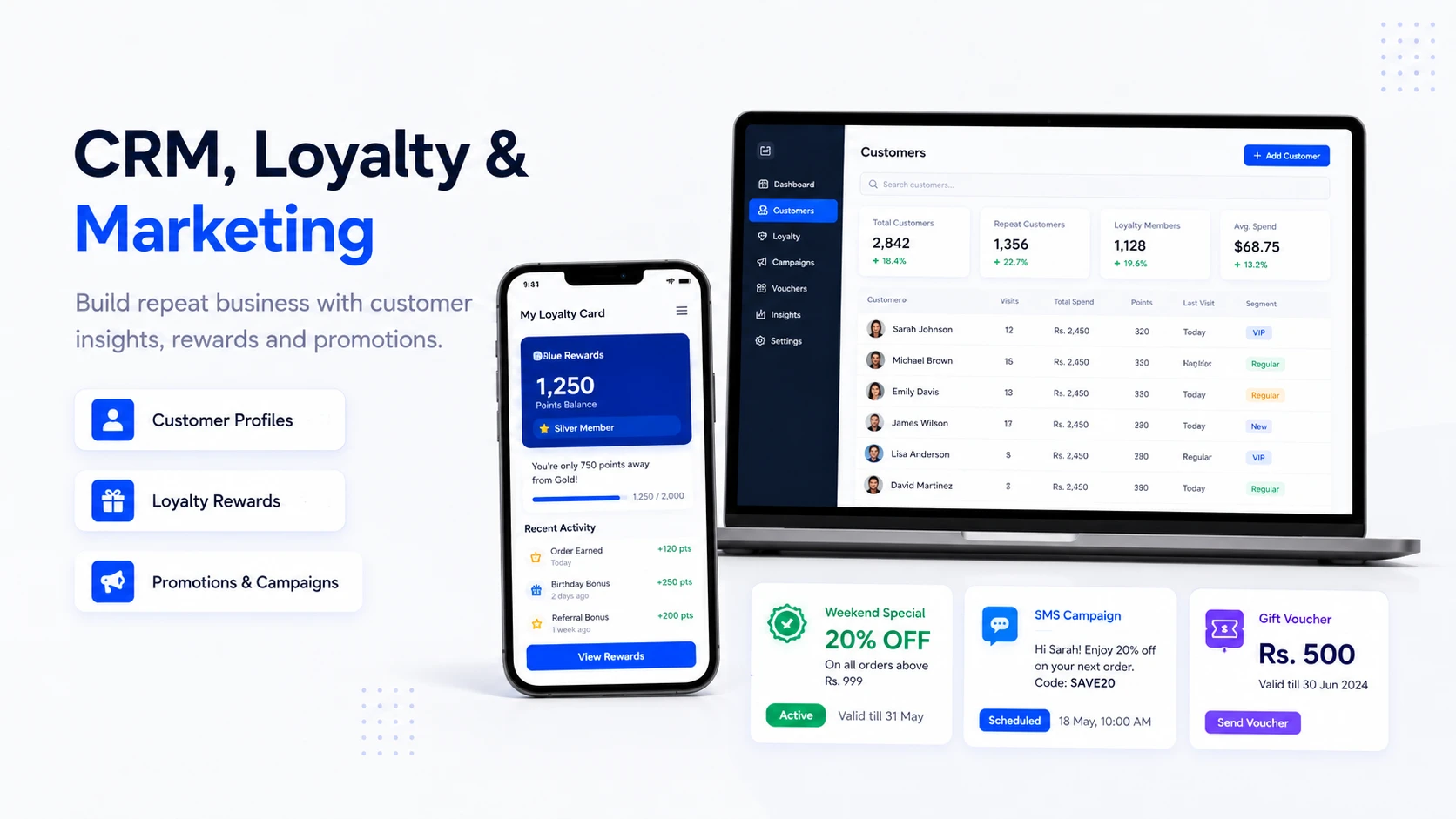
Use Guest Data Responsibly to Support Repeat Business
Where enabled and lawfully collected, profiles, order history, loyalty and campaign tools can help teams understand and encourage repeat visits.
- ✓Customer profiles with contact details, order history, preferences and lifetime value.
- ✓Loyalty points, rewards, digital stamp cards and gift vouchers.
- ✓Promotions, discounts, campaign popups and conditional offers.
- ✓Email, SMS, push notifications, onboarding drips and re-engagement campaigns.
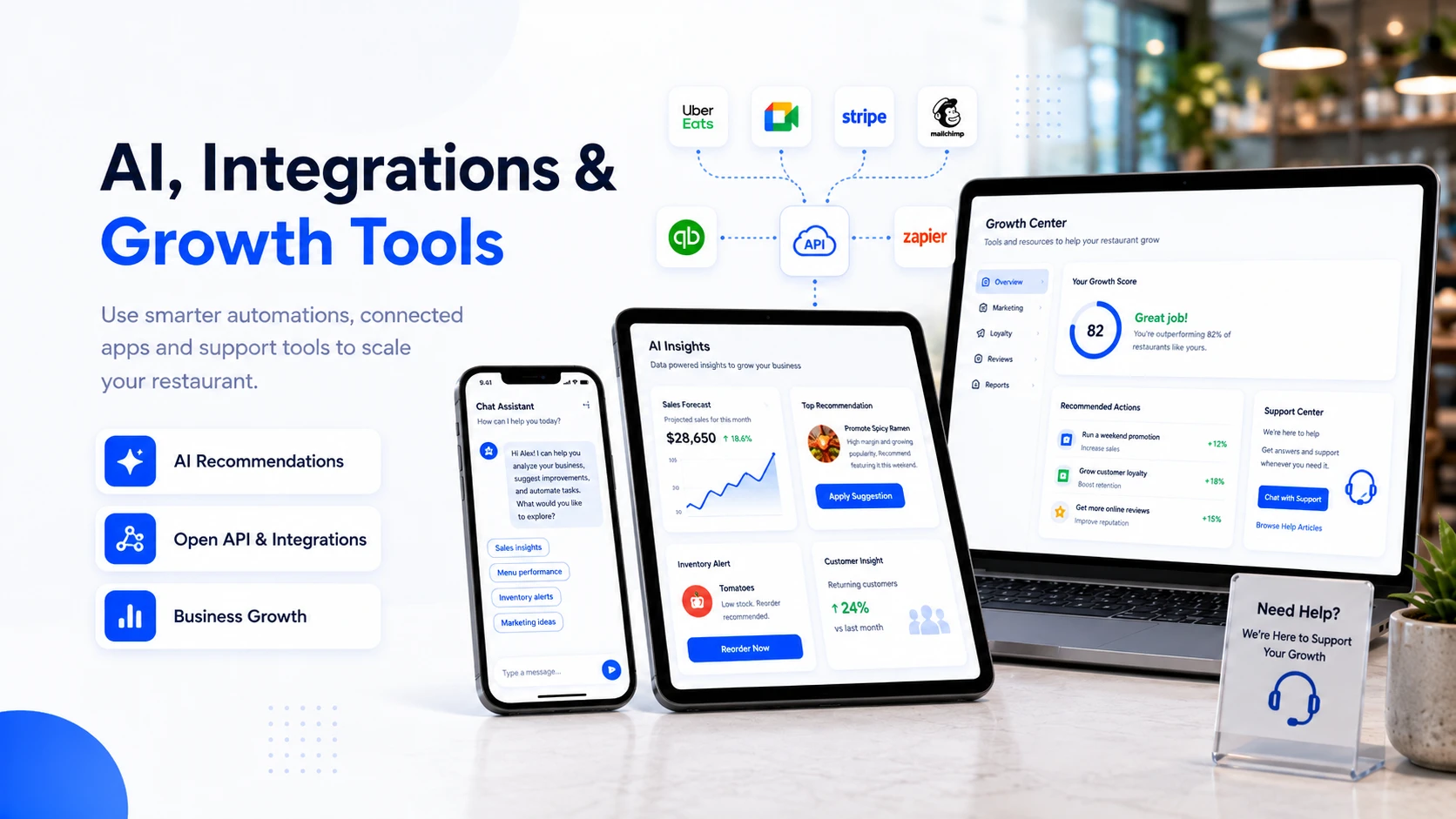
Apply AI to Specific Restaurant Decisions and Repetitive Tasks
AI-assisted features are intended for defined use cases such as menu content, recommendations, forecasting, cost analysis and response drafting. Availability may vary by plan and release status.
- ✓AI menu descriptions, image enhancement, menu engineering and smart upselling.
- ✓Demand forecasting, dynamic pricing, wait time prediction and staff scheduling.
- ✓Inventory optimization, recipe cost calculation and supplier insights.
- ✓Chatbot, voice ordering, customer segmentation, churn prediction and review response writing.
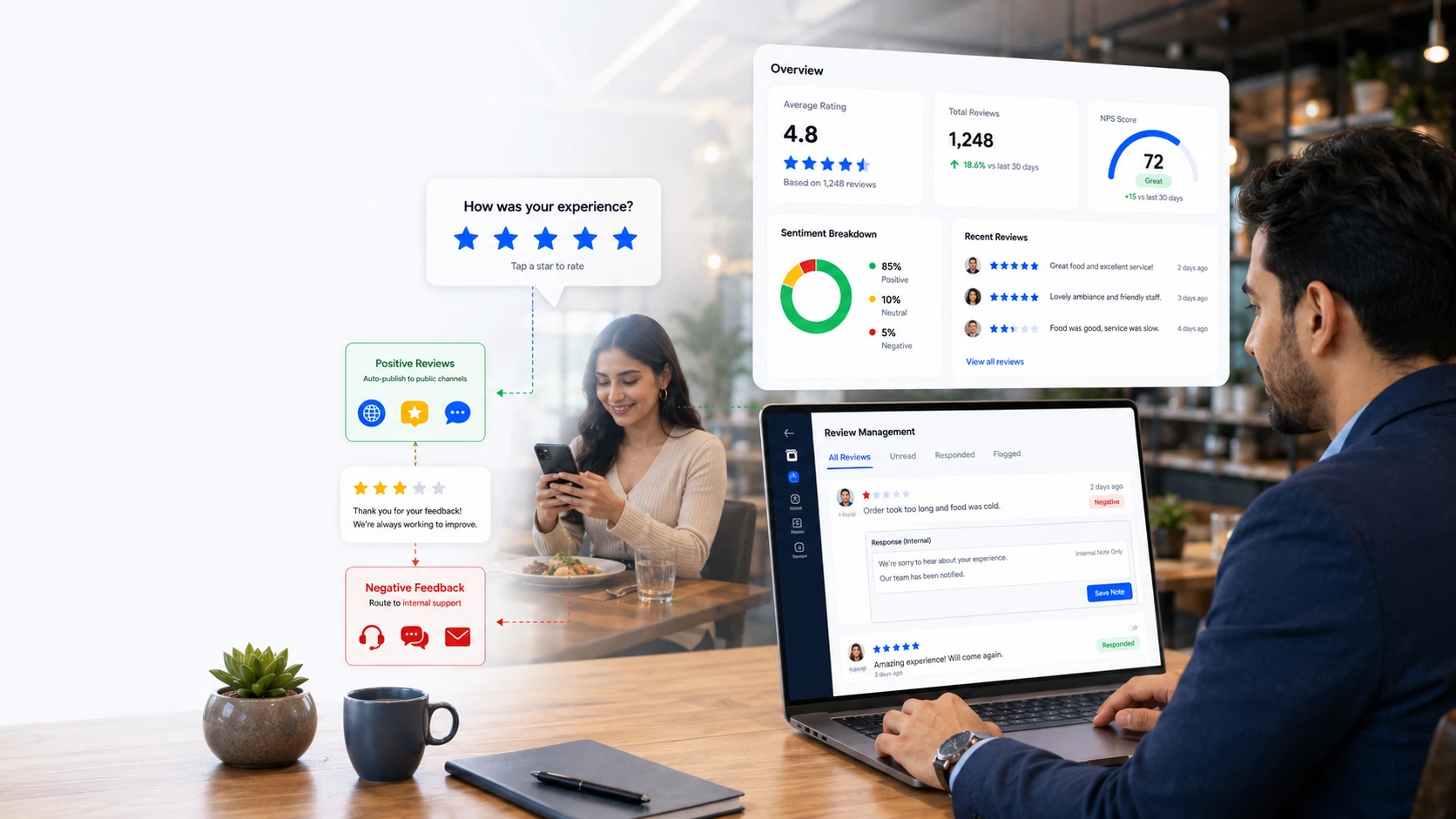
Capture Feedback and Identify Service Issues Earlier
Post-order feedback, satisfaction measures and sentiment tools can help managers detect recurring issues and organize follow-up.
- ✓Reviews and ratings after customer orders.
- ✓NPS surveys and customer satisfaction tracking.
- ✓AI sentiment analysis to understand positive, neutral and negative feedback.
- ✓Review response support and reputation management workflows.
Connect OrderNow With the Systems Around Your Restaurant
APIs, webhooks and supported third-party connections can reduce re-entry and keep operational data moving between systems.
- ✓Third-party delivery app integrations, including UberEats order workflows.
- ✓Accounting sync, health app sync, Google Reserve and payment gateway readiness.
- ✓Open API and webhooks for custom integrations.
- ✓Website, branded app, link-in-bio and social commerce ecosystem support.
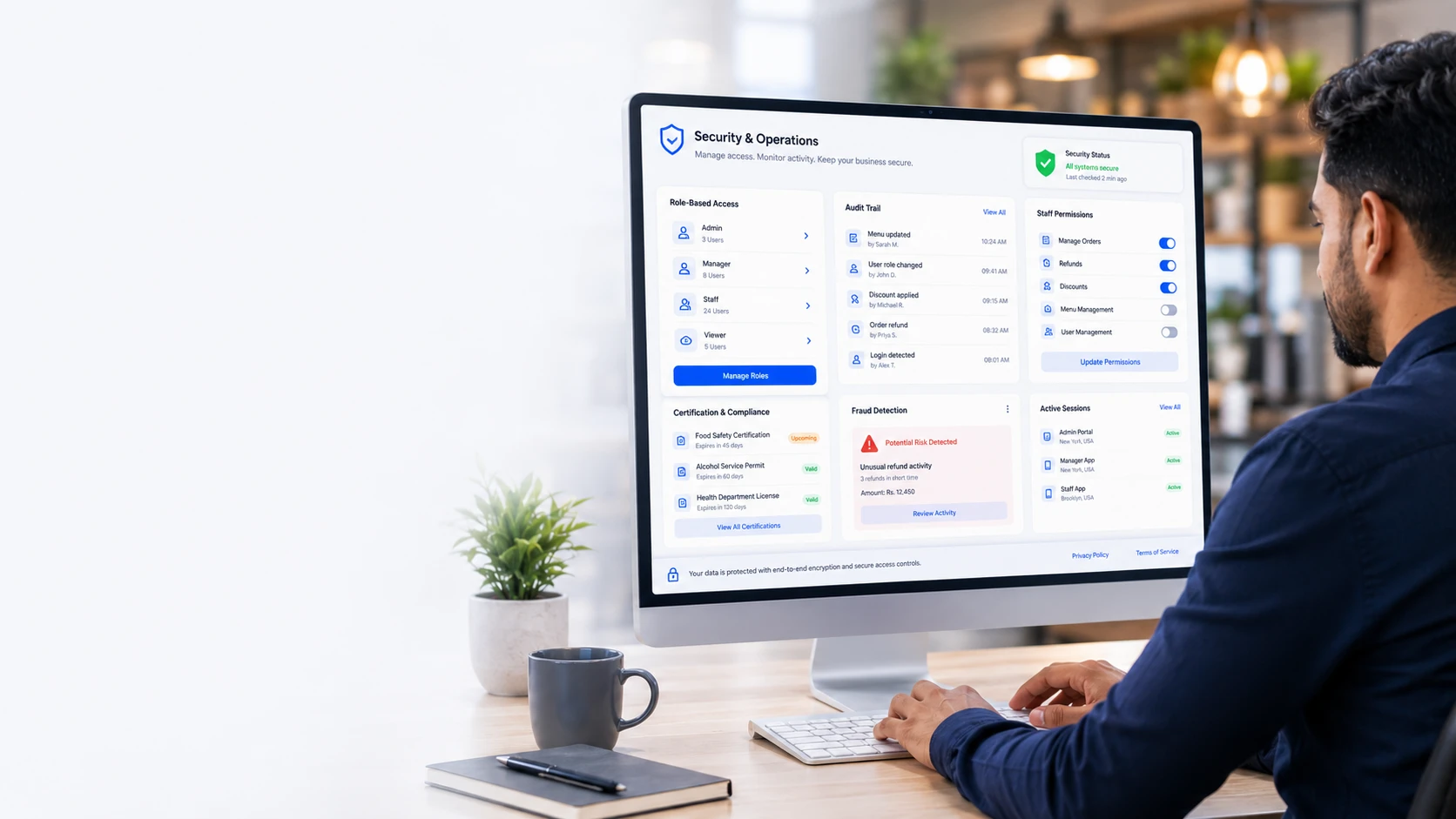
Give Each Role the Access Required for Its Work
Role-based permissions and activity records help limit sensitive functions while preserving the access each team needs.
- ✓Role-based access control for admin, manager, cashier, kitchen and waiter roles.
- ✓Activity logs, user permissions and audit trails for operational visibility.
- ✓AI fraud detection for suspicious high-value orders and payment anomalies.
- ✓Staff certification tracking, compliance logs and secure authentication workflows.
OrderNow Capabilities Grouped by Restaurant Workflow
Start with the guest experience or an operational module, then expand toward a broader connected setup as requirements become clear.
Customer Experience
Digital menu, QR ordering, table ordering, checkout, multilingual menu, nutrition, allergens, order tracking and customer actions.
Restaurant Operations
POS, KOT, kitchen display, order management, scheduled orders, split billing, cashier workflows, shifts and receipts.
Stock & Finance Control
Inventory, materials, PO, GRN, suppliers, warehouses, waste logs, COGS, stock valuation and variance reporting.
Marketing & Retention
CRM, loyalty, rewards, stamp cards, gift vouchers, promotions, campaign popups, SMS, email and push notifications.
Growth & Intelligence
Analytics, reports, AI menu engineering, demand forecasting, dynamic pricing, segmentation, churn prediction and smart upselling.
Enterprise & Integrations
Multi-store reporting, franchise dashboards, third-party delivery apps, accounting sync, Google Reserve, API, webhooks and security controls.
Configured for Different Hospitality Business Models
Independent venues and multi-location groups can use different combinations of menu, ordering, POS, kitchen, inventory, booking and reporting tools.
Frequently Asked Questions About OrderNow Modules
These answers explain the platform scope, how modules connect and which venue types can use them.
Identify the Smallest Useful Setup for Your Restaurant
Share your venue type, order channels, team workflow and current bottlenecks. The recommended setup may be a mobile menu, POS with kitchen routing or a broader operations platform.