Build the basket fast
Counter staff or guests select items, combos and modifiers with minimal taps.

Quick-service restaurants compete against the clock. The customer expects a simple menu, fast ordering and predictable fulfillment.
The challenge is that speed can expose mistakes. A missed modifier, a confusing combo, an incorrect order type or a sold-out item can create a remake that erases the time saved at the counter.
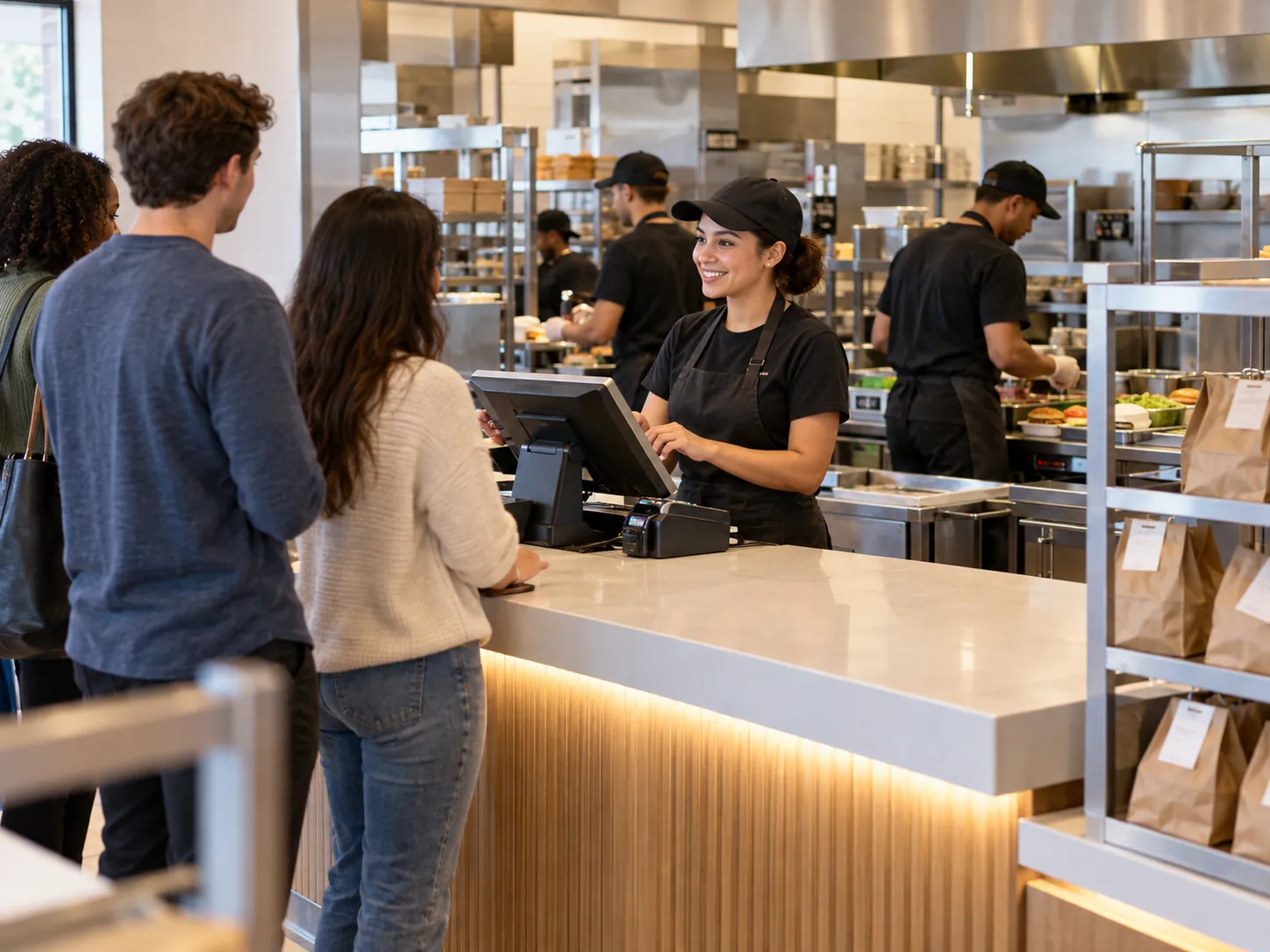
Quick-service restaurant software is restaurant technology designed to support fast order capture, payment, kitchen routing and fulfillment in concepts where customers expect short service times and consistent execution. QSR software often needs to handle more transactions with fewer interactions than full-service restaurant systems.
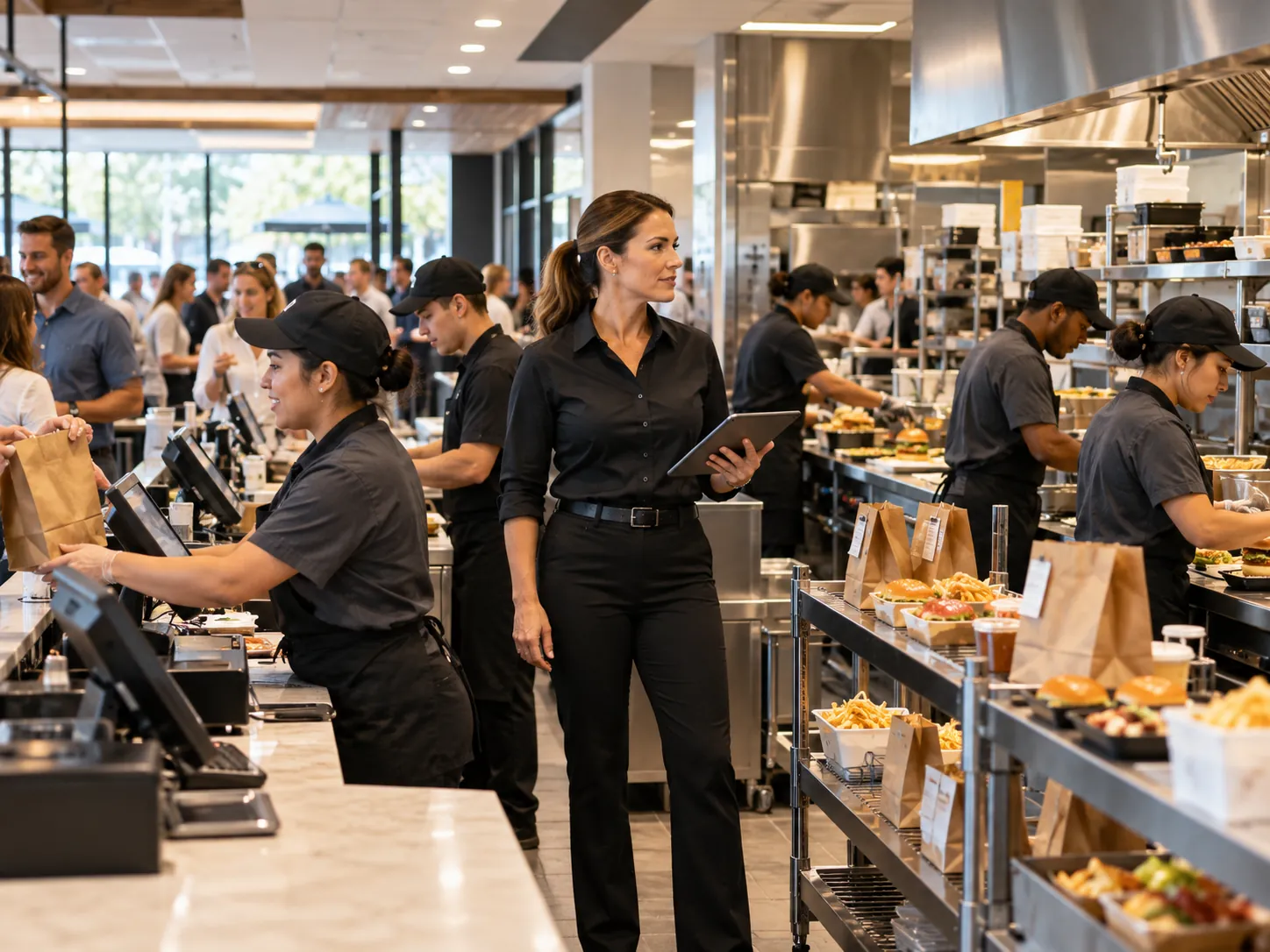
Keep the process understandable for guests and staff while carrying the details the operation actually needs.
Counter staff or guests select items, combos and modifiers with minimal taps.
The kitchen receives a structured queue with order type and options.
Pickup staff can see which order is ready and where it belongs.
Managers use order, item and stock data to find avoidable bottlenecks.
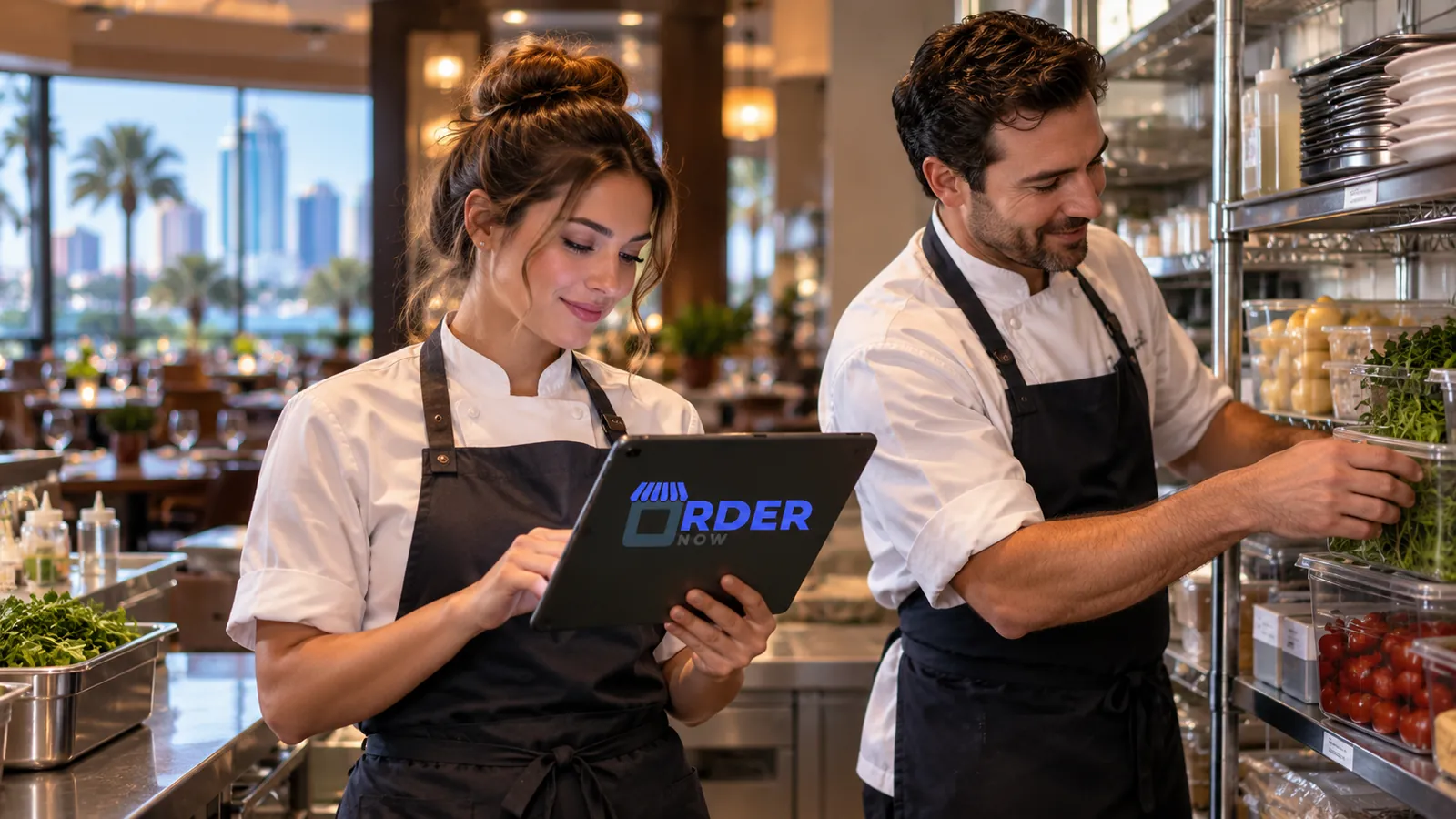
OrderNow is modular. The strongest setup is not the one with the most features switched on. It is the one that removes unnecessary handoffs and keeps the team clear about what happens next.
A slow order is not always a slow cashier. Sometimes the menu structure creates hesitation.
QSR combos can become messy if staff have to remember which items and upgrades are allowed.
QSR POS interfaces should be tested by transaction frequency.
QSR kitchens often have highly defined stations.
Quick-service restaurants often serve counter, pickup and digital orders from the same area.
A QSR cannot afford to discover at the register that a core ingredient has run out while the digital menu still sells the item.
Time your most common transaction, your longest combo, a modifier-heavy order and a busy kitchen queue. Follow the order through pickup rather than measuring only cashier speed.
QSR performance depends on the entire path from basket building to pickup. Fast order entry has little value if the kitchen receives unclear tickets or ready orders become difficult to hand off.
Different restaurant formats need different combinations of guest experience, POS, kitchen, inventory and management controls.
Use fast POS, combos, modifiers, kitchen routing and pickup organization.
Handle sizes, sauces, sides, combos and station timing clearly.
Use structured size, crust, topping and extra logic rather than free-text notes.
Guide customers through base, protein, toppings, sauces and add-ons in a predictable sequence.
These answers stay intentionally concise. Product configuration can vary by plan, restaurant type and implementation.
QSR software supports fast-service restaurant workflows such as counter POS, digital ordering, kitchen tickets, pickup, inventory and reporting. It is designed around high transaction volume and short service times.
Yes. Restaurants can configure item variations, required choices and add-ons so common QSR combinations are captured in a structured order.
Yes. OrderNow's standard guest ordering experience is browser-based and can open from a QR code or direct link.
Yes. Configured orders can connect to KOT and kitchen-display workflows, including multi-station routing in advanced setups.
Yes. Takeaway and pickup workflows can be configured for direct ordering.
Share your business type, current setup and the operational problem you want to solve. The demo should start with that workflow instead of showing every module.