Browse
Guests open the web menu from a QR code or direct link.

A restaurant order is more than a list of items. It contains context: who placed it, how it should be fulfilled, which options were selected, what the kitchen needs to know, where the order belongs and what should happen after it is accepted.
OrderNow provides a connected restaurant ordering system for enabled dine-in, takeaway and pickup workflows, with structured item selection, modifiers, staff order management, POS connection, kitchen order tickets and reporting. Guests can use a web-based menu from their phone without installing an app, while restaurant staff retain operational control over how orders enter and move through service.
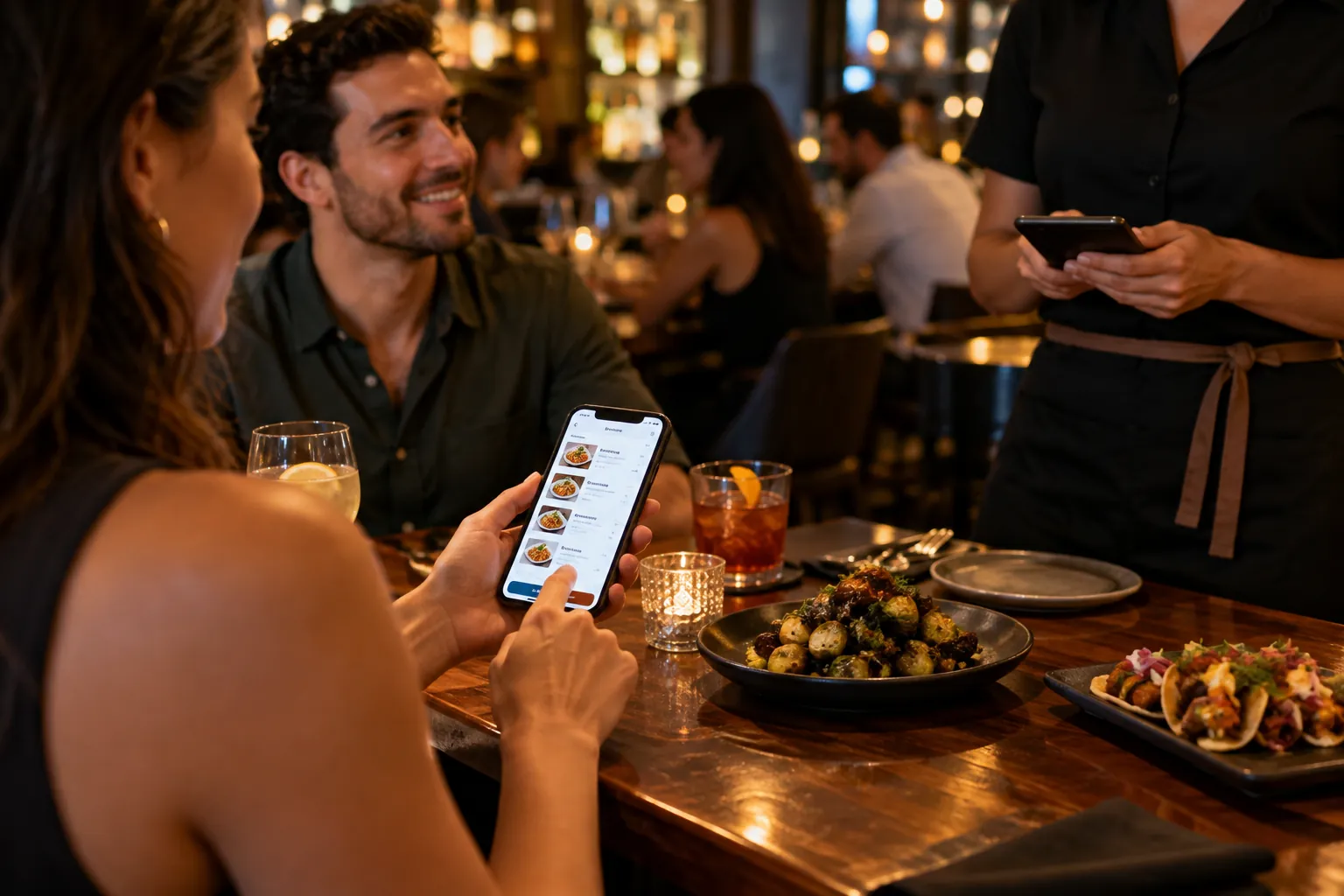
A restaurant ordering system is software that captures customer or staff orders, organizes item options and fulfillment details, sends the order into the restaurant's operational workflow and maintains status information until fulfillment. A complete system should make the same order understandable to the guest, front-of-house team, cashier, kitchen and manager. Some ordering products stop at checkout. That can be enough for a simple use case, but restaurants often need much more. The order may require table identification, takeaway timing, modifiers, kitchen notes, payment context, receipt handling, KOT routing and reporting.
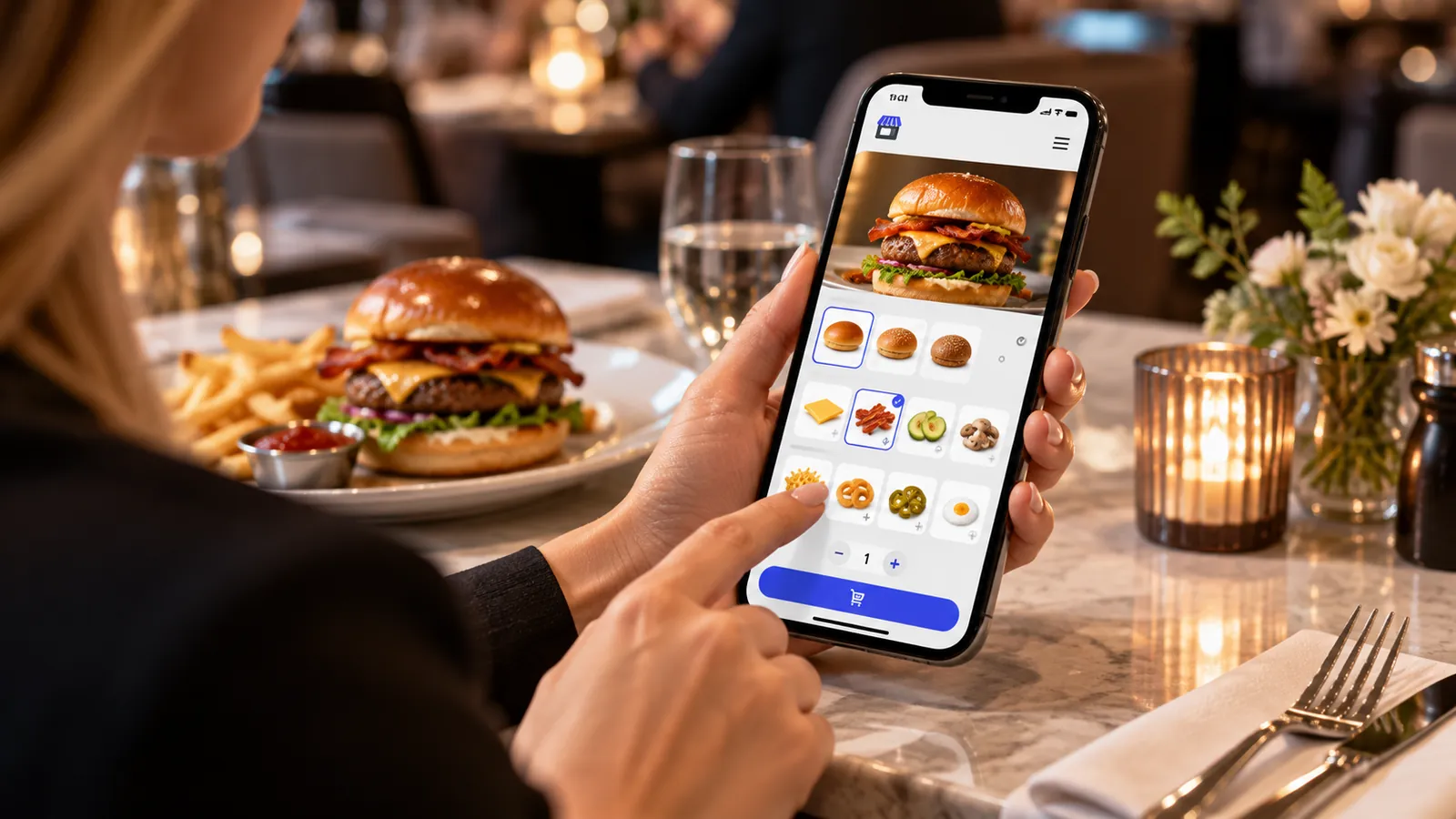
Keep the process understandable for guests and staff while carrying the details the operation actually needs.
Guests open the web menu from a QR code or direct link.
Required modifiers and add-ons are captured before submission.
The order enters staff, POS and kitchen workflows with the same structure.
Status and order context stay visible through dine-in or pickup handoff.
OrderNow is modular. The strongest setup is not the one with the most features switched on. It is the one that removes unnecessary handoffs and keeps the team clear about what happens next.
Modifiers are one of the most important differences between generic ecommerce and restaurant ordering.
QR ordering at a table is valuable when the restaurant can connect the order to the place where service is happening.
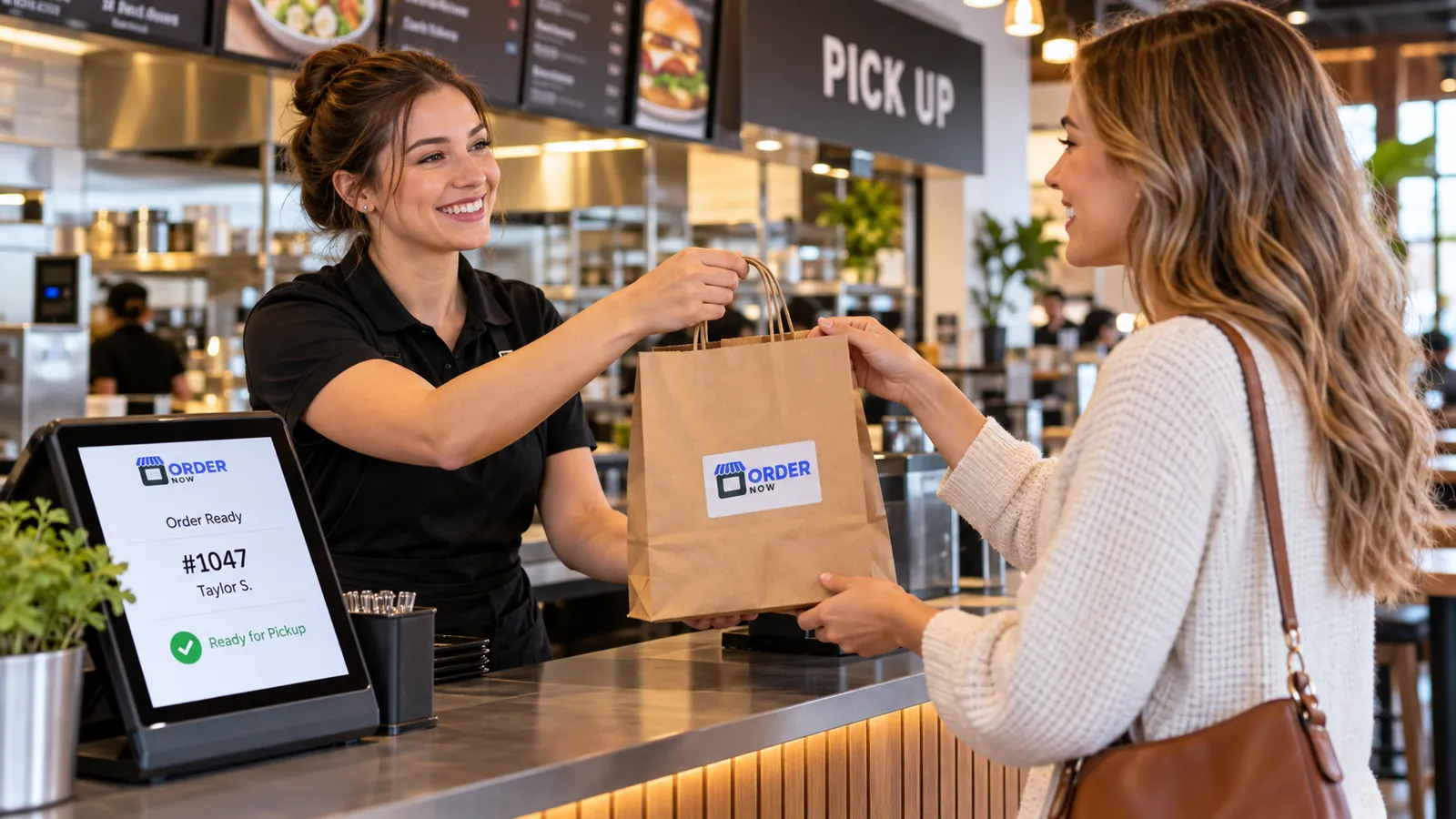
Pickup orders are operationally different from table orders. The restaurant needs customer context, preparation timing and a clear handoff point. Guests need to know what they selected and what happens next.
The POS is where staff-entered orders, billing and restaurant transaction workflows often come together. When online ordering is disconnected from POS operations, the team may be forced to re-enter information manually.
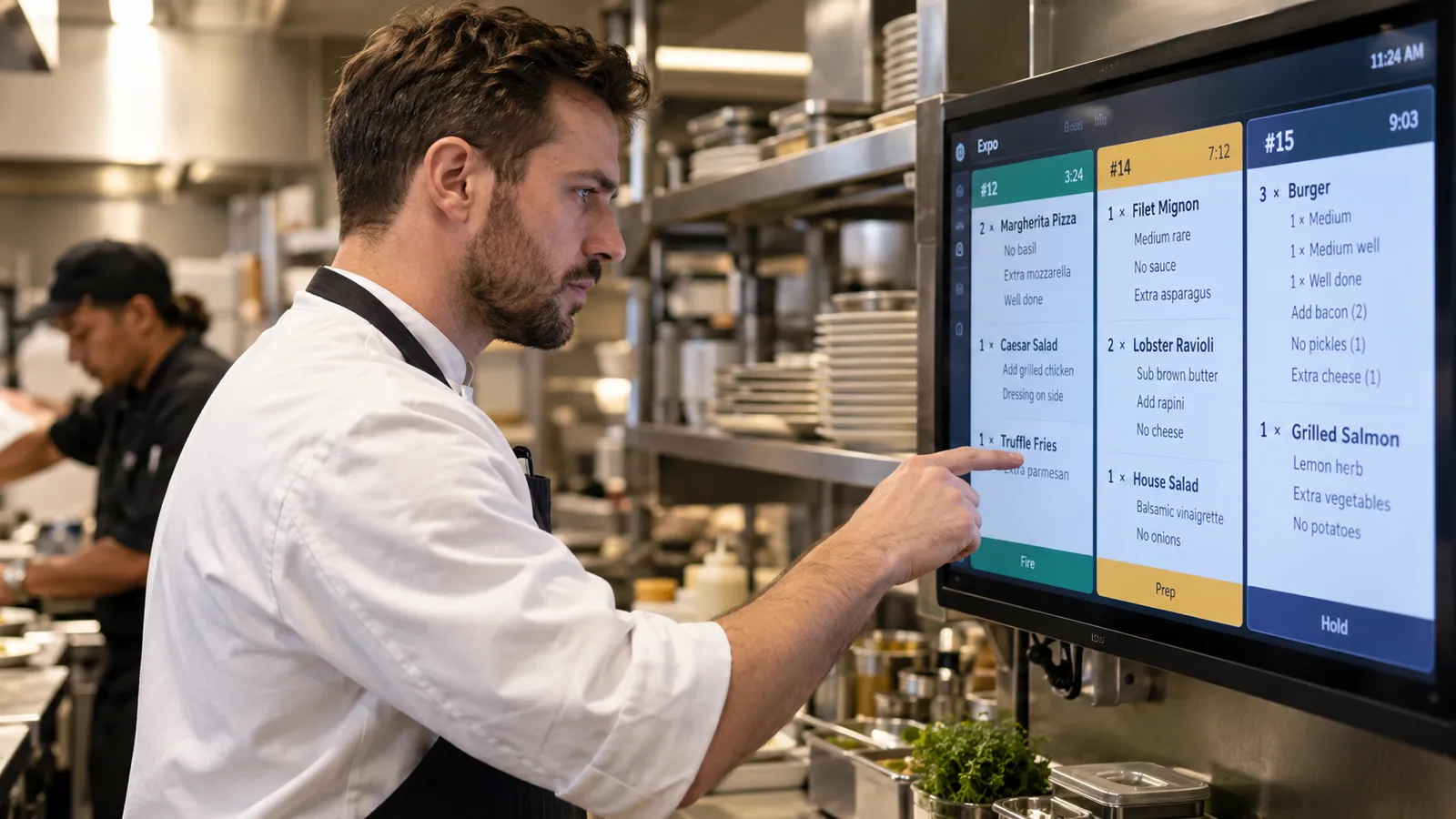
Kitchen communication is where order accuracy becomes visible.
Use ordering to support the dining room while keeping table context, modifiers and kitchen communication clear. A hybrid model can preserve staff hospitality while giving guests faster access to repeat ordering.
Use a real modifier-heavy item, a table order and a pickup order. Follow each order from the guest experience through staff, kitchen and fulfillment.
A strong ordering system keeps the order understandable at every handoff. The guest, front-of-house team and kitchen should not need to reinterpret the same order in three different ways.
Different restaurant formats need different combinations of guest experience, POS, kitchen, inventory and management controls.
Use ordering to support the dining room while keeping table context, modifiers and kitchen communication clear. A hybrid model can preserve staff hospitality while giving guests faster access to repeat ordering.
Make ordering efficient for customers who already know what they want. Clear modifier flows and fast kitchen routing matter more than elaborate browsing.
Support size, milk, flavor and add-on choices in a format that reduces repetitive clarification at the counter.
Allow configured table ordering to reduce wait time for repeat food and drink requests while staff continue normal guest service.
These answers stay intentionally concise. Product configuration can vary by plan, restaurant type and implementation.
An ordering system focuses on capturing and managing the order. A POS adds cashier, billing, payment, register and broader transaction functions. In a connected platform, the two workflows can share menu and order information.
Yes. The standard OrderNow guest menu and ordering experience is browser-based and can open from a QR code or direct link.
Yes. Restaurants can configure QR-based dine-in ordering so orders carry relevant table or service context into the restaurant workflow.
Yes. Menu items can be configured with variations, choices and add-ons so guests or staff capture required details before the order reaches the kitchen.
Yes. Configured ordering modes can include takeaway and pickup workflows in addition to dine-in service.
Share your business type, current setup and the operational problem you want to solve. The demo should start with that workflow instead of showing every module.