Order arrives
Digital and staff-entered orders enter a common preparation queue.
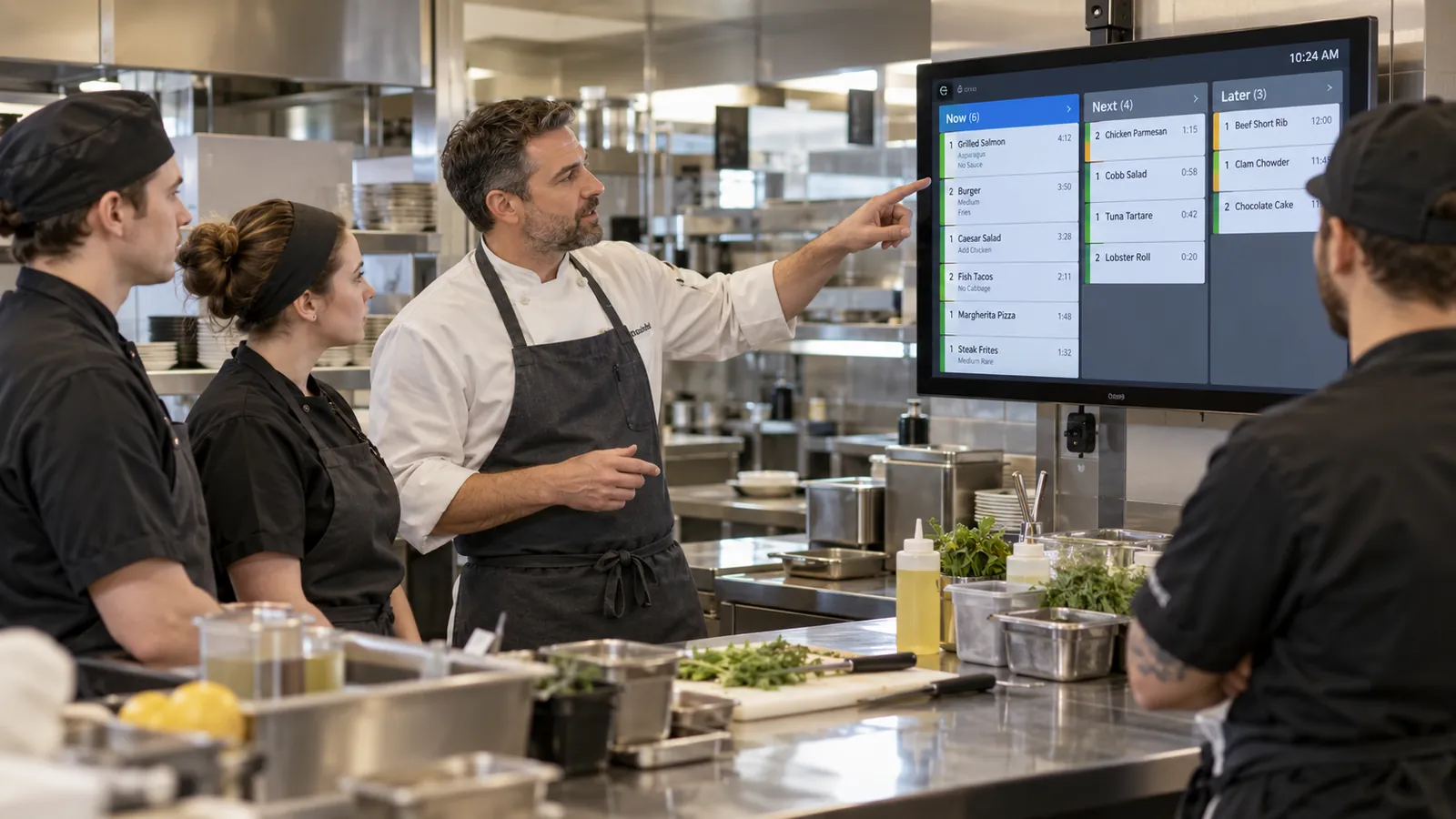
Kitchen speed is not only about how quickly cooks move. Many delays begin before preparation starts: an order arrives late, a modifier is hard to read, a ticket reaches the wrong station, a change is communicated verbally or front-of-house cannot tell whether a dish is ready.
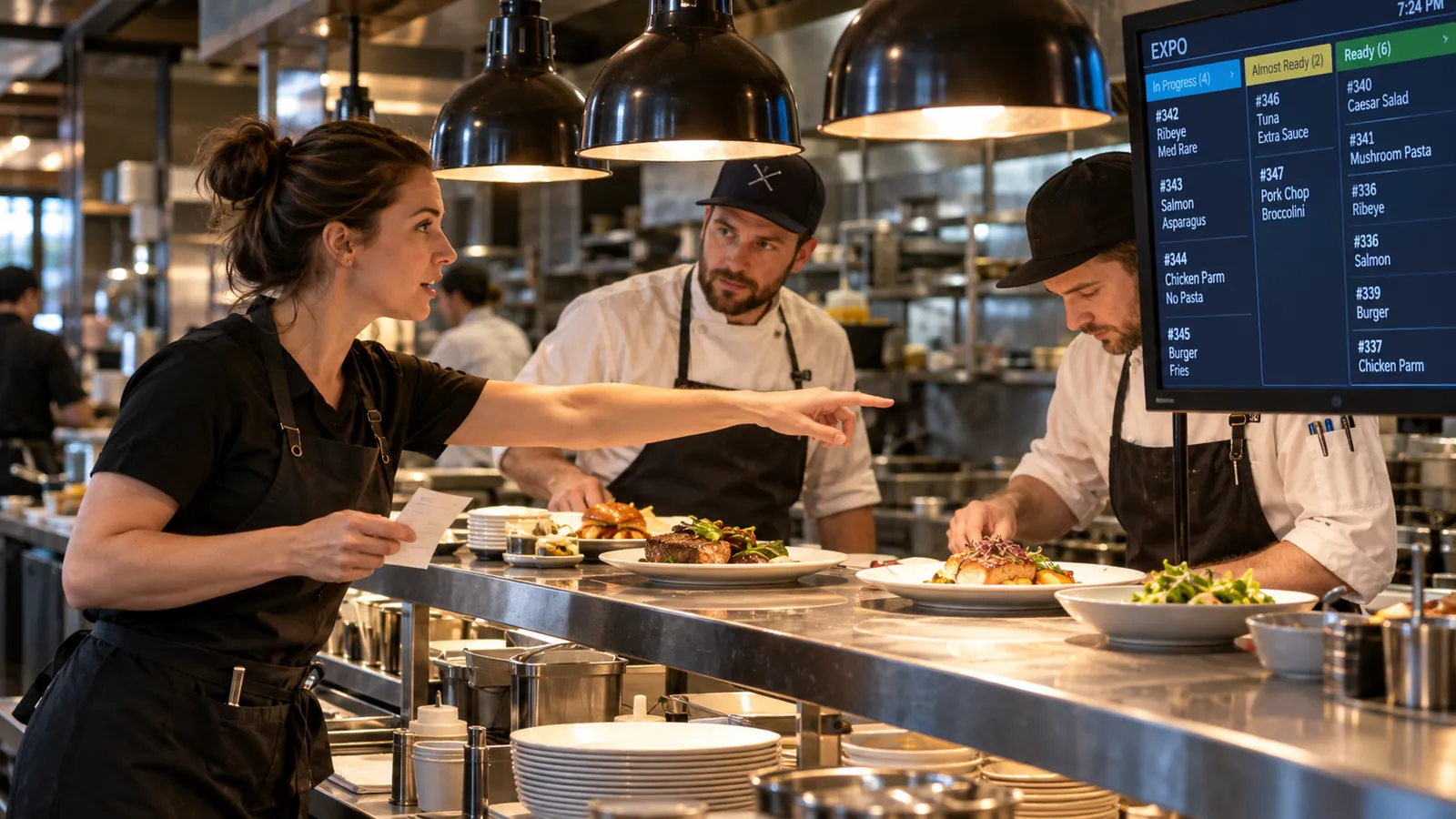
A restaurant kitchen display system helps turn structured orders into a visible preparation queue. OrderNow can connect digital and staff-entered orders to KOT and configured kitchen-display workflows so kitchen teams receive item details, modifiers, notes and order context in a consistent format.
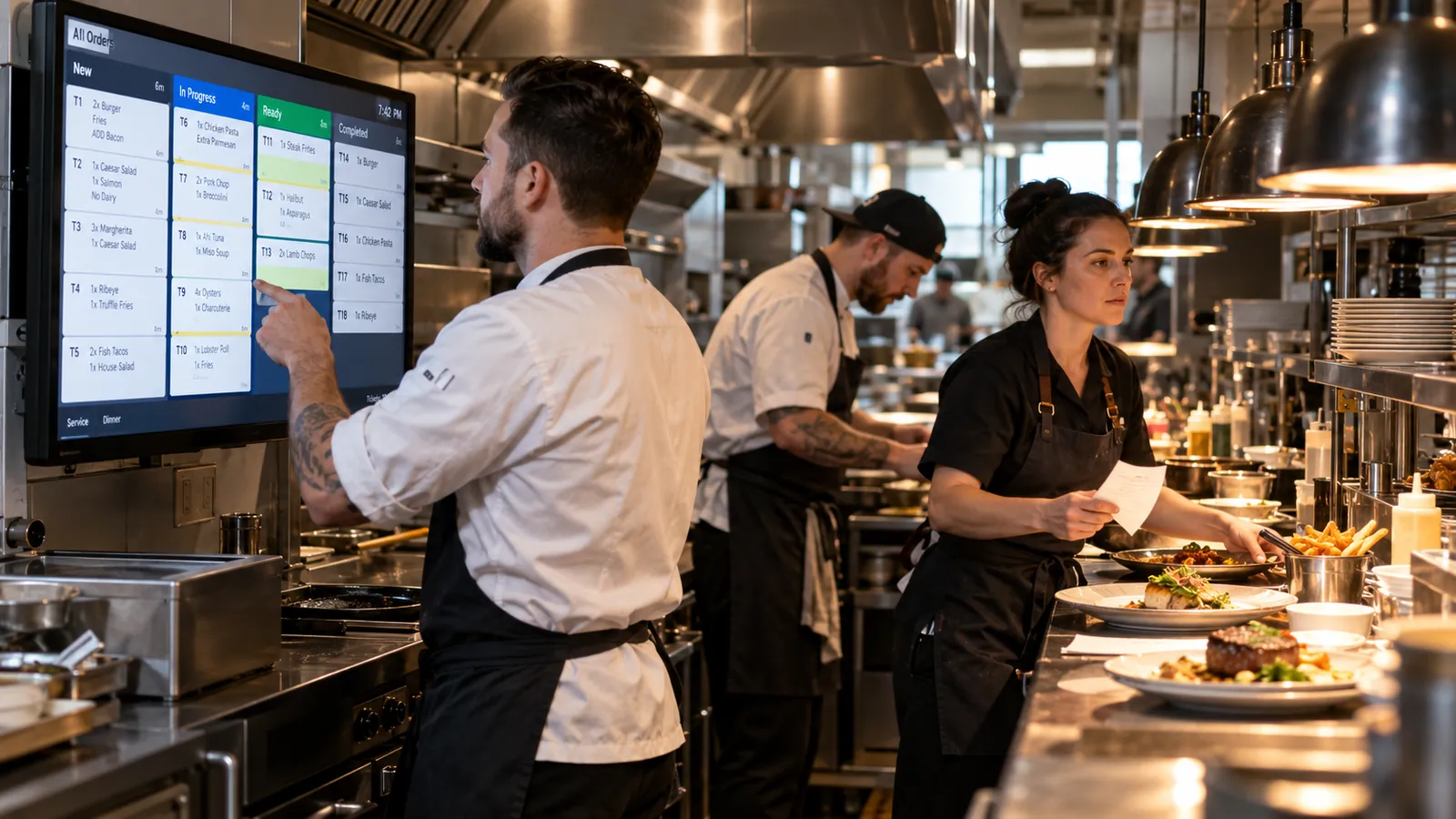
A restaurant kitchen display system, usually called KDS, is software that presents incoming restaurant orders on kitchen screens so preparation teams can see items, modifiers, notes, timing and status without relying only on paper tickets. KDS does not replace every paper workflow automatically. Some restaurants prefer printed KOT, some use screens, and some use a hybrid approach. The right setup depends on kitchen layout, order volume, station responsibilities, network reliability and staff preference.
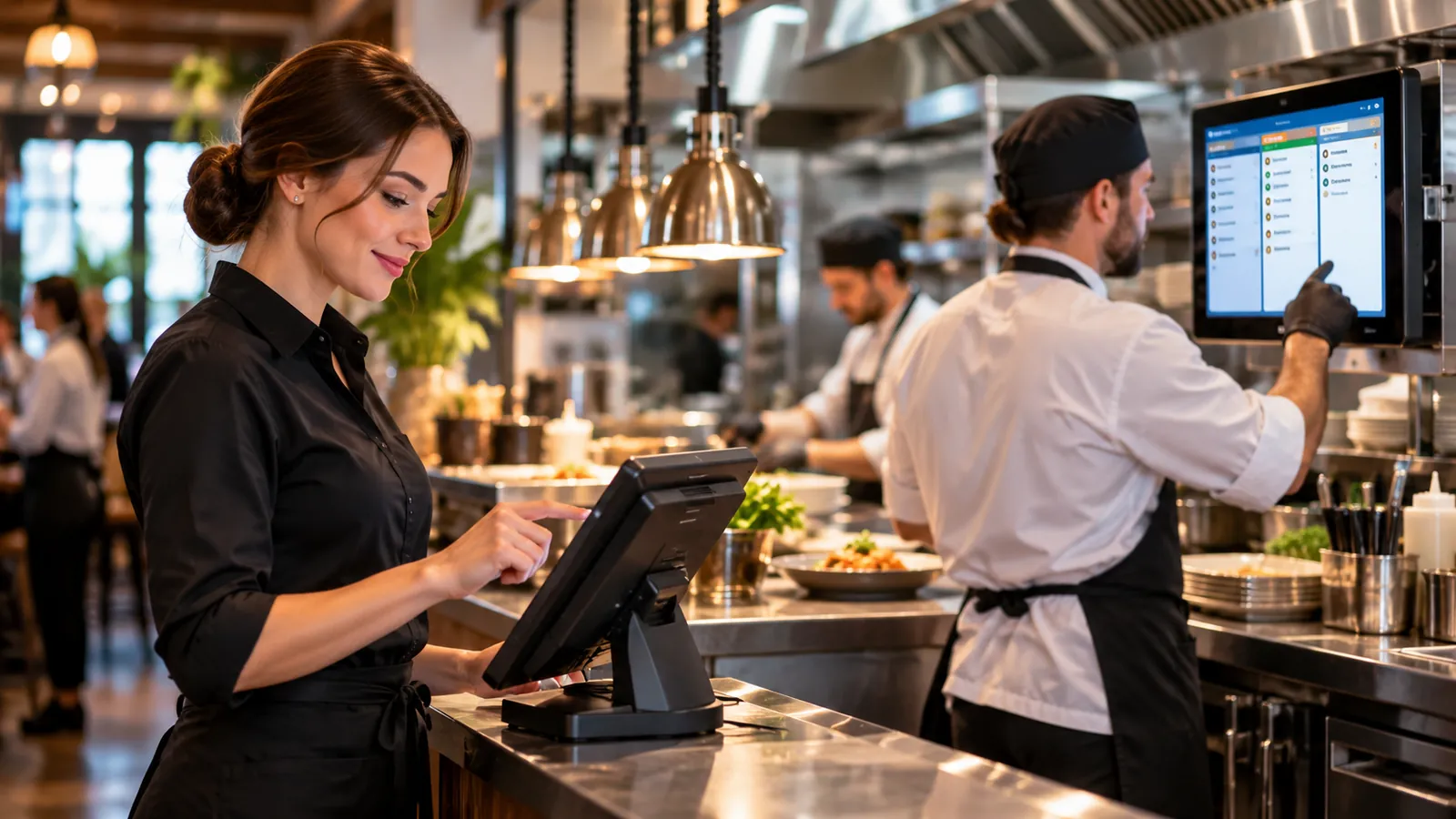
Keep the process understandable for guests and staff while carrying the details the operation actually needs.
Digital and staff-entered orders enter a common preparation queue.
Relevant items reach grill, fry, cold prep, bar or other configured stations.
Modifiers, notes, timing and order type stay visible while the team works.
Expo and front-of-house can see what is ready and what still needs attention.
OrderNow is modular. The strongest setup is not the one with the most features switched on. It is the one that removes unnecessary handoffs and keeps the team clear about what happens next.
Modifiers are one of the highest-risk areas in kitchen communication.
Larger kitchens often divide preparation into stations such as grill, fry, salad, dessert, bar or beverage.
A KDS can help teams distinguish new work from active preparation and completed work.
The kitchen and service team often experience the same order differently. The kitchen focuses on preparation. Front-of-house focuses on the guest and timing.
A badly designed KDS can be worse than paper. Too much color, too many alerts or too much text makes it harder to identify what matters.
Before installation, map the kitchen physically.
Use the restaurant's real kitchen map. Test the most complicated modifiers, cross-station items, status changes and the handoff from preparation to expo or pickup.
Kitchen technology works when it reduces interpretation. The team should see what was ordered, which modifiers matter, where the item belongs and what needs to happen next without chasing verbal updates.
Different restaurant formats need different combinations of guest experience, POS, kitchen, inventory and management controls.
Coordinate multiple tables, modifiers, course timing and different preparation stations without relying only on verbal communication.
Prioritize queue visibility and fast handoff. The KDS should make the next actions obvious during peak transaction volume.
Separate bar and kitchen responsibilities while preserving one order context for the guest.
Route drinks and food to different preparation areas when the service model requires it.
These answers stay intentionally concise. Product configuration can vary by plan, restaurant type and implementation.
KDS stands for Kitchen Display System. It presents restaurant orders digitally to kitchen teams, often including items, quantities, modifiers, notes, timing and order status.
No. POS manages order entry, billing and transaction workflows. KDS focuses on preparation visibility inside the kitchen. The two can be connected so POS orders flow into kitchen displays.
Yes. OrderNow supports KOT printing, and advanced configurations can use multi-station kitchen displays and printer routing depending on the plan and setup.
Multi-station KDS configurations can route relevant items to different preparation stations according to the restaurant's setup.
Enabled digital orders can enter the connected OrderNow order workflow and be routed to KOT or configured kitchen displays.
Share your business type, current setup and the operational problem you want to solve. The demo should start with that workflow instead of showing every module.