Fast Order Entry for Front-of-House Teams
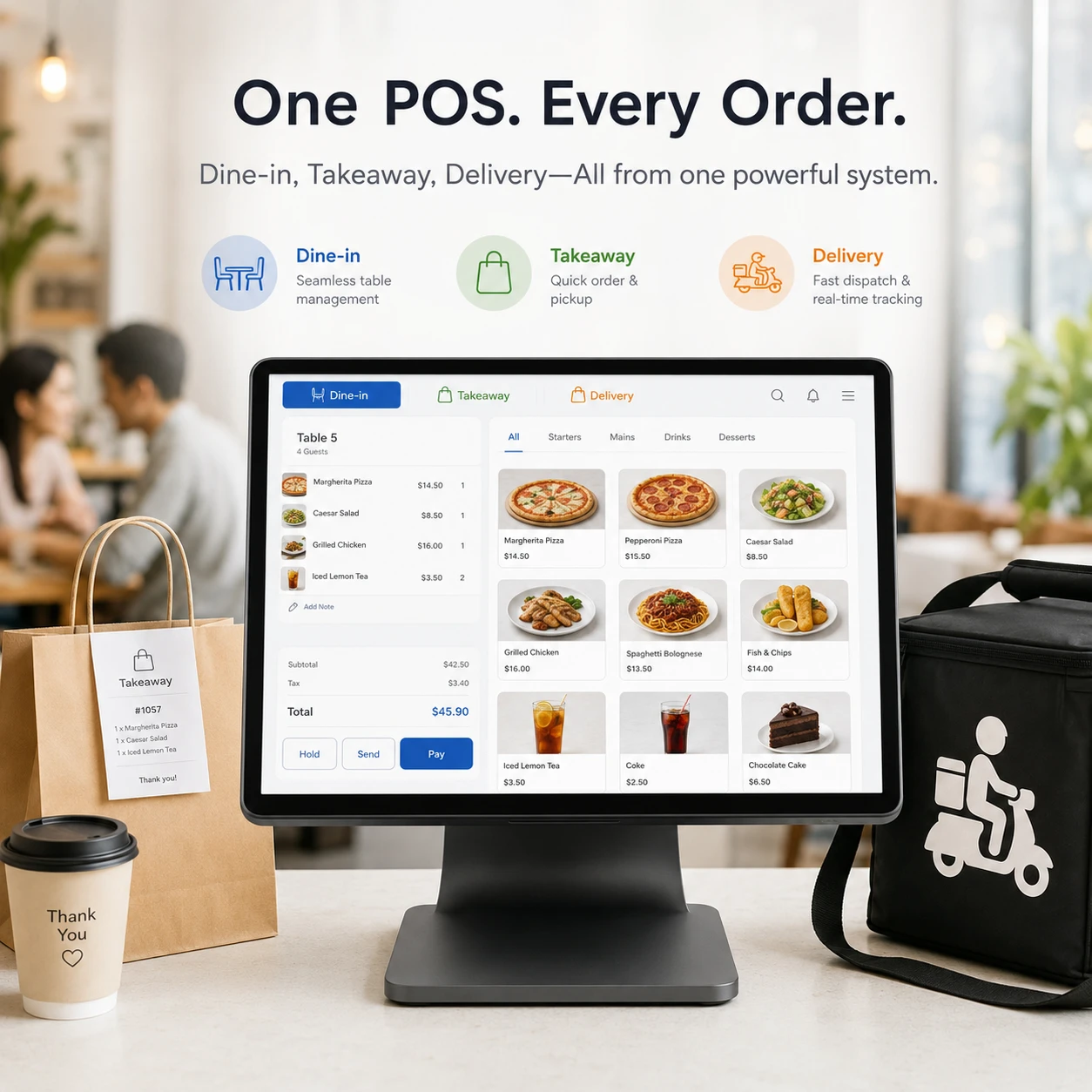
Use a touch-friendly interface for table service, counter, pickup, delivery, walk-in and phone orders.

OrderNow POS gives restaurants, cafés and hotel food outlets one browser-based workspace for order entry, billing, payments, kitchen tickets, receipts, shifts and sales reporting.
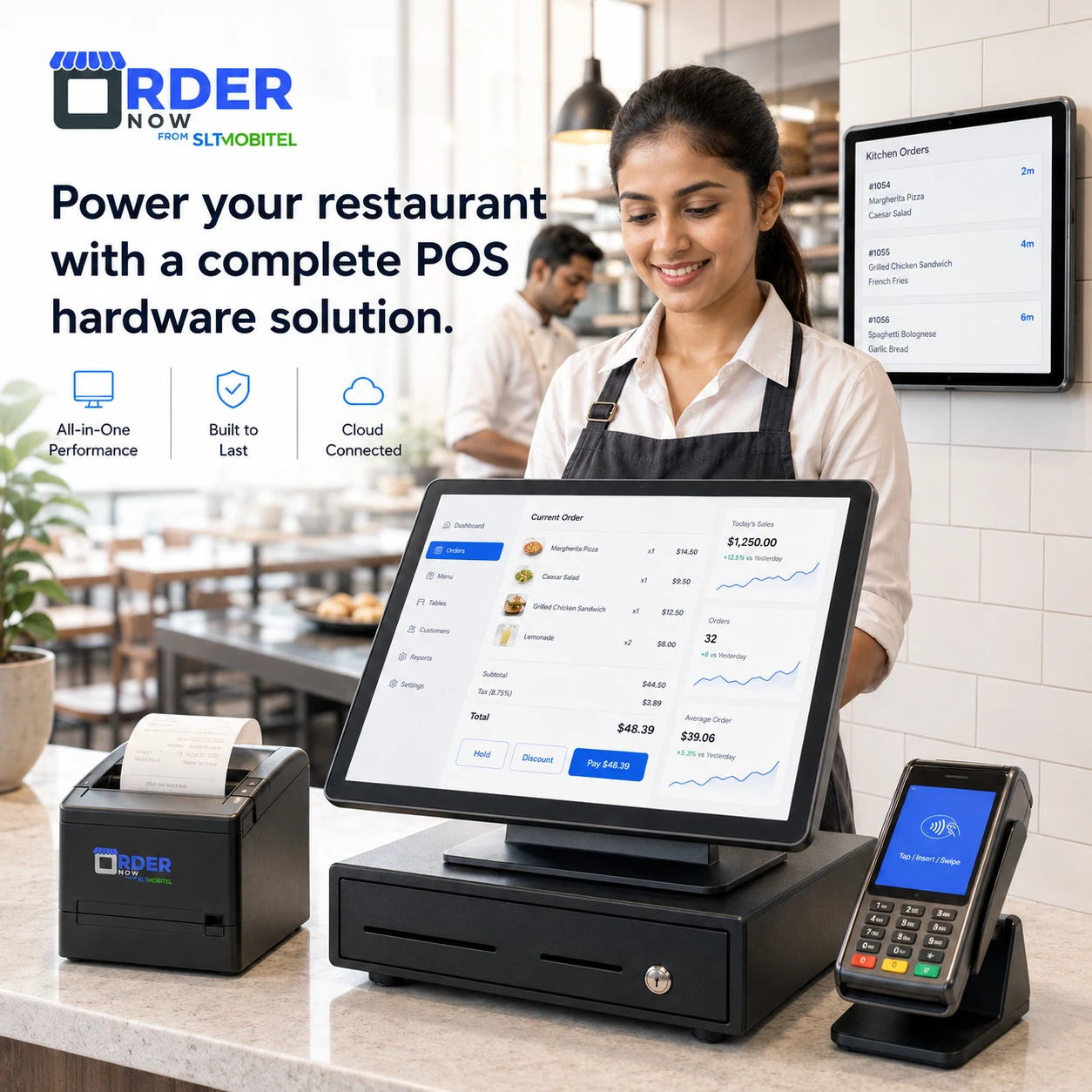
Instead of stopping at bill creation, OrderNow links order capture with kitchen production, payment, cash control, recipe-based stock usage and management reports.
Use a touch-friendly interface for table service, counter, pickup, delivery, walk-in and phone orders.
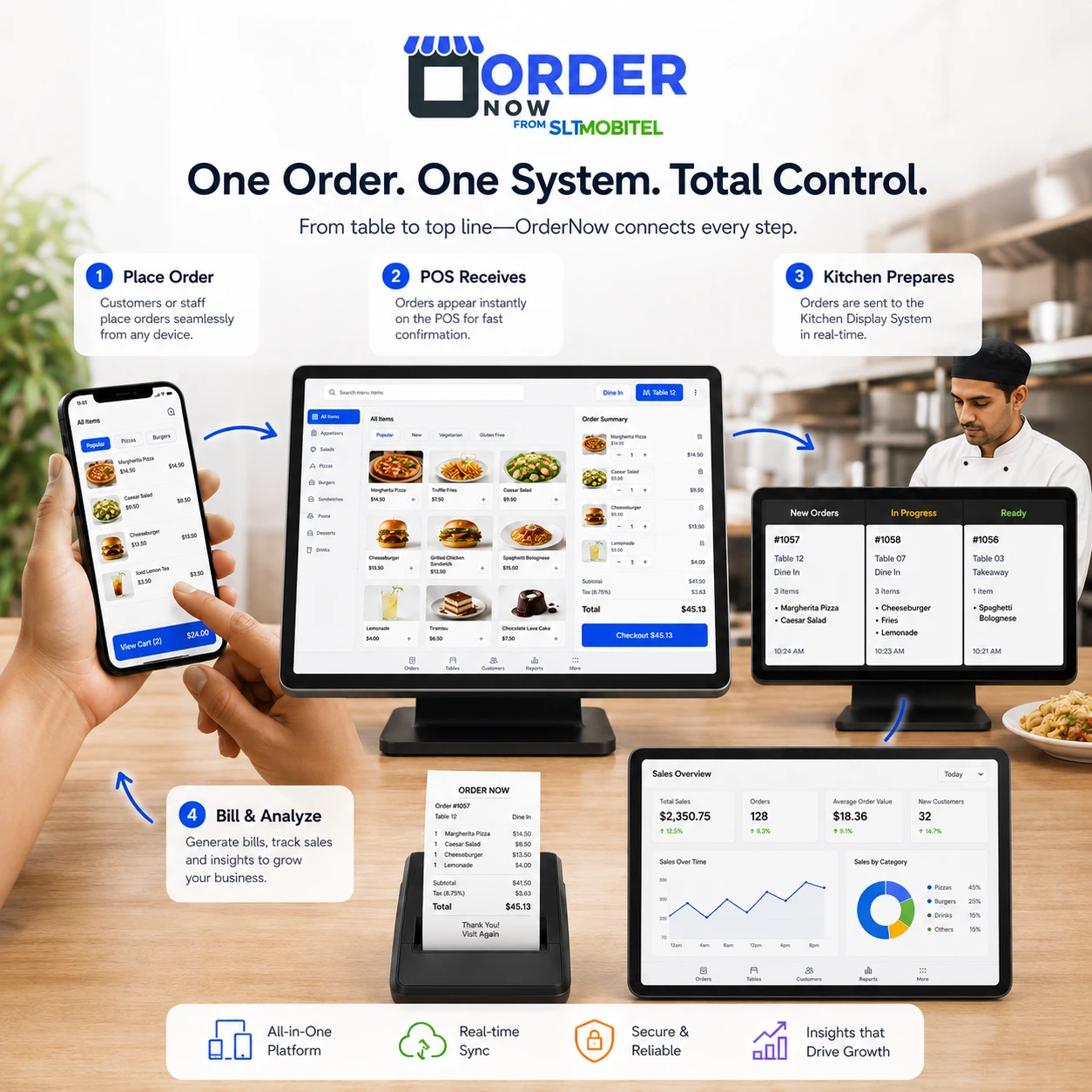
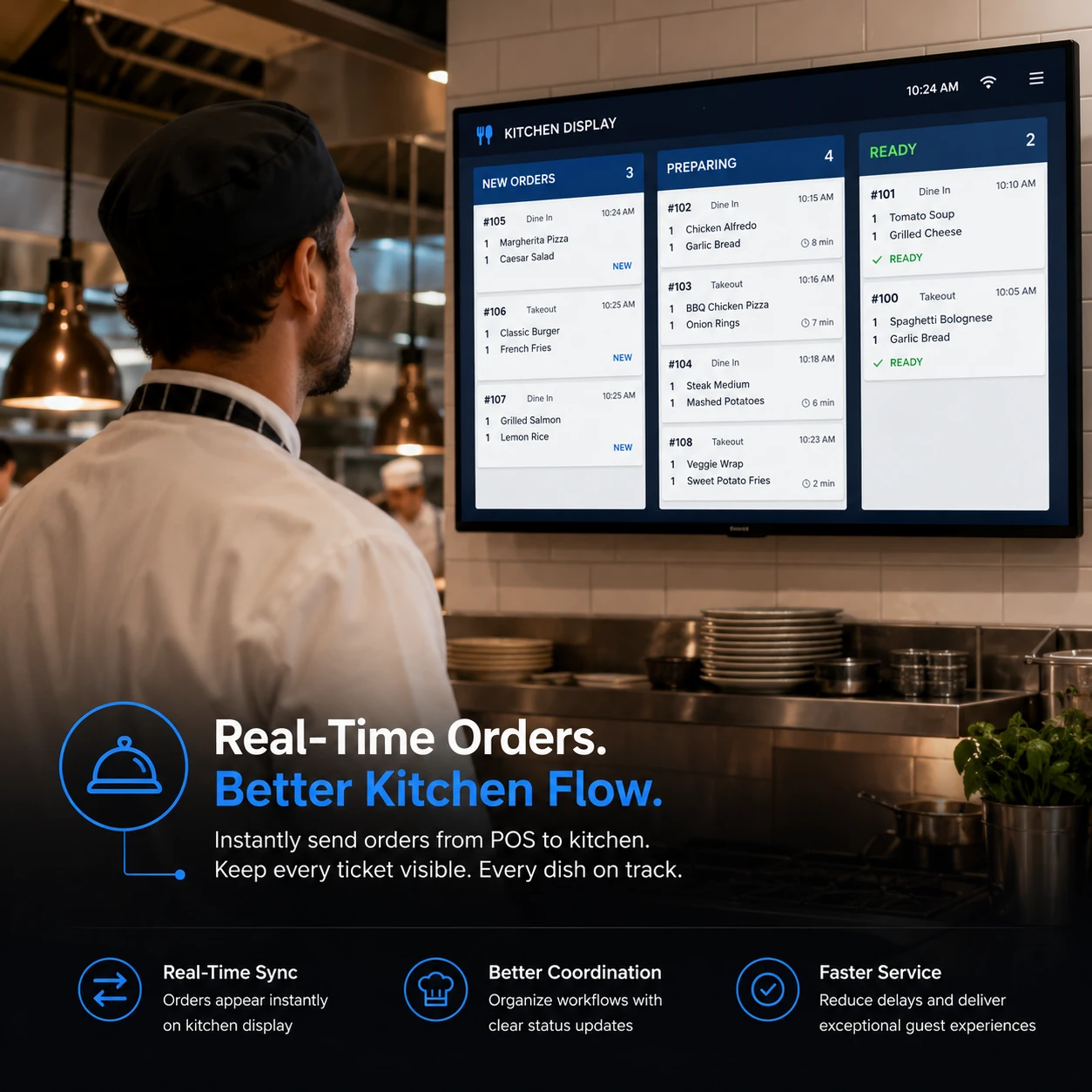
Route item quantities, modifiers and preparation notes to a kitchen display or KOT printer, then follow progress through service.
Record available payment methods, handle split tenders and produce printed or digital receipts from the same order.
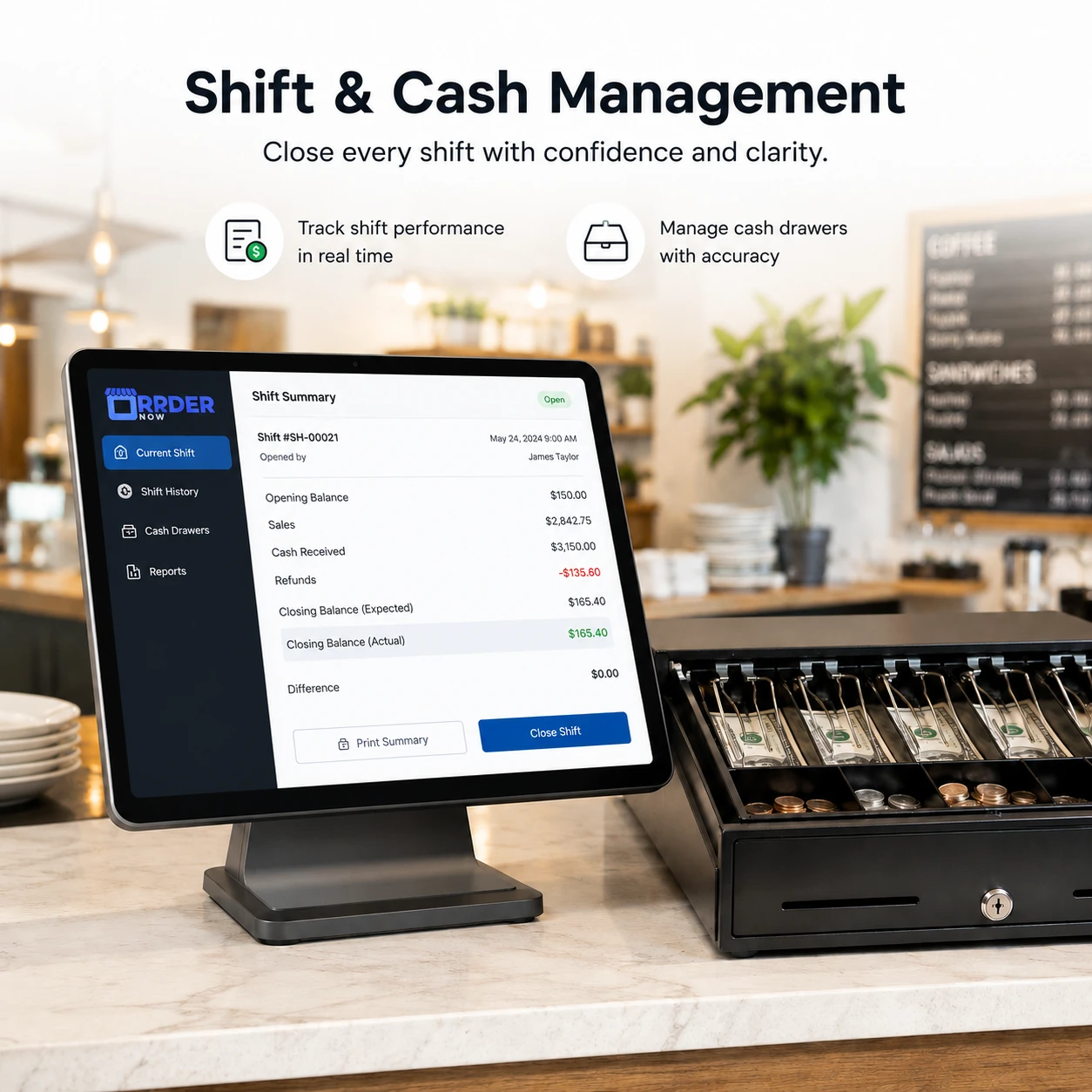
Track cashier access, opening floats, drawer movement, shift handover and closing summaries with clearer accountability.
When the same order is written, repeated and re-entered across the dining room, counter and kitchen, details are lost. A connected POS reduces duplicate work and gives every team a clearer view of the order state.
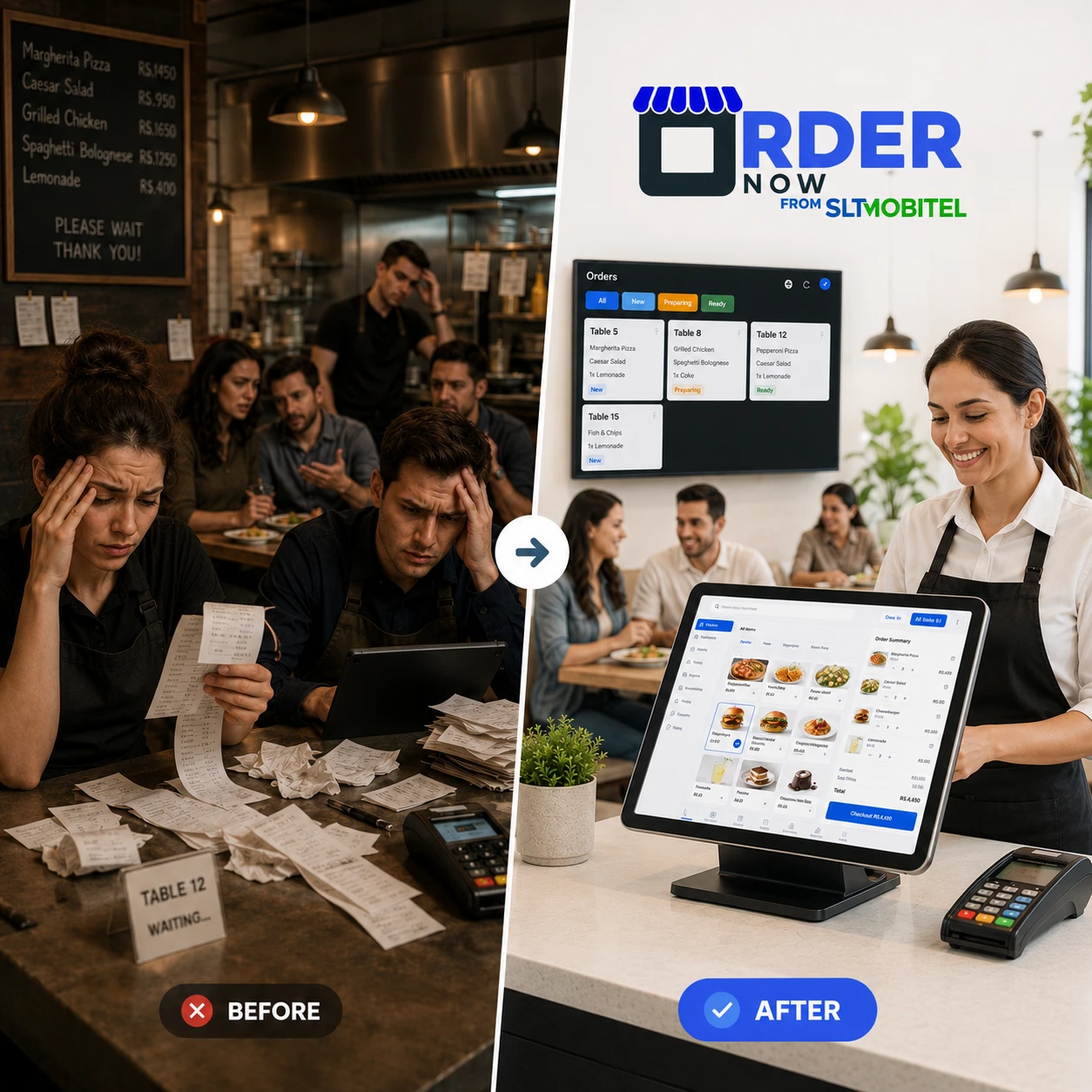
Orders from staff and enabled digital channels can enter one queue, move to the correct kitchen station, progress through preparation and finish with payment and receipt handling.
During a rush, staff need speed and predictable controls. The interface prioritizes quick category access, item search, quantity changes, modifiers, discounts and cart review.
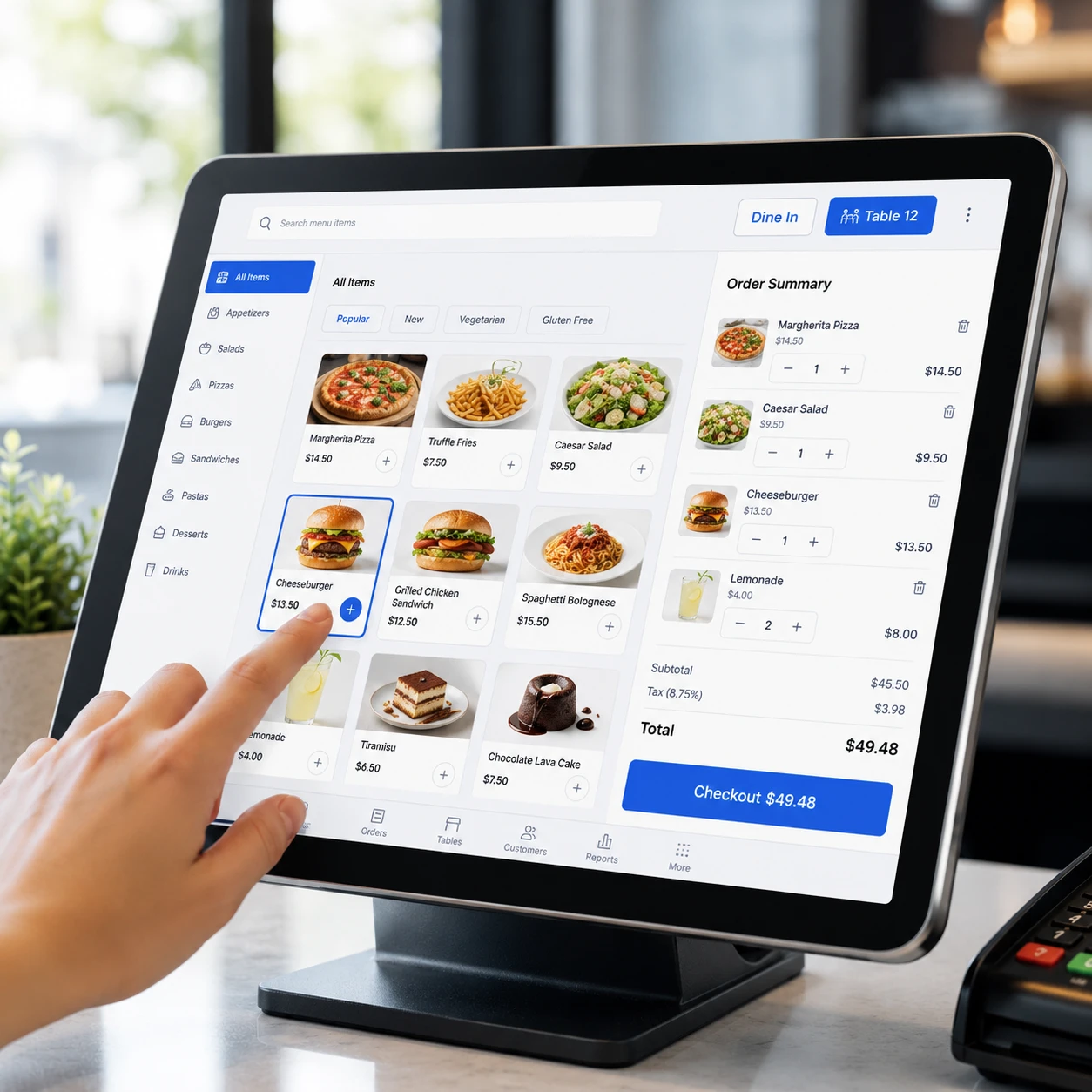
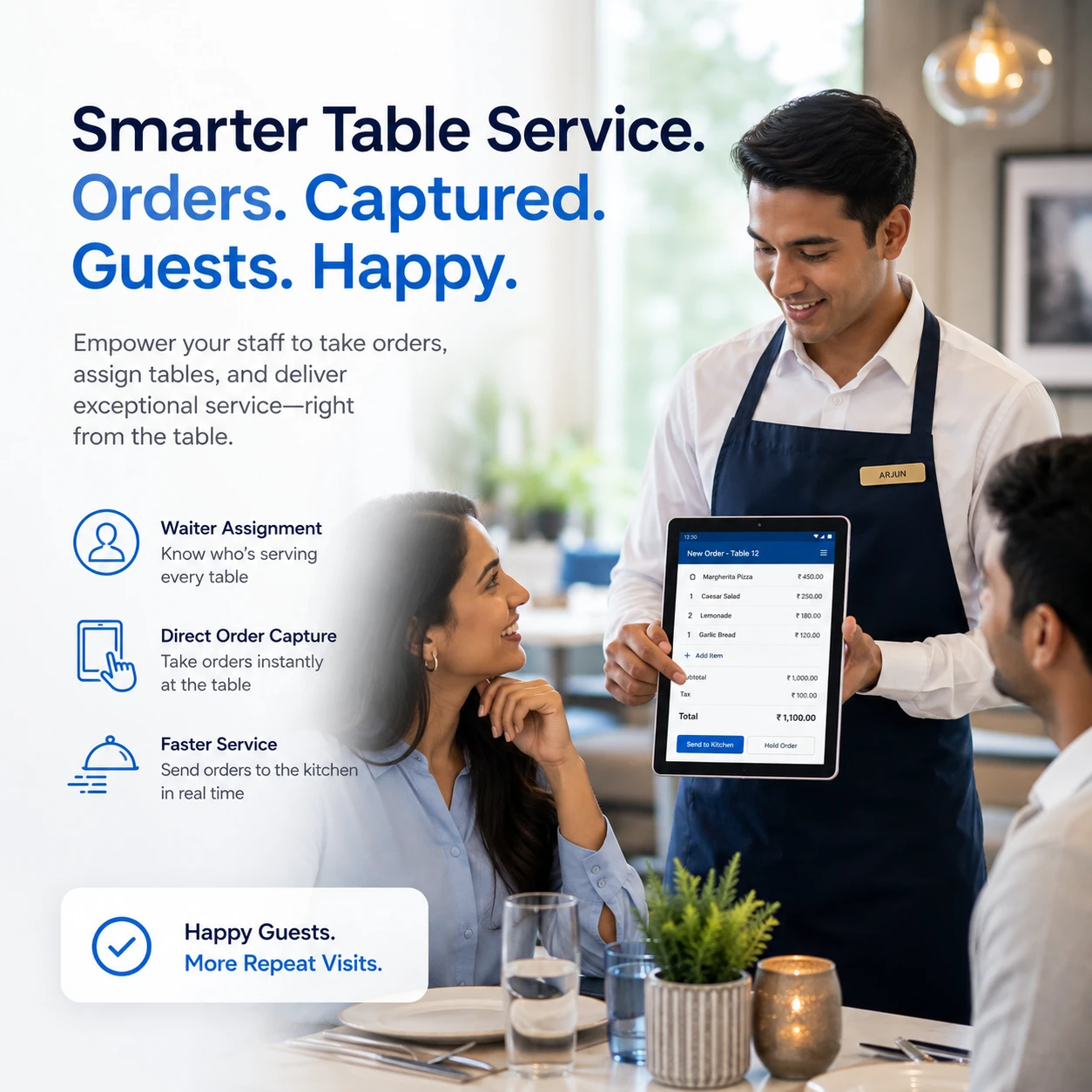
Table numbers, assigned servers, edits, notes, bill requests and payment status stay attached to the same dine-in order, reducing the need to chase paper tickets.
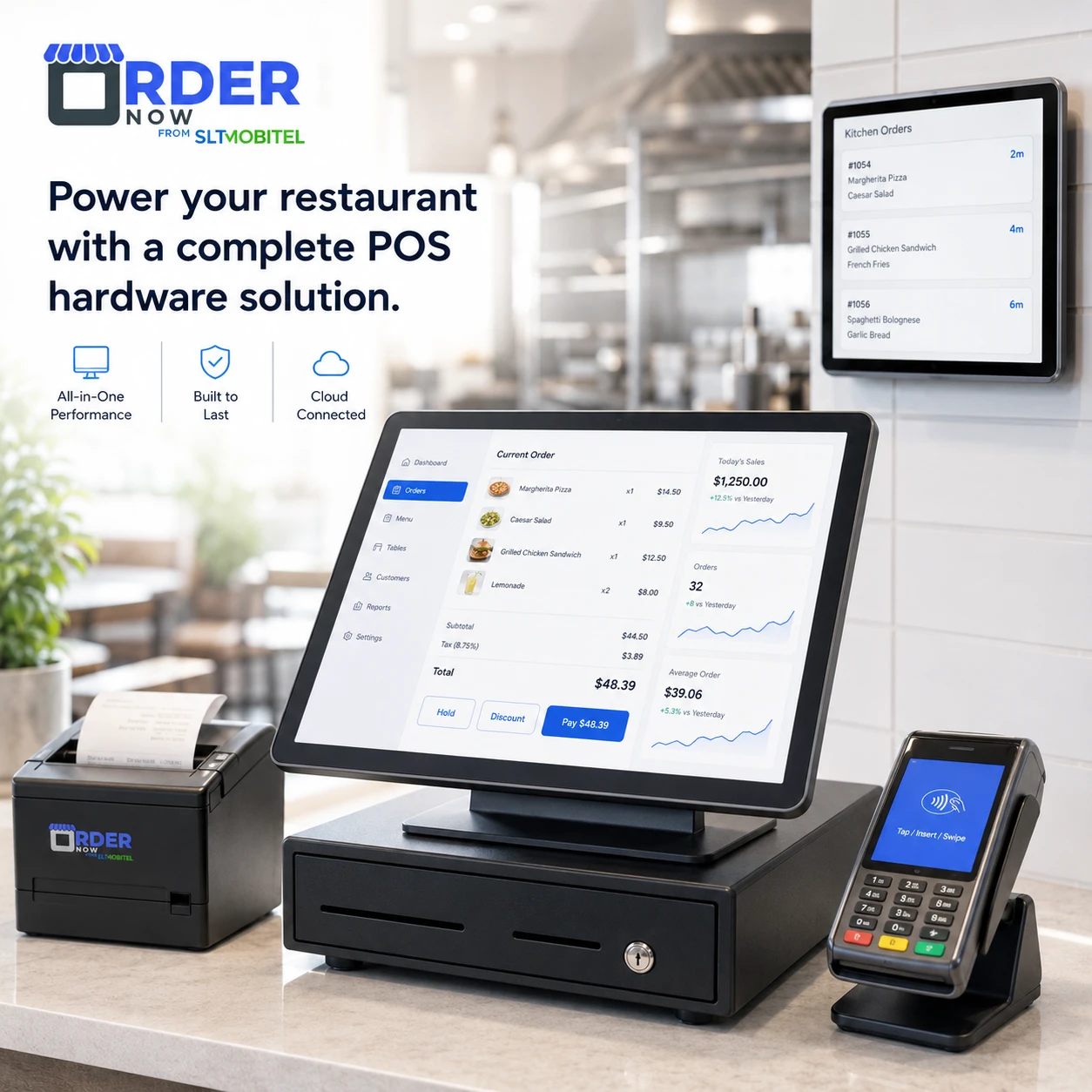
Kitchen teams can see incoming items, quantities, modifiers, notes and preparation status on a display or printed ticket, making priorities easier to understand.
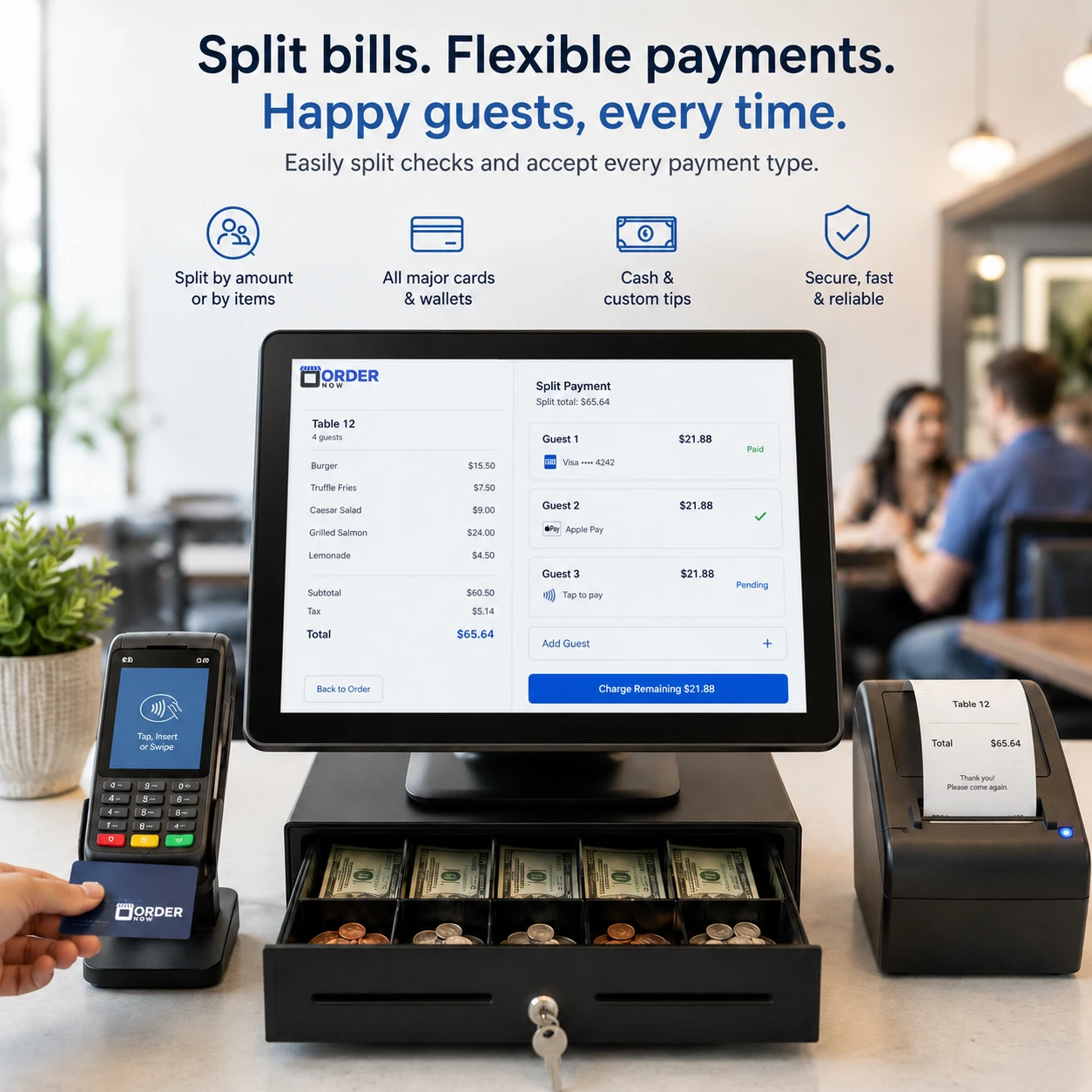
Configure accepted payment types, divide a bill when required and record cash drawer activity from opening float to shift close.
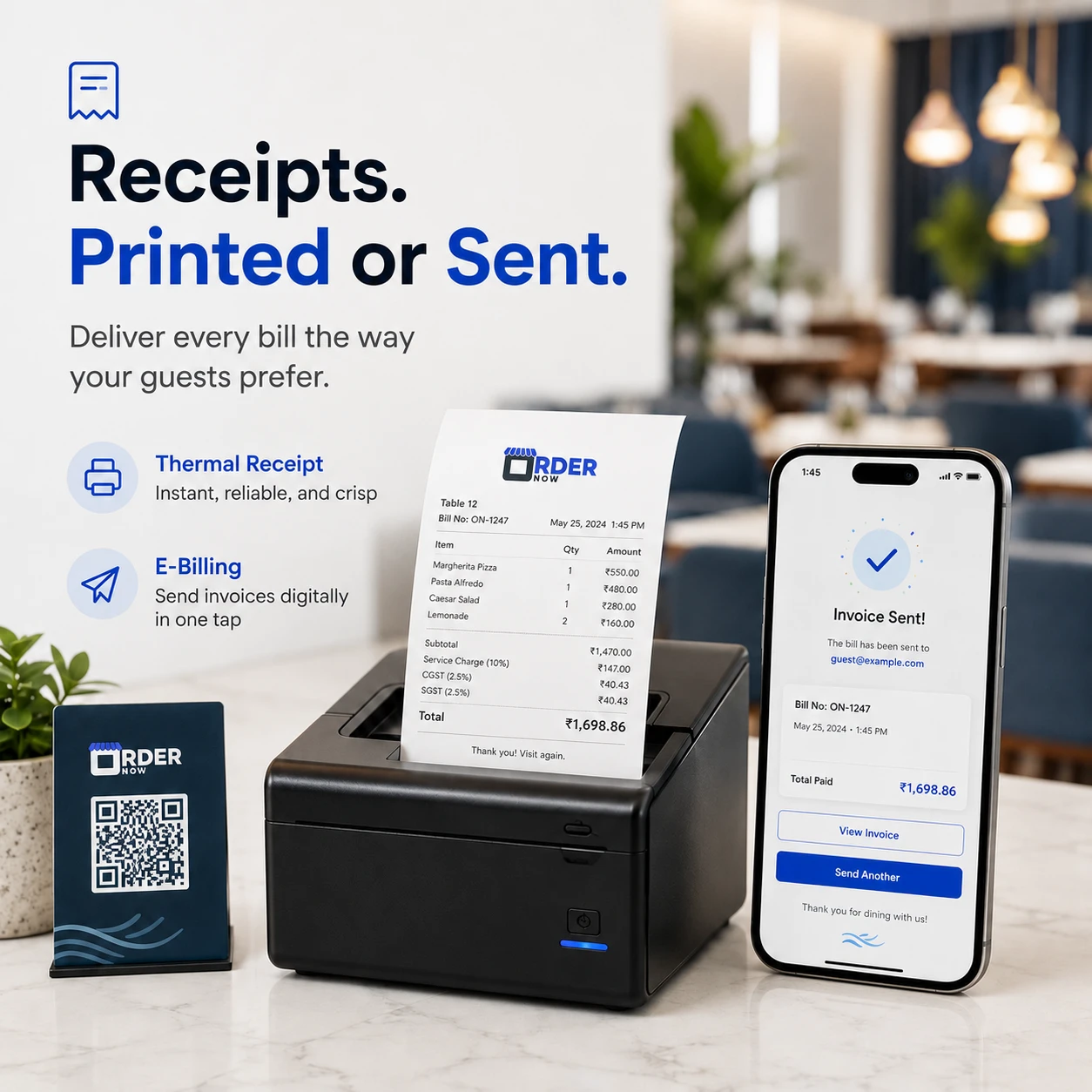
After payment, the restaurant can produce a thermal receipt or use an available digital delivery method, with itemized totals and service charges shown clearly.
Dine-in, pickup and delivery can be filtered and managed within the same operating view, instead of forcing staff to switch between unrelated systems.
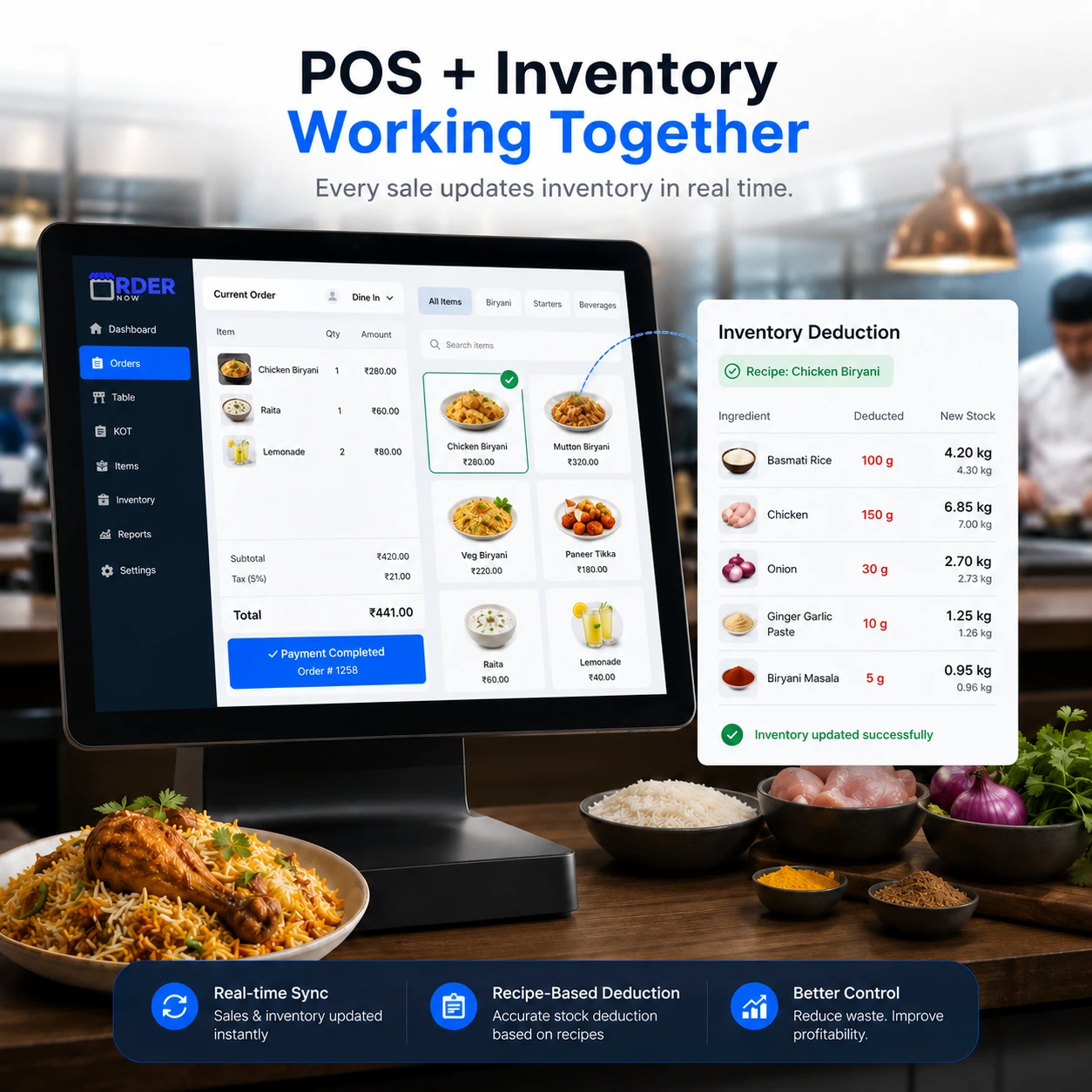
When OrderNow POS is linked with inventory and recipes, each sold item can trigger the ingredient quantities defined in its recipe. This ties inventory movement to actual sales rather than manual estimates.
Opening balances, cashier transactions, drawer movement and closing reports can be reviewed by shift, giving managers a clearer audit trail.
Reporting can break sales down by period, item, category, payment method and order type, helping operators identify demand patterns and operational exceptions.

The software can be configured around common counter hardware such as touch terminals, receipt printers, cash drawers and kitchen screens. Device requirements depend on the venue and workflow.
Configure the POS for full-service restaurants, quick-service cafés, hotel outlets, cloud kitchens, bars, food halls, takeaway counters and catering teams.
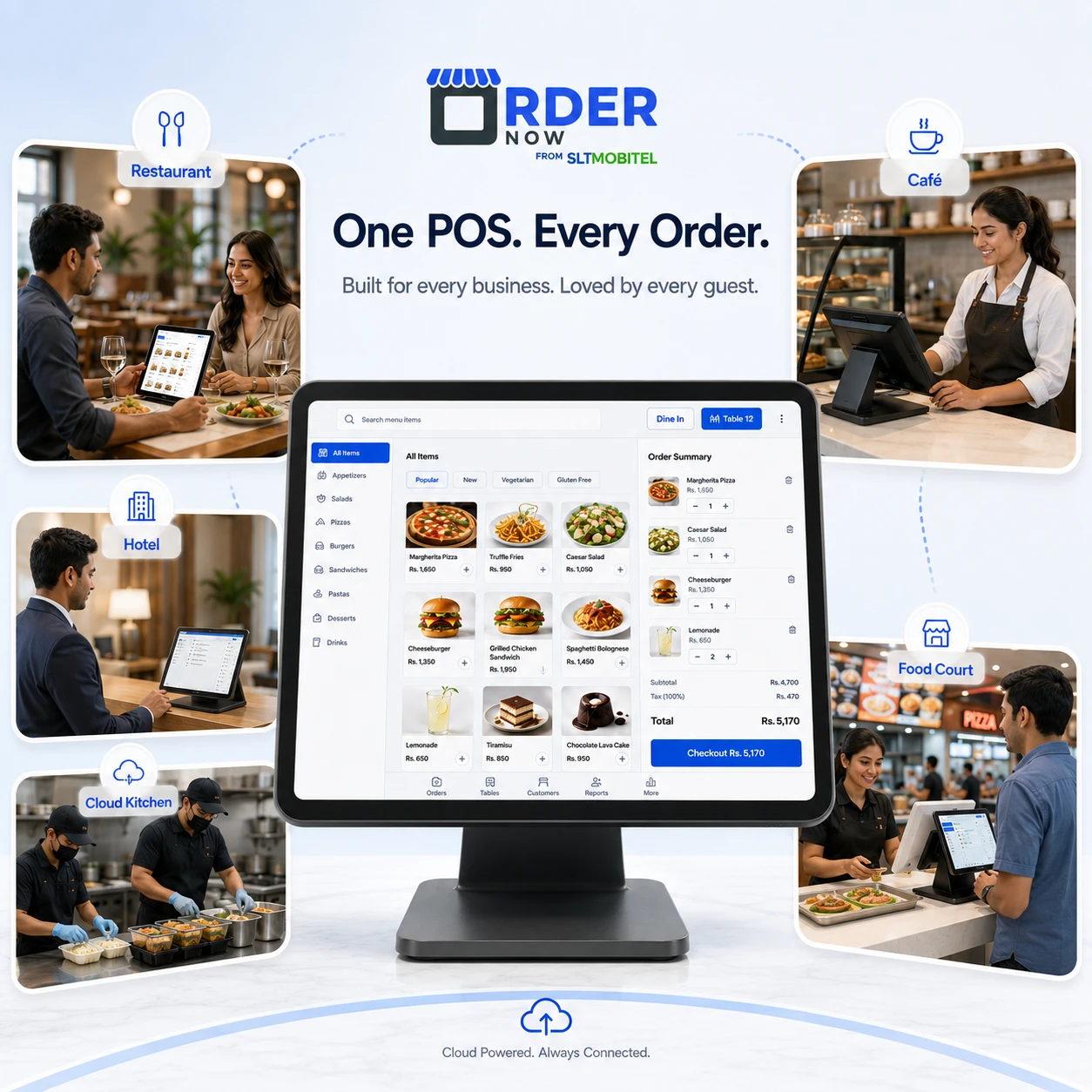
Dine-in, table orders, KOT and billing
Fast counter orders, modifiers and receipts
F&B outlet billing and service control
Kitchen order flow and delivery handling
Quick service order queues and receipts
Fast billing, split payments and table service
Quick order entry, payment and printing
Scheduled orders and larger order handling
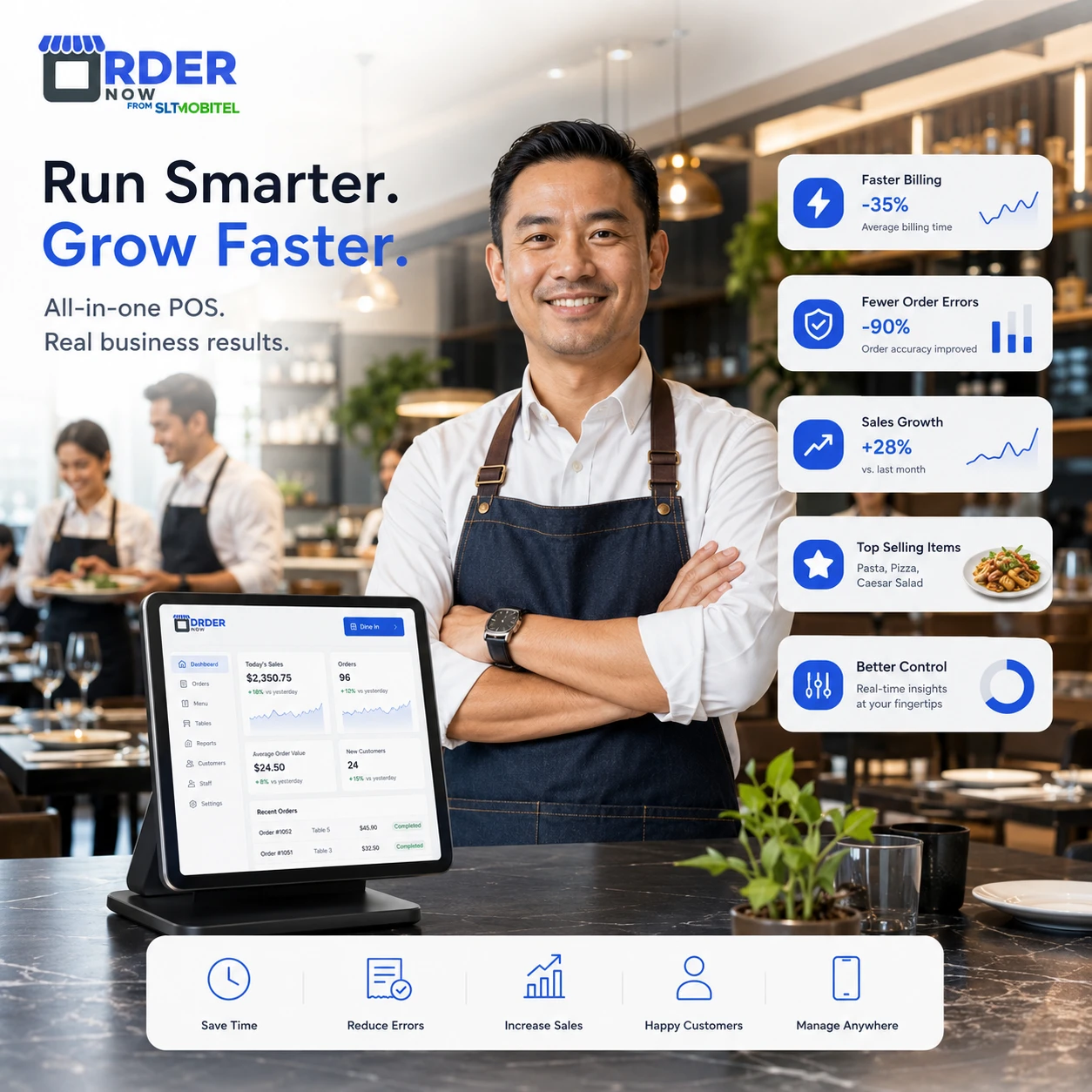
The value of a restaurant POS is measured in cleaner order data, faster execution, reliable payments and reporting that managers can actually use.
Direct answers for teams evaluating restaurant POS, kitchen ticket, billing and order workflow software.
OrderNow POS is a browser-based restaurant point-of-sale module for order entry, kitchen routing, payment, receipts, shifts and restaurant analytics software across supported service channels.
Basic billing software creates a total. A restaurant POS also manages order types, modifiers, kitchen instructions, payment status, staff activity and connected reporting.
Yes. Supported dine-in, pickup and delivery orders can be managed from one order environment with filters and statuses for each channel.
Yes. Orders can be routed to a kitchen display system or KOT printer with quantities, modifiers, notes and preparation status.
Yes. Split tenders and multiple configured payment methods can be recorded against the same bill.
Yes. Thermal printing and supported digital receipt options can be enabled according to the venue setup.
Yes. Opening floats, drawer movement, cashier activity and shift summaries can be tracked.
Yes. When connected with OrderNow Inventory and recipes, POS sales can deduct ingredients according to the recipe linked to each menu item.
Yes. The interface is designed for quick touch input, menu search, modifiers, cart changes and payment during busy service.
Yes. OrderNow POS can support restaurants, cafes, hotels, cloud kitchens, food courts, bars, pubs and quick-service restaurants.
See how OrderNow can connect cashier work, kitchen production, payments, shifts, inventory signals and management reports for your venue.
Enter your details to prepare a WhatsApp message for the OrderNow team.