Publish the menu
Keep items, prices, photos and modifiers current in one place.

Running a restaurant means coordinating dozens of small decisions every minute. A guest changes a modifier.
OrderNow is cloud-based restaurant software designed to connect the guest experience with day-to-day restaurant operations. Restaurants can start with a digital menu, add self-ordering where it fits the service model, use staff-entered POS orders, route structured tickets to the kitchen, track inventory, manage reservations and review performance from a connected platform.
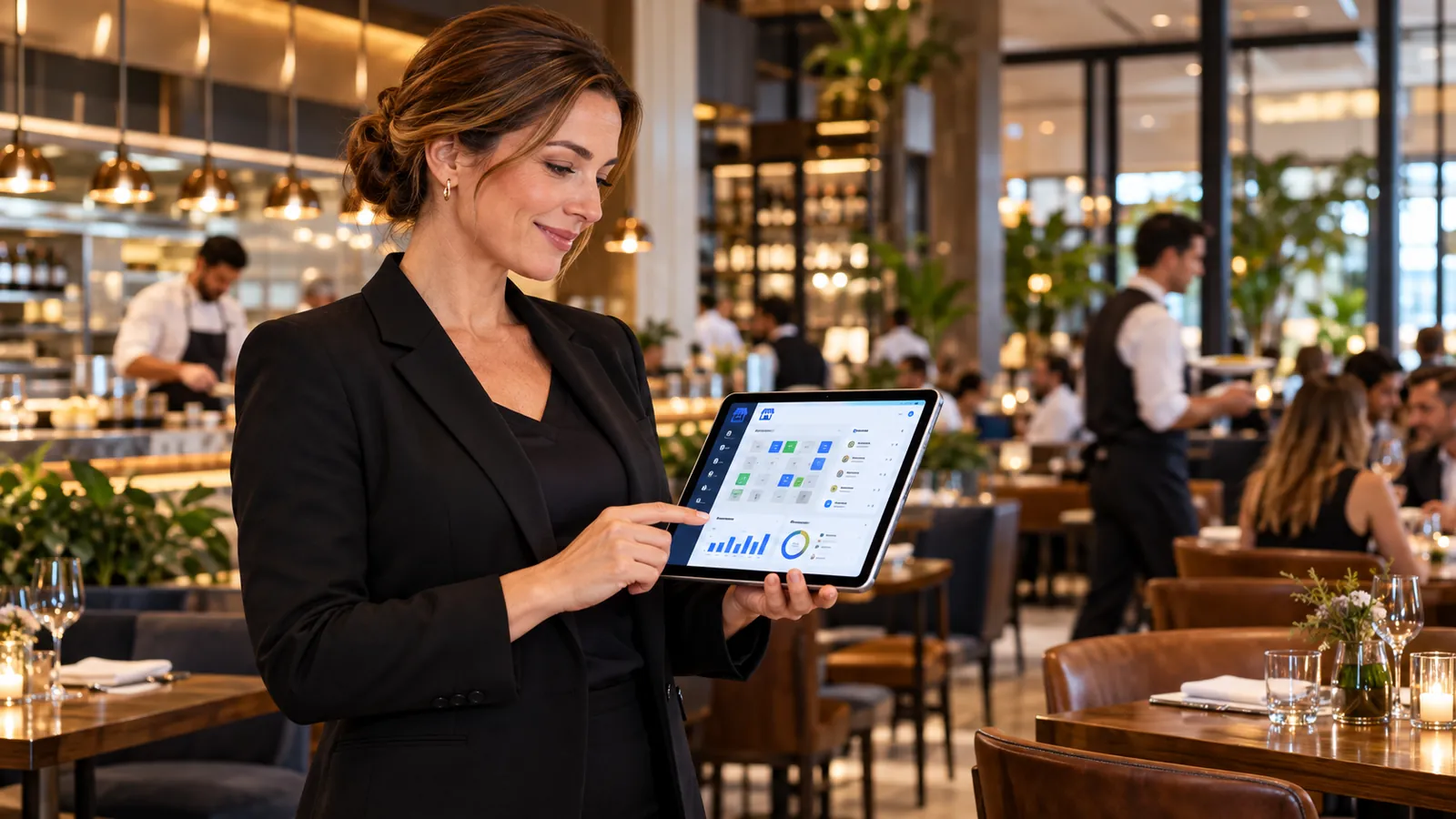
Restaurant software is a set of digital tools used to manage customer-facing and operational restaurant workflows, such as menus, ordering, POS, kitchen tickets, inventory, reservations and reporting. A restaurant may only need one module today. For example, an operator might begin with an interactive menu because printed menus are expensive to update. Later, the same restaurant may enable table ordering, add POS and KOT workflows, connect recipes to inventory or introduce table reservations.
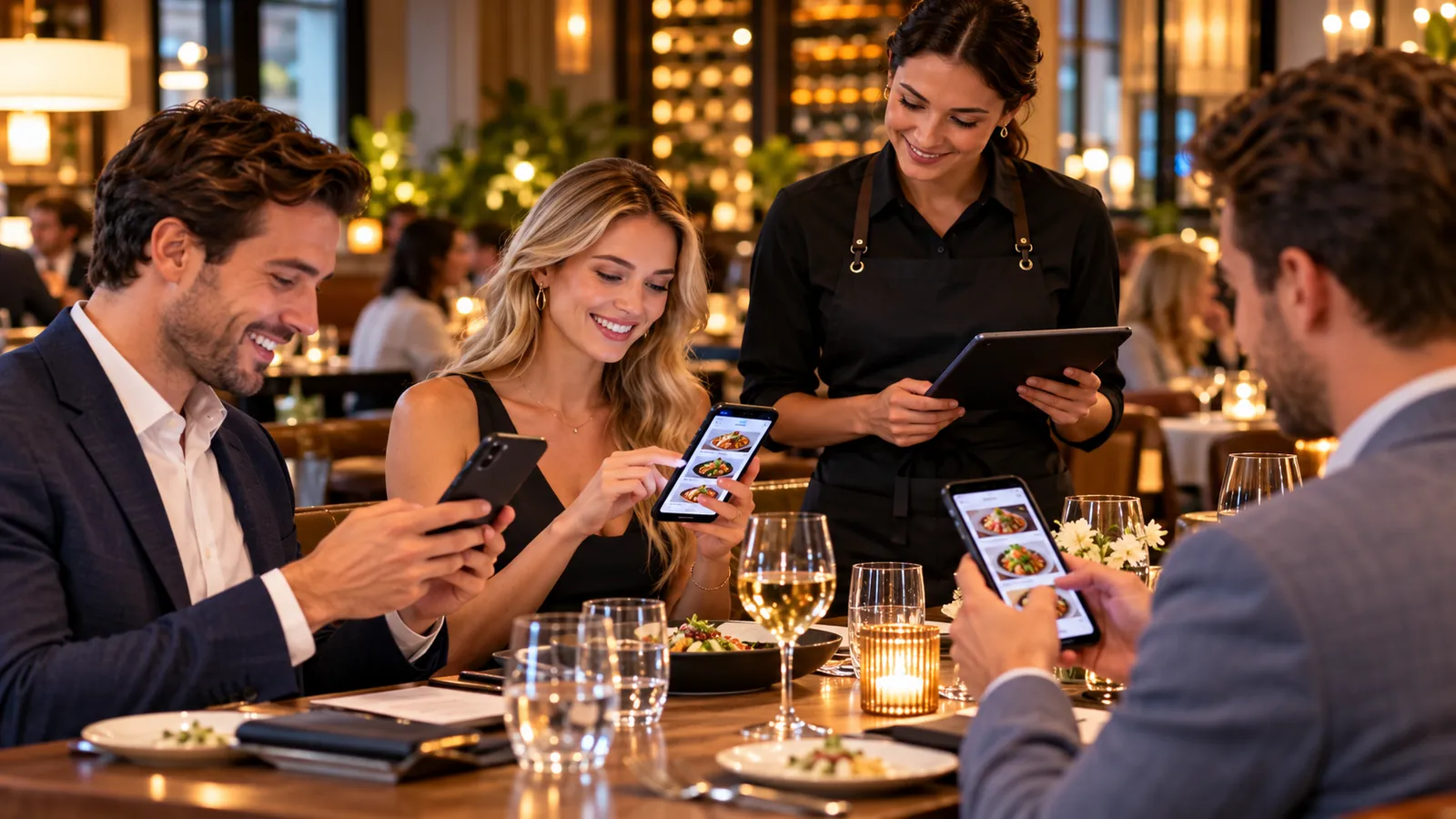
Keep the process understandable for guests and staff while carrying the details the operation actually needs.
Keep items, prices, photos and modifiers current in one place.
Accept configured QR, pickup and staff-entered orders with clear context.
Send structured items and notes to POS, KOT or the right kitchen station.
Use sales, item and location data to decide what needs attention next.
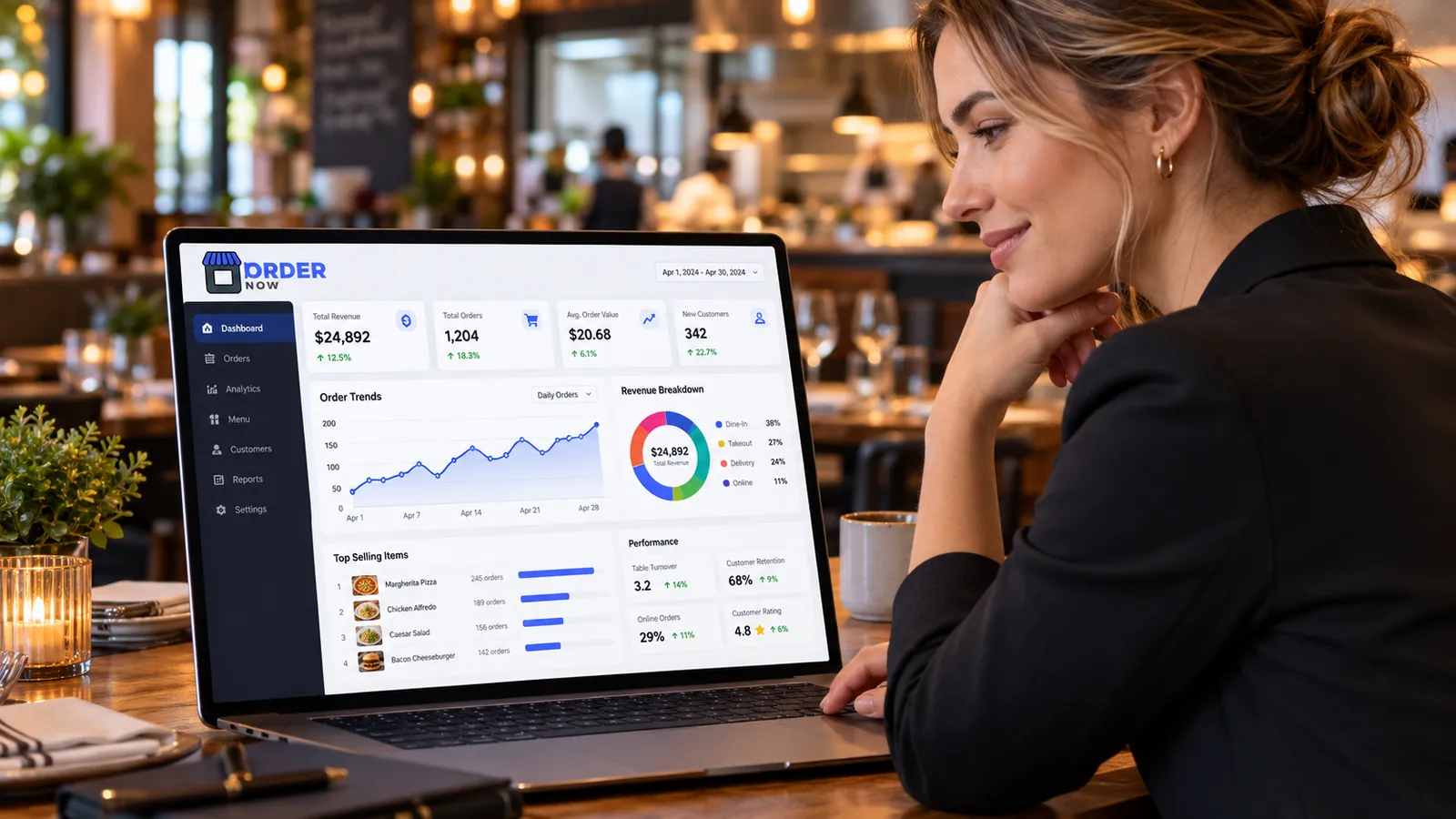
OrderNow is modular. The strongest setup is not the one with the most features switched on. It is the one that removes unnecessary handoffs and keeps the team clear about what happens next.
The guest journey is one of the most visible parts of restaurant technology. It should feel simple even when the operation behind it is complex.
Guest self-ordering is only one source of restaurant orders. Staff still need a reliable way to create, edit and manage orders from the restaurant side.
The kitchen should not have to interpret incomplete information from multiple sources. A structured order can carry item names, quantities, modifiers, preparation notes, table or order context and timing information into a KOT or configured kitchen-display workflow.
Inventory becomes more useful when it is connected to menu and recipe information. Rather than treating stock management as a separate spreadsheet exercise, restaurants can link ingredients and recipes to operational data.
A report is valuable only when the restaurant can act on it. Operators need more than a daily sales total. They need context.
Restaurant software is useful only when it reduces friction. Adding another login, another tablet or another isolated dashboard can make the operating environment worse instead of better. The practical question is not how many features a platform can list.
Use your real menu, busiest service period and common exceptions. A useful demo should show whether information stays clear from guest or staff order entry through kitchen execution and management review.
OrderNow works best when guests, staff and kitchen teams share one clear order structure and managers can review the result without reconciling disconnected tools. Test one real order from menu selection through service and reporting.
Different restaurant formats need different combinations of guest experience, POS, kitchen, inventory and management controls.
A single-location restaurant may want to simplify menus, reduce manual order entry, make kitchen tickets clearer and get basic sales visibility without adopting enterprise-scale complexity.
Cafes often need fast menu browsing, many modifiers, takeaway workflows and staff tools that remain quick during short, intense rush periods.
Full-service dining may require table context, reservations, POS billing, KOT, bill splitting, guest assistance and a clear handoff between servers and kitchen staff.
Bars may need repeated ordering, food and drink coordination, table service, promotions and reliable kitchen routing during high-volume evening periods.

These answers stay intentionally concise. Product configuration can vary by plan, restaurant type and implementation.
Restaurant software can include digital menus, online ordering, POS, kitchen order tickets, inventory, reservations, staff tools, analytics and multi-location management. Not every restaurant needs every module. The useful combination depends on service style, order volume and operating complexity.
No. The QR menu is one guest-facing module. OrderNow also supports restaurant POS, KOT and kitchen workflows, inventory, reservations, analytics and multi-location operations.
No. The standard OrderNow digital menu and guest ordering experience opens in a mobile browser from a QR code or direct web link.
No. OrderNow uses subscription pricing and does not charge a per-order commission. External payment, delivery or other providers may apply their own charges.
Yes. A restaurant can begin with a simpler digital-menu setup and add operational modules as required. The correct configuration depends on the restaurant's service model and selected plan.
Share your business type, current setup and the operational problem you want to solve. The demo should start with that workflow instead of showing every module.