01
Missed bookings
Keep booking details in a structured record rather than a staff member’s memory.

Online Table Booking and Guest Flow helps restaurants, cafes and hotels accept bookings, manage guest details, track reservation status and organize tables within our unified restaurant software and hotel restaurant software platform.
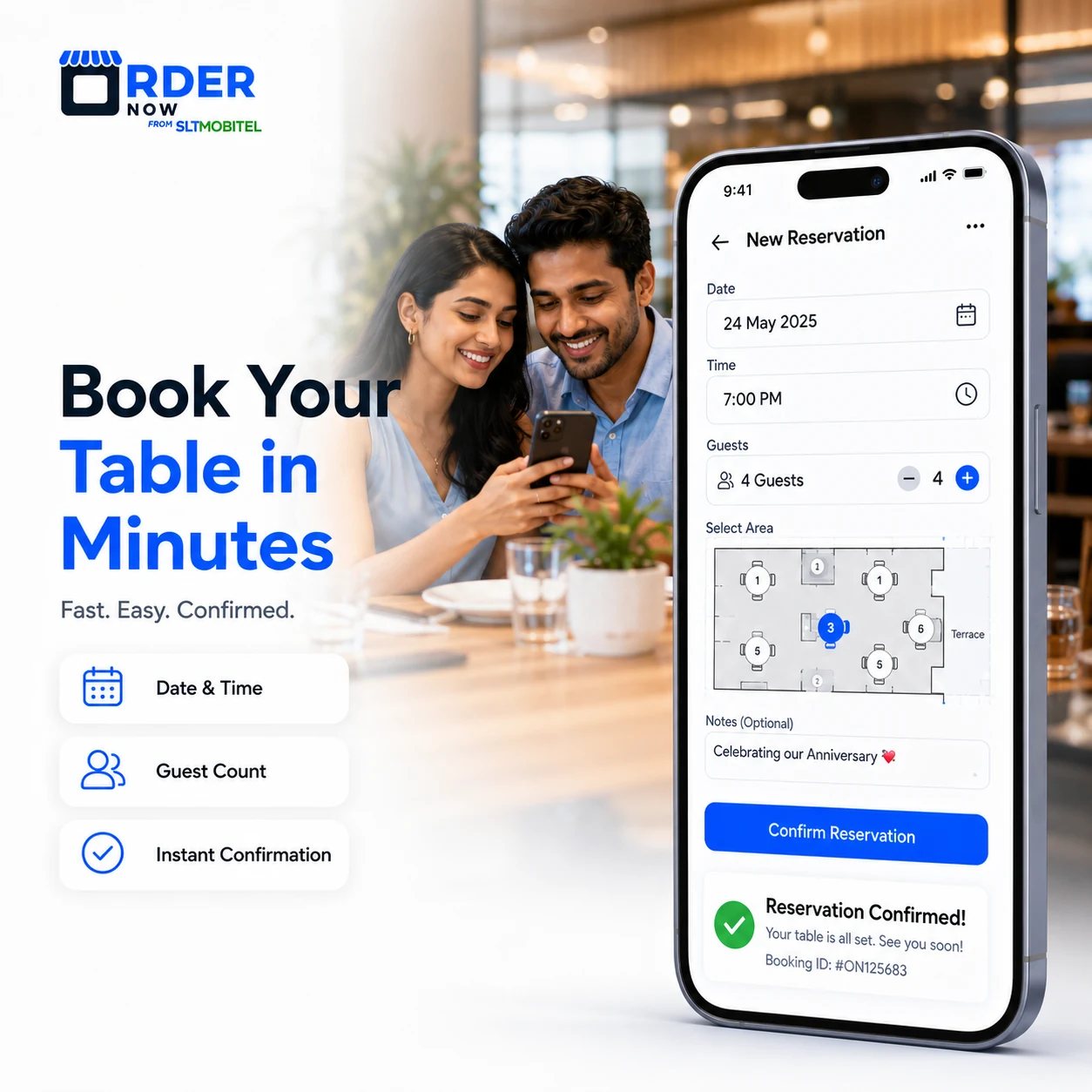
When bookings are split across calls, messages and paper notes, staff cannot reliably see capacity or guest requirements. The result can be duplicate reservations, missed notes and an unmanaged queue.
Keep booking details in a structured record rather than a staff member’s memory.
Check date, time, party size and table allocation against the same schedule.
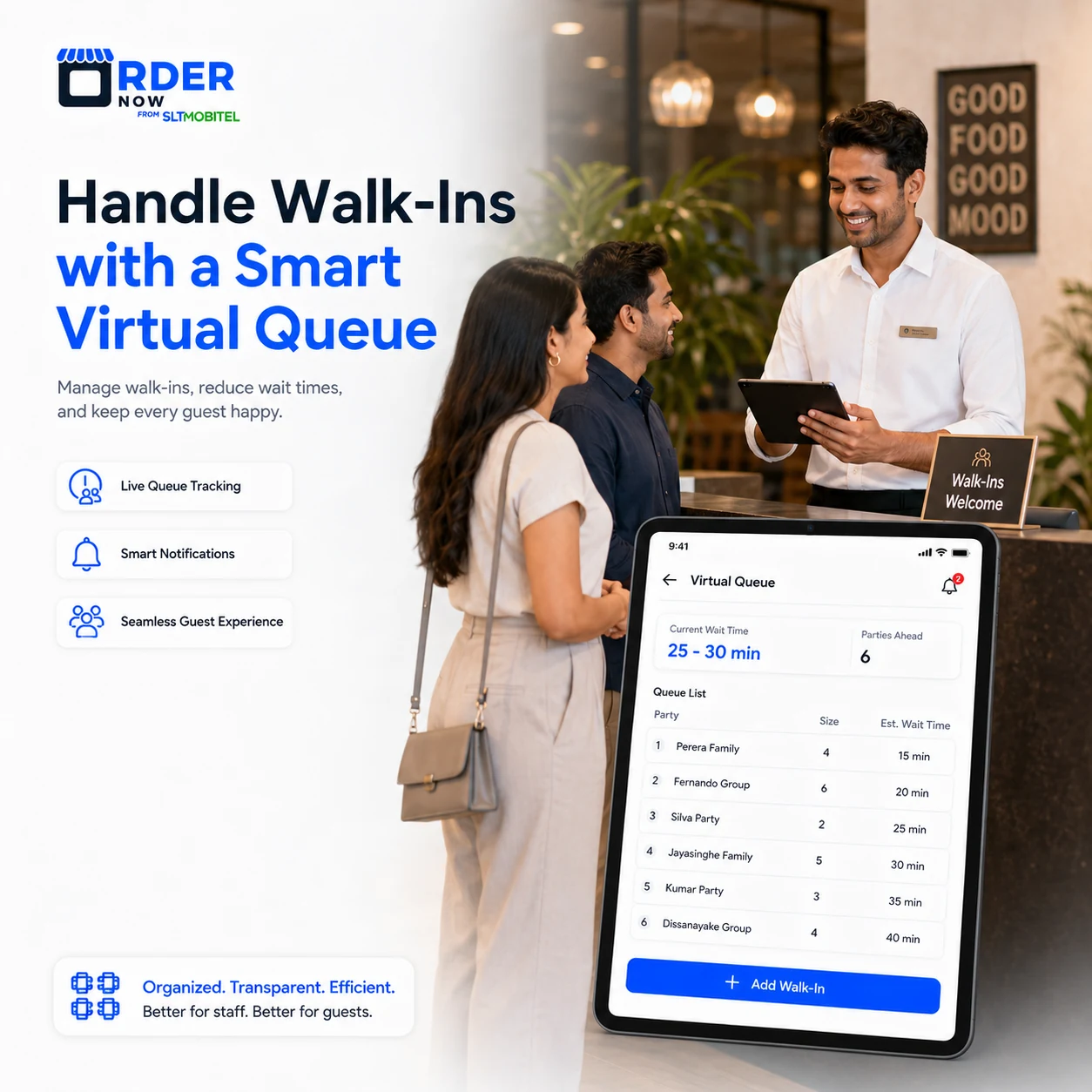
Track waiting parties and table readiness in a visible queue.
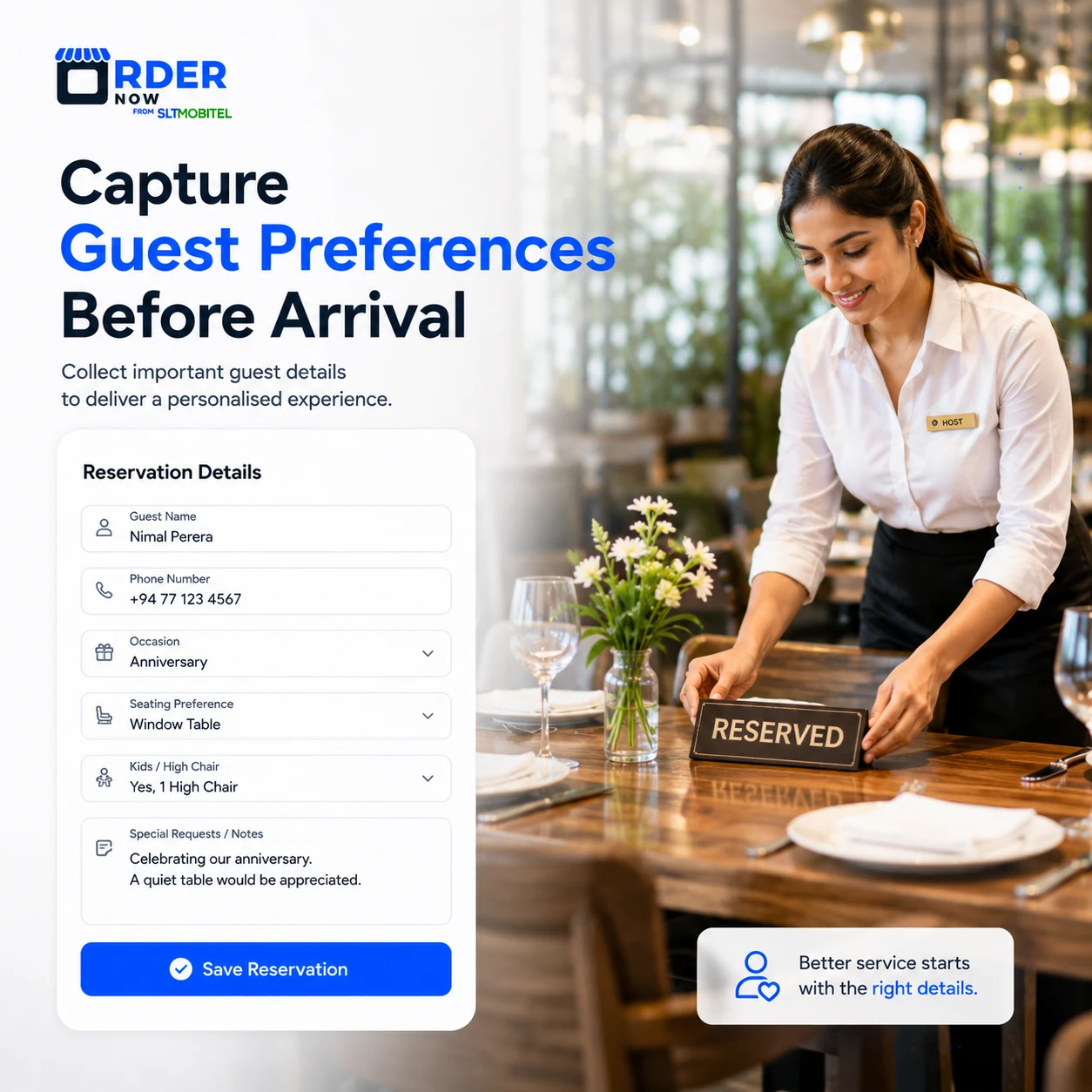
Collect occasion, seating, child and dietary notes before the party arrives.
Guests choose an available date, time and party size, then submit contact information and notes. Staff can review, confirm and update the booking from the dashboard.
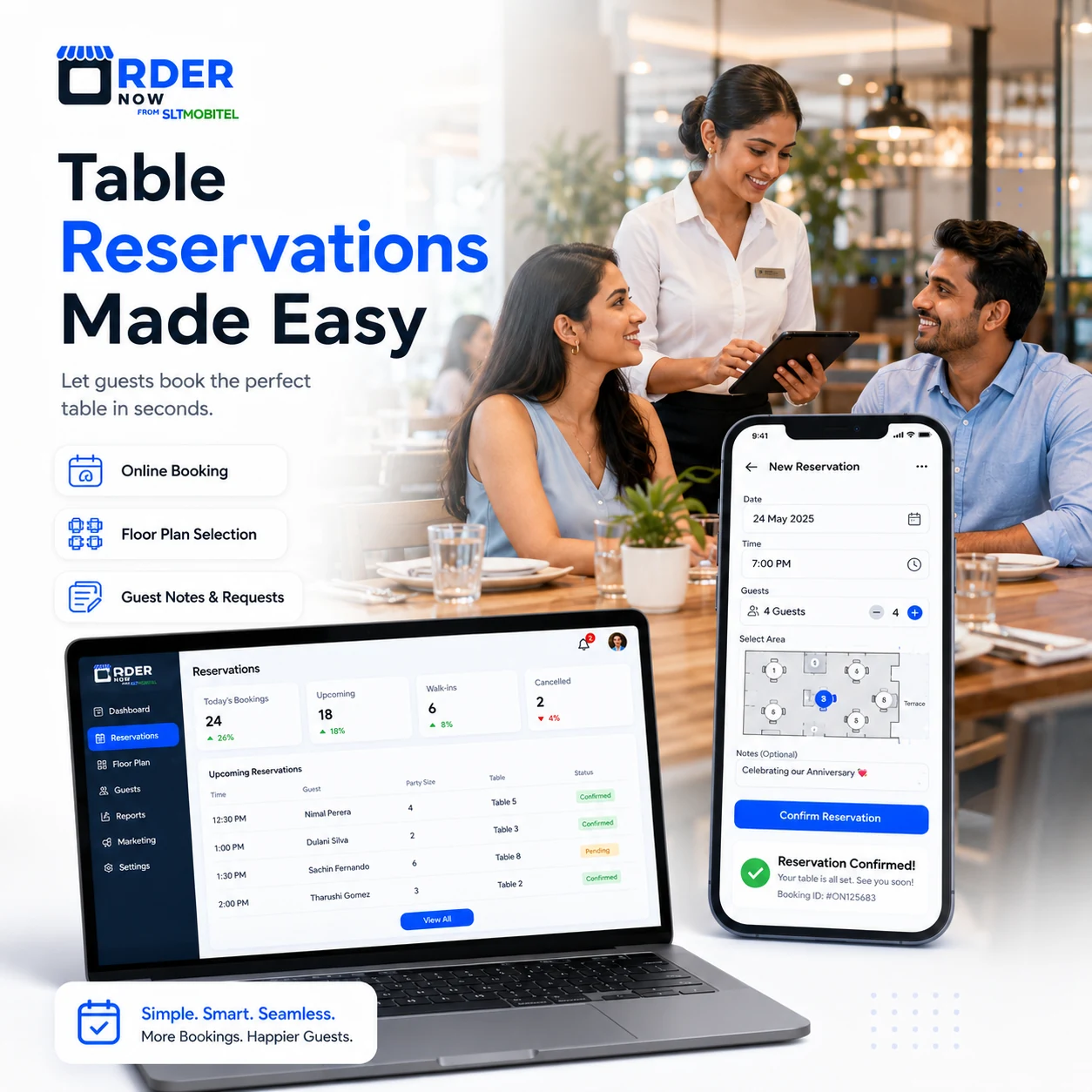
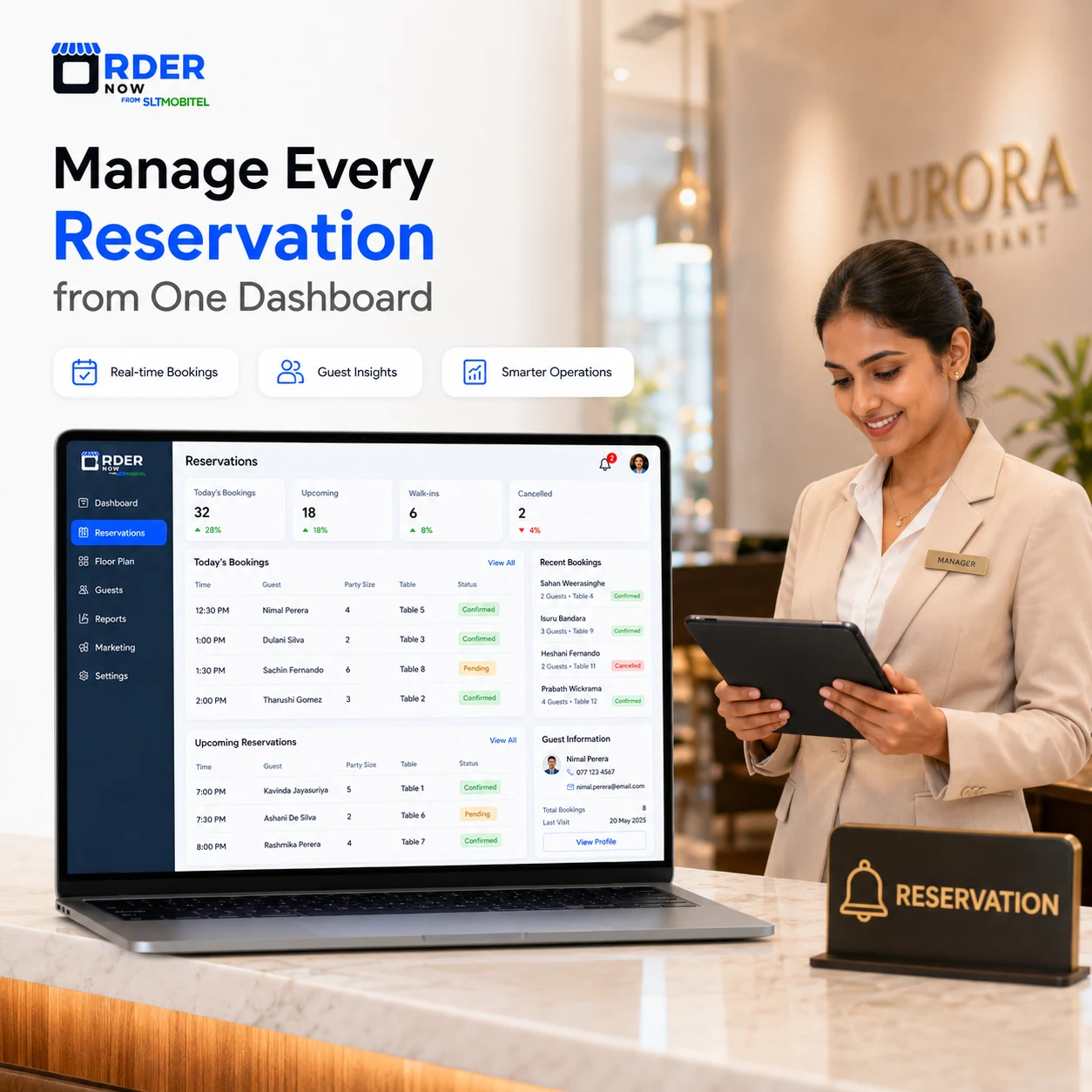
A shared schedule gives managers and hosts the same view of arrival time, party size, contact details, notes and booking status.
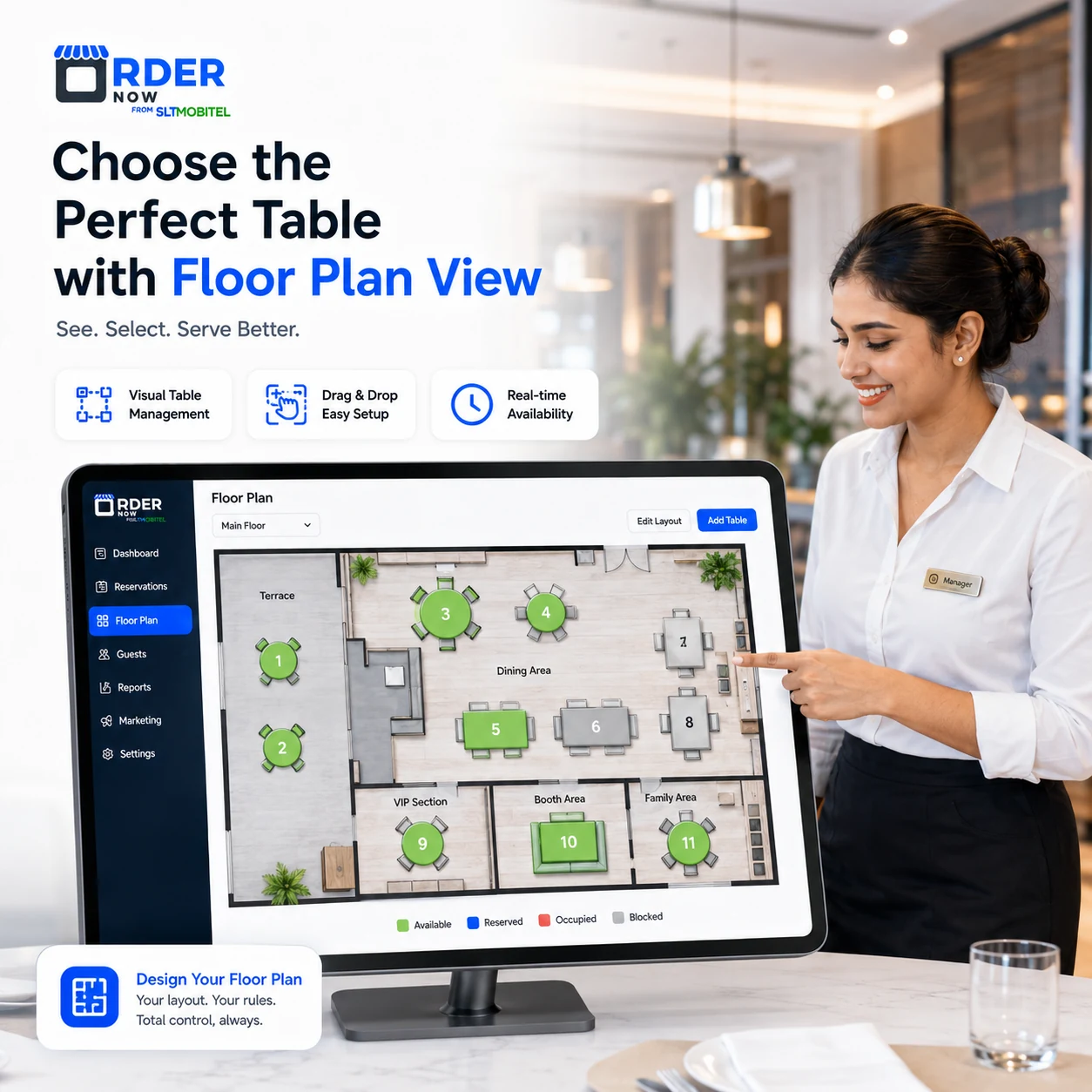
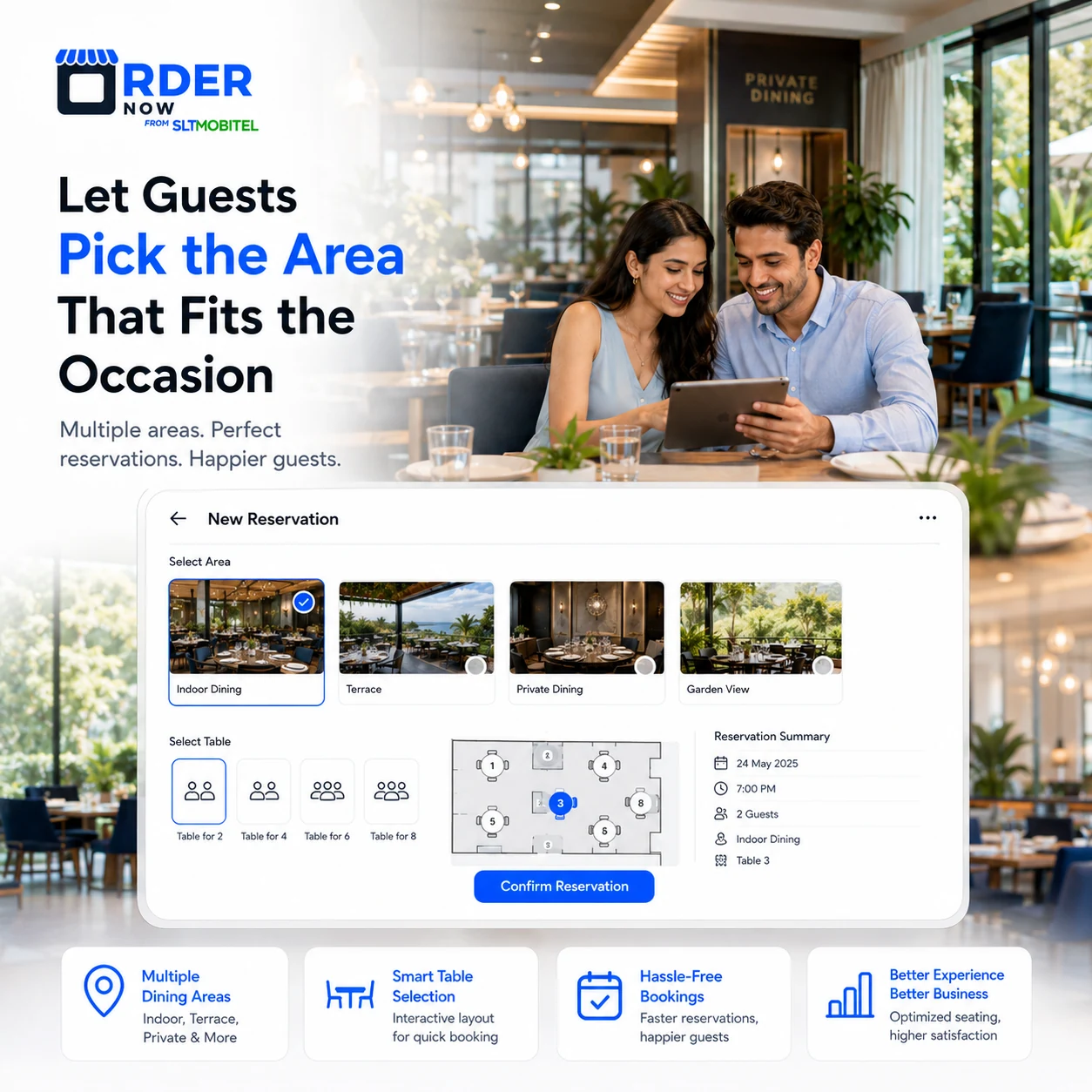
A visual floor plan can represent tables and sections, helping hosts understand capacity and assign reservations more consistently.
Add walk-in parties to a digital queue with party size, contact details and status, then update them as tables become available.
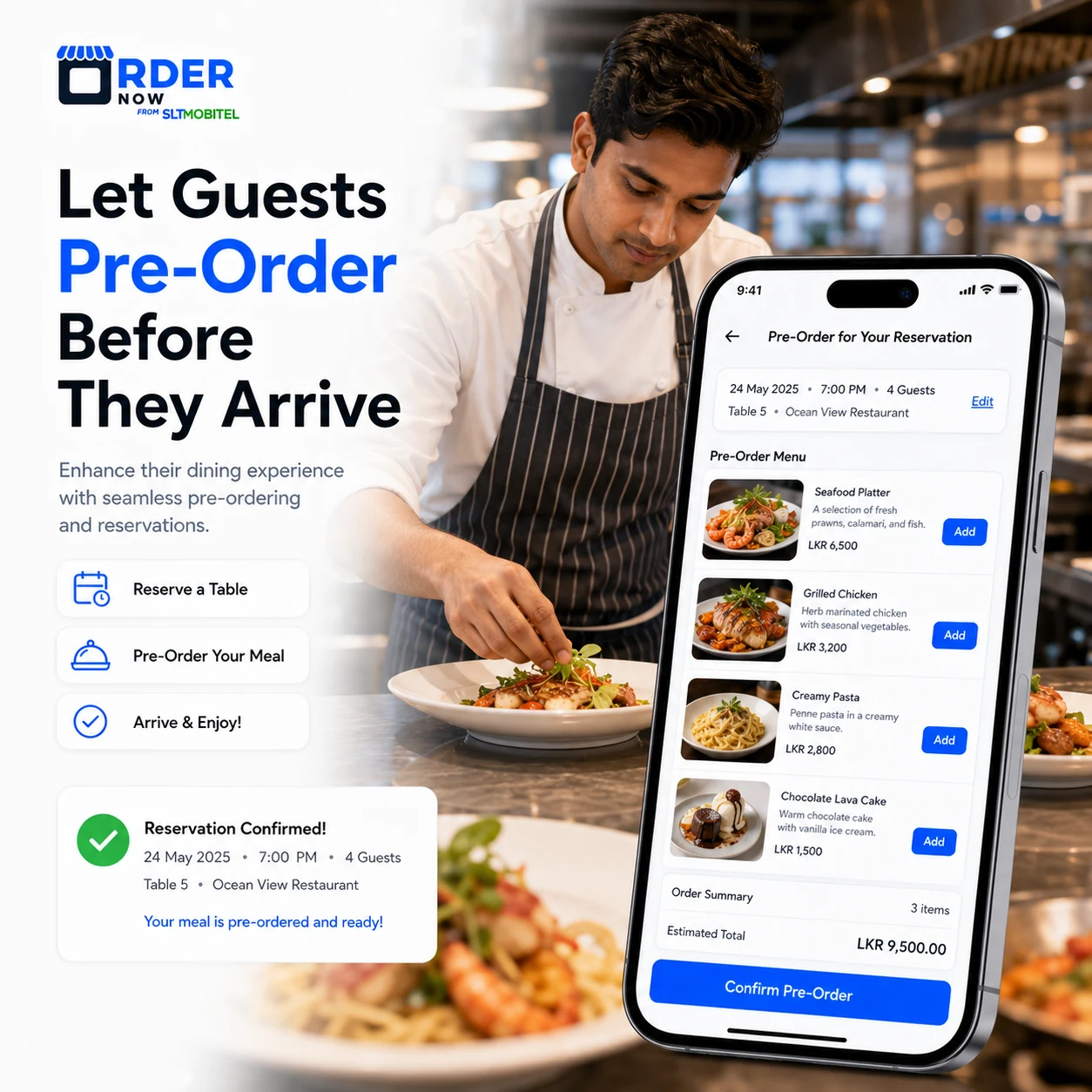
For configured group dining, events or set menus, selected items and packages can be recorded with the reservation so the kitchen and service team can prepare.
Structured notes help the team prepare for party size, children, occasions, dietary information and seating preferences before service begins.
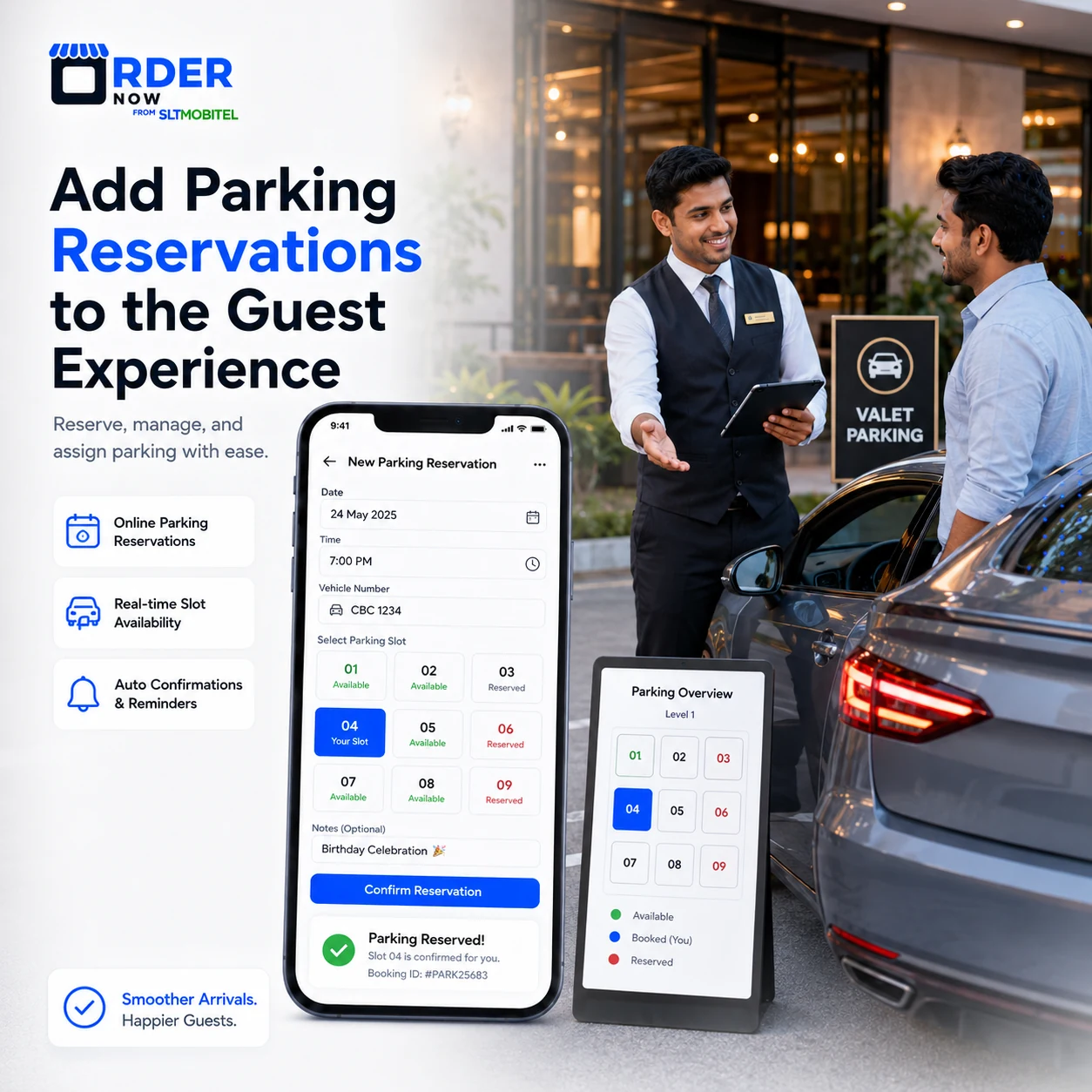
Where enabled, parking or arrival information can be connected with the booking for hotels, drive-in venues and locations with constrained access.
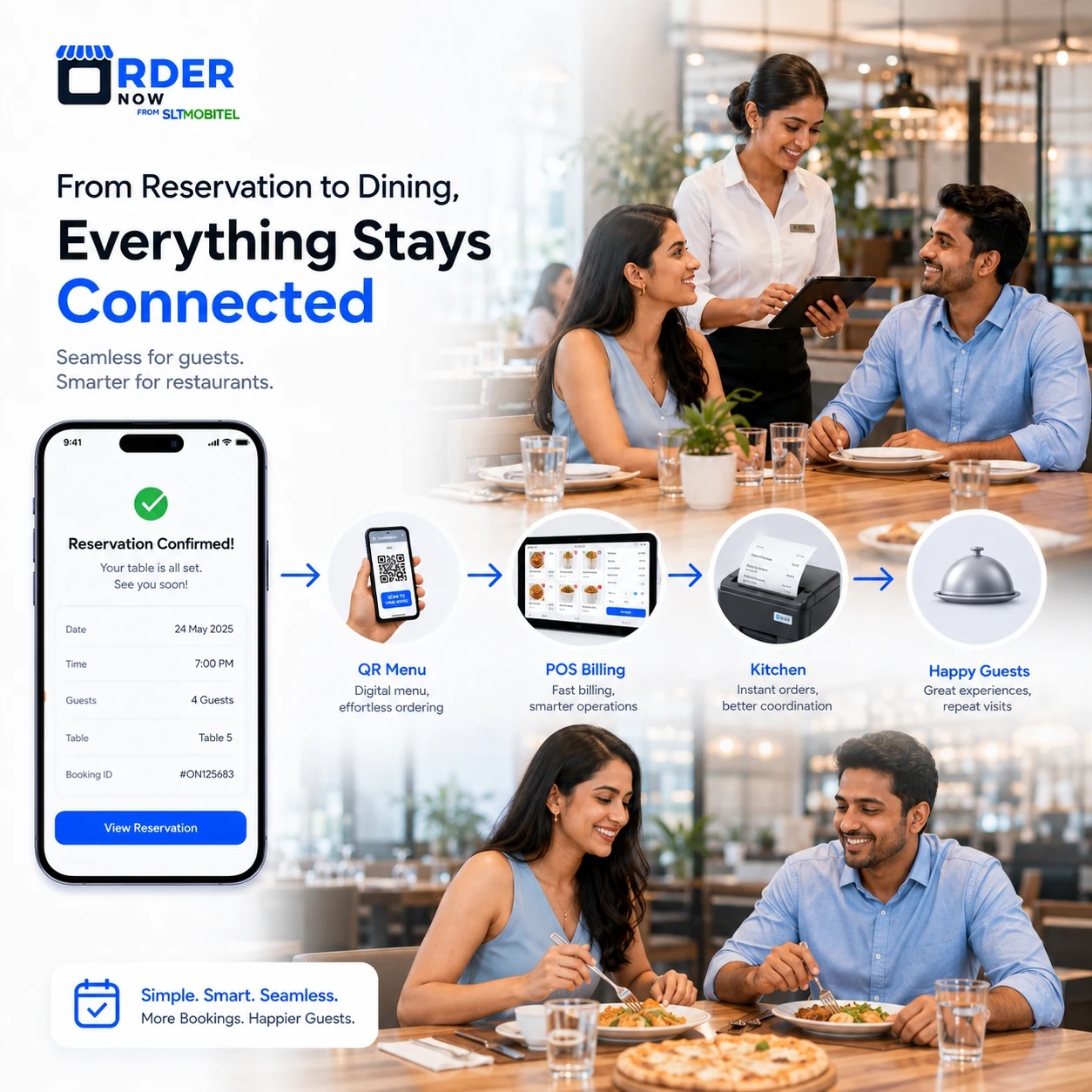
A reservation can become the starting point for table assignment, QR ordering, POS service, kitchen preparation and guest records instead of remaining a separate calendar entry.
Availability rules, tables, service periods and guest details should reflect how the actual venue operates.
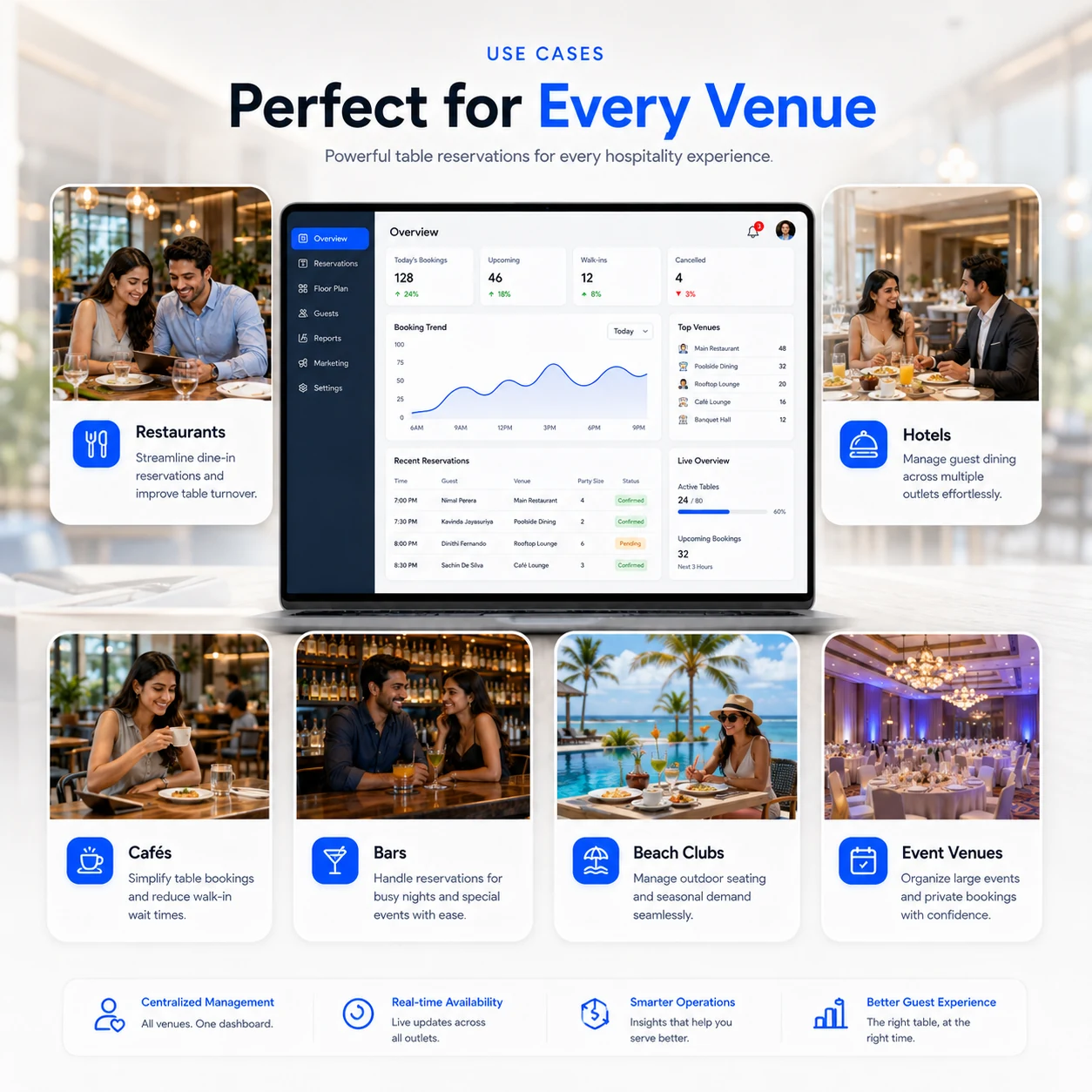
Manage table bookings, guest flow and service planning.
Handle F&B outlet bookings across multiple dining areas.
Control limited seating during breakfast, lunch and evening rush.
Manage evening bookings, groups and high-demand tables.
Organize outdoor seating, cabanas and seasonal demand.
Manage private bookings, packages and special dining events.
Online Table Booking and Guest Flow helps your team organize booking demand, prepare for guests early and connect reservation management with the rest of restaurant operations.
Direct answers for restaurants, hotels and venues comparing online booking, waitlist and floor-plan software.
It lets guests request an available time online while the venue manages party size, contact information, status, table assignment and notes in a structured schedule.
Guests submit the required booking details. Staff then confirm, update, assign or cancel the reservation according to the venue workflow.
Yes. Eligible venues can publish a browser-based booking flow so guests do not need to call during service.
Yes. Forms can collect party details, contact information, occasion notes, seating preferences and other configured requirements.
Yes. Walk-in parties can be added to a digital waitlist with party size, status and table-readiness information.
Yes. A visual layout can organize tables, sections and seating areas for booking assignment.
Yes. Configured items or packages can be linked to reservations for group dining, events and set-menu workflows.
Yes. Parking or arrival features can be configured for venues where this is operationally relevant.
Yes. Reservations can be positioned as part of the connected OrderNow restaurant ecosystem with QR menu, dine-in ordering, POS, KOT, customer records and reporting.
Yes. Online Table Booking and Guest Flow can support restaurants, cafes, hotel F&B outlets, bars, beach clubs, event venues and other hospitality businesses.
Online Table Booking and Guest Flow helps restaurants, cafes and hotels manage bookings, guest details, tables, waitlists, pre-orders, parking reservations and dine-in operations from one connected platform.
Enter your details to prepare a WhatsApp message for the OrderNow team.