
Key takeaways
- Inspect the sign and verify its destination: a familiar-looking menu alone does not establish that a link is legitimate.
- Document who controls each menu link, redirect and related account so staff know where to escalate a problem.
- Remove suspicious signs from service, offer another ordering route and investigate before putting them back.
To protect a restaurant QR menu, check the physical signs, verify their destinations against an approved record, secure the accounts that control those destinations and give staff a clear way to stop a suspicious interaction. Repeat the checks before service and after changes to signs, links or account access.
A guest shouldn't have to investigate your technology before ordering lunch. This QR menu security checklist gives independent US restaurants a practical routine for keeping menu access trustworthy, recognizing problems and continuing service while a manager investigates.
Separate menu access, ordering and payment
Start by writing down what each code is supposed to do. A code that opens a menu has a different expected journey from one that submits an order or takes payment. Your staff need to recognize those differences before they can spot an unexpected request.
The FBI’s QR-code tampering advisory describes criminals replacing legitimate codes to send people to sites that collect login or financial information. A restaurant name or familiar food photo on the resulting page is therefore insufficient evidence that the destination is approved.
For each guest journey, establish a simple boundary:
- Browse: Which page should appear, and what information should a guest need to provide?
- Order: Which choices, table details or pickup information belong in the process?
- Pay: Which provider and recipient should appear, and when should payment happen?
Use your actual configuration as the reference. If browsing your menu normally requires no account, a new login demand deserves investigation. For background on the guest-facing workflow, see the OrderNow Digital QR Menu overview.
Keep an approved record of every destination
Create a short register of the codes guests encounter: dining tables, patio tables, counter displays, entrance signs and printed inserts. Include review or Wi-Fi codes if they sit beside menu materials; staff should be able to distinguish their purposes.
Record the physical location, intended action, approved destination and person responsible for changes. Keep this reference somewhere managers can reach without scanning a public sign. Establish the original record through your provider dashboard or a verified support contact, rather than assuming every existing sign is correct.
| Example location | Expected action | What to record |
|---|---|---|
| Dining-room table | Open the table menu | Approved host, location identifier and menu |
| Pickup counter | Open the pickup menu | Approved host and fulfillment mode |
| Receipt insert | Open the feedback page | Approved feedback destination and owner |
A link may pass through a redirect before reaching the menu. Ask who controls that redirect, how its destination changes and what happens if its subscription or account expires. Record both the initial address and expected final destination where applicable. An unexplained change at either point should pause approval.
Inspect physical signs before guests arrive
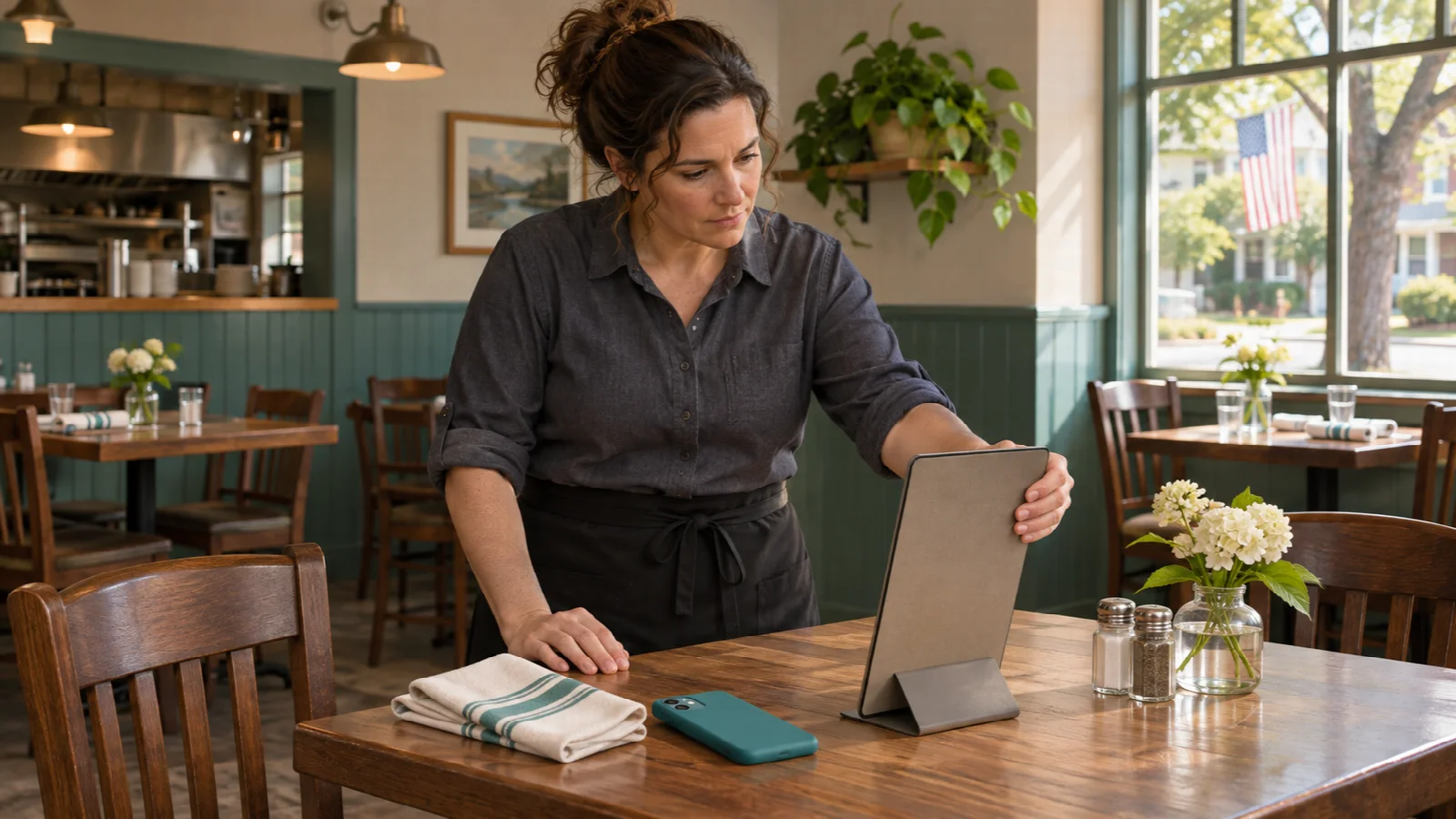
Add sign inspection to opening duties and assign it to a named role. Check every guest-facing placement, including less visible patio areas and entrance displays. Compare each sign with the approved reference, looking for an added layer, changed material or an unfamiliar replacement.
Pay attention to fresh adhesive, raised corners, a second label covering part of the original print or a holder that has moved unexpectedly. Wear can also produce these signs, so treat them as reasons to check rather than proof of fraud. Remove anything you cannot confidently identify from guest use.

- Inspect the front, edges and holder before testing a code.
- Keep damaged materials separate from approved replacements.
- Have a manager authorize replacement signs and record their locations.
- Check again after an unexplained sign change or a guest report.
The Canadian Centre for Cyber Security’s QR guidance recommends inspecting codes for tampering and regularly verifying that generated codes work as intended. For a restaurant, that means checking the physical entry point as well as the page behind it. A protective holder can support your routine, but its presence does not establish that a sign is authentic.
Verify the destination before interacting
For signs that pass inspection, use the phone’s link preview when available and compare the address with your approved register. If it differs unexpectedly, stop before opening it. Do not enter credentials, download software or submit a test payment to find out whether an unfamiliar destination is legitimate.
The FBI’s QR-code safety guidance recommends checking the intended site for typos or misplaced letters and using a known contact to verify an unexpected QR-code request. Apply that same habit when someone sends your team an urgent request to replace menu codes.
After opening an approved destination, confirm the correct restaurant, location and intended action. A working menu for another branch is still an operational failure. For table ordering, verify that the expected table context remains attached using your provider’s approved test procedure.
Require HTTPS for your legitimate menu pages, but continue checking the destination and behavior. HTTPS encrypts information in transit. Encryption alone does not establish that the restaurant authorized a particular page.
Protect the accounts behind the menu
Physical inspections cover only part of the journey. Your menu account, website administration, domain registration, redirect service and recovery email may each affect where a guest lands. Identify which of those services your restaurant uses and who can change them.
Use unique passwords stored in a password manager and enable multifactor authentication wherever available. NIST’s small-business MFA guidance explains that MFA adds identity checks beyond a password and recommends enabling it on accounts that offer it. Prefer phishing-resistant options when supported; ask each provider what is available for your account.
- Give menu editors only the access their work requires.
- Remove access when staff or contractors leave.
- Keep recovery details under restaurant ownership.
- Confirm who can restore access if the usual manager is unavailable.
- Verify support requests through a saved, trusted contact route.
For OrderNow, the official FAQ, reviewed November 16, 2026, states that staff with appropriate permissions can update availability, prices, descriptions and categories from the dashboard. Decide who should hold that editing responsibility, and ask the provider to demonstrate access removal and account recovery for your setup.
When evaluating restaurant software, include these administrative questions alongside menu, POS and kitchen workflow demonstrations. A fast order-entry demo does not answer who controls recovery when an account changes hands.
Give staff a calm response to guest concerns
A guest might report an unfamiliar address, an unexpected card request or a page that behaves differently from their last visit. Staff should be able to act immediately without deciding whether a cyberattack has occurred.
Use a short response that acknowledges the concern and offers a practical alternative. Suggested staff wording:
Thanks for telling us. Please stop using that link while our manager checks it. I can bring a menu and take your order here.
The shift lead should collect the sign’s location, approximate time and a description of what appeared. Avoid asking guests to reopen a suspicious page or send passwords, card numbers or authentication codes. If a screenshot would help, ask them to exclude personal information.
Keep a current printed menu or another staff-assisted ordering route ready. If the digital menu itself is under investigation, the alternative should not depend on that same page. Train hosts, servers and cashiers together so a concern reaches the responsible manager without the guest repeating the story at several stations.
Contain the problem, then trace its scope
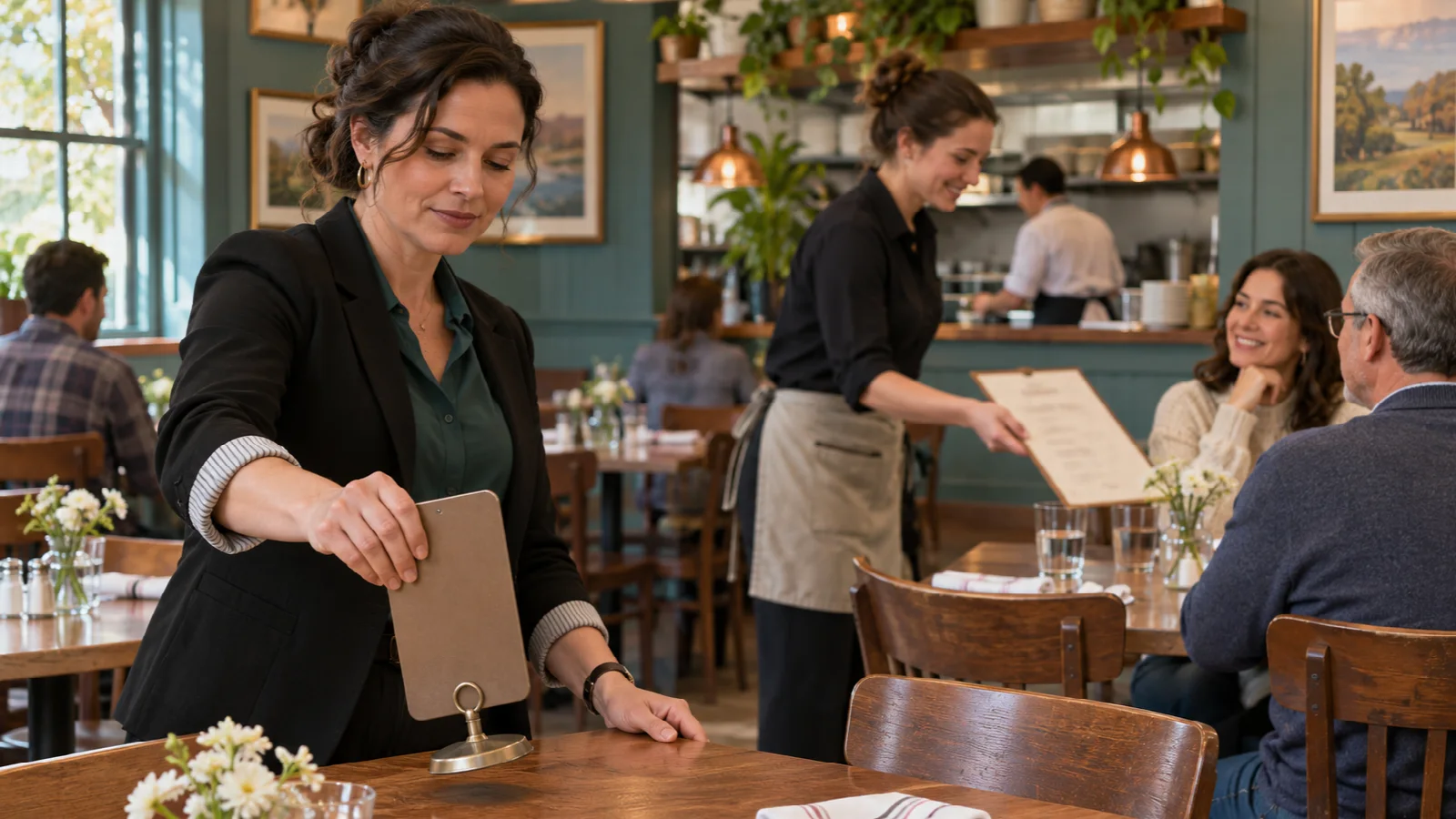
When a code looks suspicious, remove the affected sign from service and notify the shift manager. Preserve the sign and record what was found. Avoid covering it with another label and putting it straight back into circulation.
Start the investigation by distinguishing a physical sign problem from a shared destination or account problem. One changed holder suggests a different starting point from several approved signs reaching the same unexpected page. These observations guide investigation; they do not establish the cause.
- Contain guest exposure. Withdraw affected materials. If the scope is unclear, pause the related QR journey and use staff-assisted service.
- Preserve a minimal record. Note locations, discovery time, visible changes and the reported destination without revisiting a known suspicious site.
- Contact verified support. Ask the relevant provider to review destinations, account access and available change history.
- Escalate potential exposure. If payment or personal information may be involved, contact your payment provider and an appropriate security adviser promptly.
- Verify recovery. Recheck the affected signs, destinations and guest flow before returning them to service.
Use HTTPS for legitimate menu pages, but keep checking the destination and expected behavior. An encrypted connection alone does not establish that the restaurant authorized a particular page.
Make the check repeatable during a real shift
Budget time for the routine instead of adding an unexplained checkbox to opening paperwork. In a hypothetical restaurant with 24 signs, allowing 20 seconds to inspect and verify each one creates an eight-minute starting estimate: 24 × 20 seconds ÷ 60. This is a planning assumption, not a measured benchmark, and it excludes investigating problems.
Time your actual route. Include the entrance, patio and counter, and allow more time for distinct ordering journeys. If you use sampling between fuller checks, recognize its limit: a successful scan at one table does not verify the sign at another.
A useful log can be brief: date, shift, checker, locations checked, exceptions and resolution owner. Record enough to distinguish a completed check from an unresolved problem. Keep suspect-link details in the manager’s restricted incident record rather than a public shift board.
Revisit the routine after menu-provider changes, website work, staff departures or new printed materials. During training, give a staff member a hypothetical report of an unexpected login page and ask them to demonstrate the response. The next practical step is to walk your dining room with the approved destination register and resolve every placement whose purpose or owner is unclear.
Explore a connected digital menu with OrderNow.
Try your own menu and service process before choosing the tools your restaurant needs.
Start freeFrequently asked questions
How can a restaurant spot a fake QR menu sticker?
Compare the sign with an approved reference and look for added layers, changed material, fresh adhesive or unfamiliar replacements. Verify the destination against your register. Appearance alone cannot establish authenticity; remove an uncertain sign from guest use while a manager checks it.
Does HTTPS mean a QR menu is legitimate?
HTTPS protects information in transit, but it does not establish that your restaurant authorized the page. Check the destination against your approved record and investigate unexpected redirects or requests.
What should staff do when a menu link asks for unexpected payment details?
Ask the guest to stop using the link, offer staff-assisted service and alert the shift manager. Record the sign’s location and what appeared without collecting card details or asking the guest to repeat the interaction.
How often should restaurant QR codes be checked?
Use an opening check and repeat verification after sign replacements, destination changes or guest reports. Set the routine around your venue’s placements and exposure. Checking one sign does not verify every other sign.
Sources and further reading
- FBI IC3: Cybercriminals Tampering with QR Codes to Steal Victim Funds
- Canadian Centre for Cyber Security: Security Considerations for QR Codes
- NIST: Multi-Factor Authentication for Small Businesses
- OrderNow: Official Platform FAQ
Sources reviewed November 16, 2026. Prices and product details can change; confirm current terms with the provider.