

Key takeaways
- A unified dashboard should combine visibility, not erase the operational differences between dine-in, pickup and delivery orders.
- Channel labels, promised times, table or customer context and clear ownership help teams prioritize work without switching between systems.
- Restaurants need acceptance rules, capacity controls and status definitions before adding more order sources.
Modern restaurants can receive orders from tables, a counter, their website, phone calls, delivery marketplaces and social messages. The problem is not the number of channels by itself. The problem is that each channel may create a different queue, alert sound and manual process.
A unified order dashboard gives staff one place to see demand while preserving the information that makes each order type different. It should help teams decide what needs attention now, who owns the next step and whether the promised time is still realistic.
Unify visibility before adding another order channel
Document where every order appears, who accepts it and how it reaches the kitchen. Any channel without a clear owner is a missed-order risk.
Explore order managementOne dashboard is useful only when the restaurant defines consistent statuses. “New,” “accepted,” “preparing,” “ready,” “served” and “dispatched” must mean the same thing to every team.
Why scattered order channels create confusion
Separate devices force staff to watch several queues at once. One platform may use a loud notification, another may time out silently, and a phone order may remain on paper. During a rush, the restaurant loses a reliable view of total demand.
Scattered channels also hide capacity. The pickup promise shown online may ignore a full dining room, while the kitchen receives both flows without a shared priority rule. Customers then receive unrealistic estimates and staff absorb the frustration.
What a unified restaurant order dashboard needs
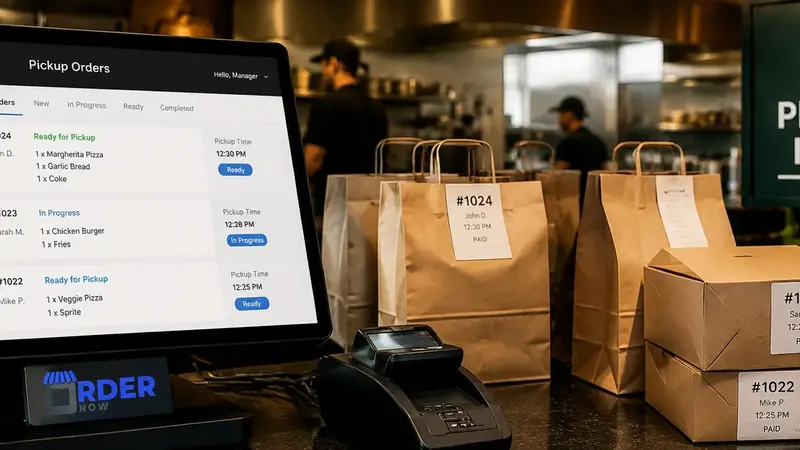
The dashboard should show order source, service type, time received, promised time, payment state, items, modifiers, notes and current status. Filters and visual priorities help staff find overdue, changed or high-risk orders without hiding the rest of the queue.
It should also record ownership. Teams need to know who accepted the order, whether the kitchen has seen it and who is responsible for serving, packing or dispatching it. An audit trail is valuable when a customer asks what happened.
Design the dine-in order flow around tables and courses
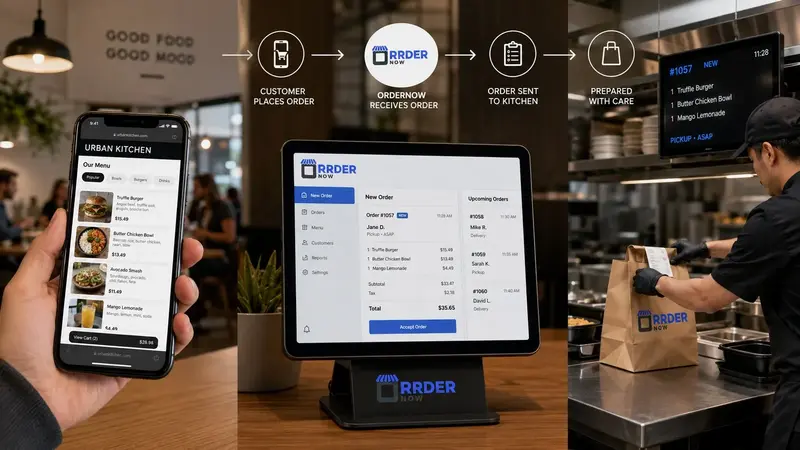
Dine-in orders need table context, guest count, server responsibility and sometimes course timing. Add-on orders from the same table should connect to the existing visit rather than appearing as unrelated transactions.
Restaurants should define how QR orders and staff-entered orders interact, when bills can be split or moved, and how the kitchen handles fire times. The dashboard must support hospitality at the table, not reduce the guest to an order number.
Separate pickup and delivery requirements without splitting the queue
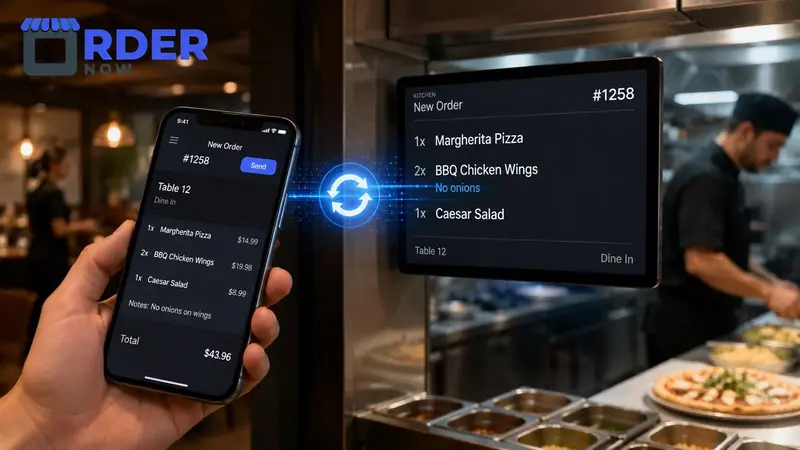
Takeaway orders need customer identification, pickup time and a clear ready-for-collection state. Delivery orders add address, zone, fee, dispatch and rider or provider information. Both need packaging checks that are less relevant to dine-in service.
A unified production queue can still preserve those requirements. Staff should see which orders need packaging, which are prepaid, which require handoff verification and whether an external provider controls the final delivery stage.
Centralize restaurant orders with OrderNow
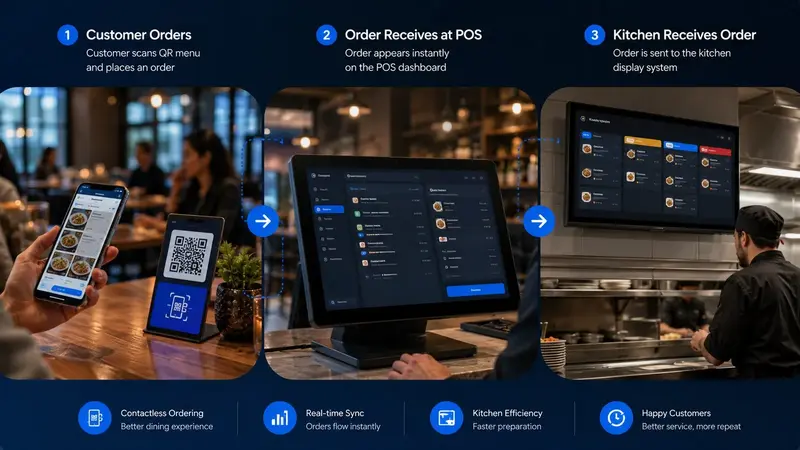
OrderNow can bring QR, staff-entered, takeaway and supported online orders into a connected operational workflow. Orders retain their service context while POS, KOT, kitchen and reporting tools use the same core information.
Explore the restaurant order management features or create an account to map dine-in, pickup and delivery flows for your venue.
Unified order dashboard checklist
- Can staff see all active demand without losing the source and service type of each order?
- Are promised times based on current restaurant capacity rather than fixed guesses?
- Does every status have a clear meaning and a responsible team member?
- Can the system distinguish dine-in service, pickup packaging and delivery dispatch needs?
- Do reports show channel volume, delays, cancellations and completion performance separately?
See every order without flattening the context your team needs.
OrderNow can connect guest ordering, POS, kitchen and status management so dine-in, takeaway and delivery work from a shared source of information.
Start freeExplore OrderNow featuresFrequently asked questions
What is a unified restaurant order dashboard?
It is one operational view that displays orders from supported service channels while preserving details such as source, table, customer, promised time, payment and status.
Should dine-in and delivery orders use the same workflow?
They can share order and kitchen visibility, but the system must preserve their different table, packaging, timing and handoff requirements.
Can one dashboard prevent every missed order?
No. It improves visibility, but the restaurant still needs reliable alerts, assigned responsibility, acceptance rules and staff training.


